import { ArgsTable, Canvas, Meta, Story } from '@storybook/addon-docs/blocks'
import { text } from '@storybook/addon-knobs'
import { MAIN } from '../_utils/taxonomy'
import { RidePublishedIllustration } from '../illustration/ridePublished'
import { SuccessModal } from './index'
import { ModalWithButton } from './SuccessModal.example'
# **Success Screens **
# **Behavior**
## Specifications
### Normal state
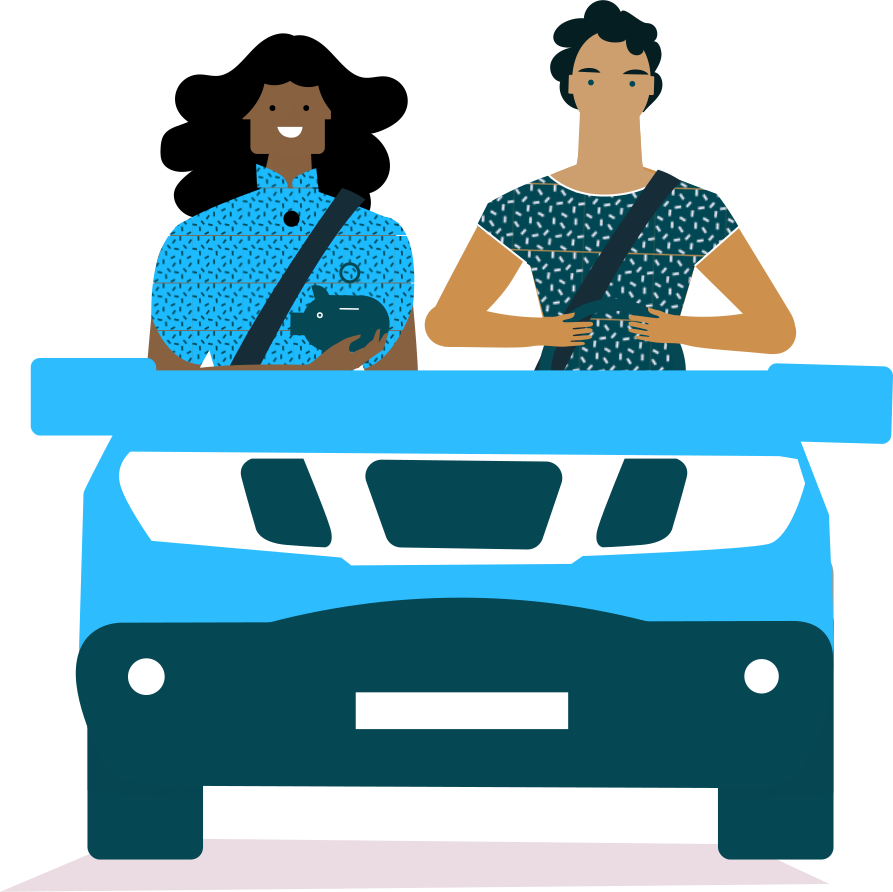
There’s always an illustration at the top of the screen (on the left on `large` screen).
This illustration could be animated.
There’s a centred white the voice and always a generic button.
### Navigate
There’s no top bar in a success screen so user can’t go back. If the user is using the browser back we redirect him to the right page depending on the case.
### Animation
No animation specs yet but for now let’s make it appear with a fade in and disappear with a fade out.
### Layout
This modal is always being displayed in fullscren. Use `size` prop to change the layout depending on the screen size.
## Usage
```jsx
import { SuccessModal } from '@blablacar/ui-library/build/successModal'
export const ModalWithButton = () => {
const [isOpened, setOpened] = useState(false)
return (
{
setOpened(false)
}}
illustration={
}
confirmLabel="Got it!"
closeOnEsc
>
{text('children', 'Booking approved! Buddy will travel with you')}
)
}
```
You can also use illustration component instead of an image:
```jsx
import { SuccessModal } from '@blablacar/ui-library/build/successModal'
import { RidePublishedIllustration } from '@blablacar/ui-library/build/illustration/ridePublished'
; {
setOpened(false)
}}
illustration={
}
confirmLabel="Got it!"
closeOnEsc
>
Booking approved! Buddy will travel with you
```
 }
confirmLabel="Got it!"
closeOnEsc
>
{text('children', 'Booking approved! Buddy will travel with you')}
}
confirmLabel="Got it!"
closeOnEsc
>
{text('children', 'Booking approved! Buddy will travel with you')}