## @bizcharts/rax-canvas
Rax跨端canvas组件,支持宽高自适应、H5与小程序绘图上下文获取,API与W3C标准一致。
目前支持运行时和编译时的阿里小程序,以及运行时的微信小程序。
## Install
```
$ npm install @bizcharts/rax-canvas --save
```
## Usage
```
import RaxExample from '@bizcharts/rax-canvas';
```
## API
### Props
| name | type | default | describe |
| :------------ | :--------------------------------------------------------------------------------------------------- | :------ | :----------------- |
| prefix | string; | bx-rax | 画布ID前缀 |
| autoFit | boolean; | true | 自适应宽高 |
| width | number; | / | 画布宽度 |
| height | number; | / | 画布高度 |
| pixelRatio | number; | 2 | 清晰度 |
| hasBackCanvas | boolean; | false | 是否需要离屏canvas |
| style | ICanvasInfo; | / | CSS样式 |
| events | { onTouchStart: any; onTouchMove: any; onTouchEnd: any; onTouchCancel: any; onLongPress: any; } | / | 事件(不推荐使用) |
| onTouchStart | e=>void | / | 触摸开始事件 |
| onTouchMove | e=>void | / | 触摸移动事件 |
| onTouchEnd | e=>void | / | 触摸结束事件 |
| onTouchCancel | e=>void | / | 触摸取消事件 |
| onLongPress | e=>void | / | 长触事件 |
#### ICanvasInfo
| name | type | default | describe |
| :---------- | :------------------------ | :------ | :------------- |
| context | CanvasRenderingContext2D; | / | 绘图上下文 |
| backContext | CanvasRenderingContext2D; | / | 离屏绘图上下文 |
| width | number; | / | 画布宽度 |
| height | number; | / | 画布高度 |
| pixelRatio | number; | 2 | 清晰度 |
### Function
| name | param | return | describe |
| :-------------- | :--------- | :----- | :------- |
| onGetCanvasInfo | info=>void | / | describe |
## Example
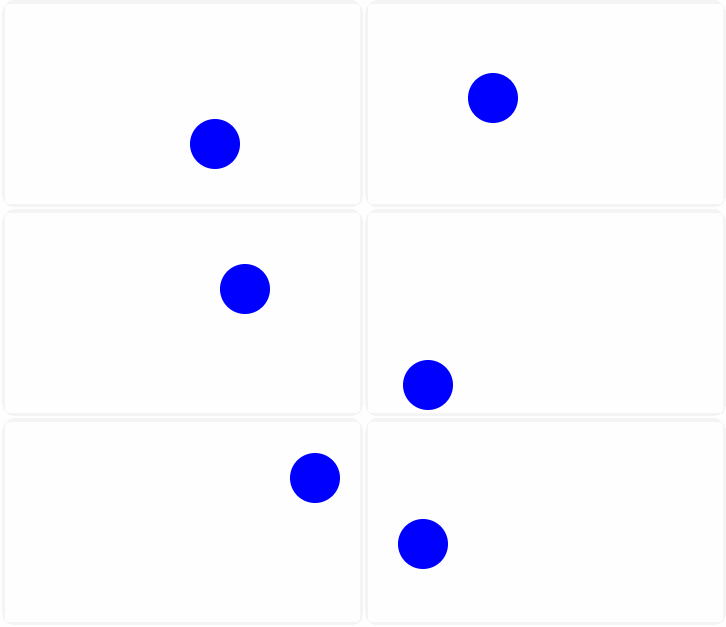
```
import { createElement, render } from 'rax';
import DriverUniversal from 'driver-universal';
import Canvas from '@bizcharts/rax-canvas';
function App() {
let req;
const handleDraw = (info) => {
const { context: ctx, width, height } = info;
var ball = {
x: 100,
y: 100,
vx: 5,
vy: 2,
radius: 25,
color: 'blue',
draw: function () {
ctx.beginPath();
ctx.arc(this.x, this.y, this.radius, 0, Math.PI * 2, true);
ctx.closePath();
ctx.fillStyle = this.color;
ctx.fill();
if (ctx.draw) {
ctx.draw();
}
},
};
function draw() {
ctx.clearRect(0, 0, width, height);
ball.draw();
ball.x += ball.vx;
ball.y += ball.vy;
if (ball.y + ball.vy > height - ball.radius || ball.y + ball.vy < ball.radius) {
ball.vy = -ball.vy;
}
if (ball.x + ball.vx > width - ball.radius || ball.x + ball.vx < ball.radius) {
ball.vx = -ball.vx;
}
req = requestAnimationFrame(draw);
}
req = requestAnimationFrame(draw);
};
useEffect(() => {
return () => {
cancelAnimationFrame(req);
};
}, []);
return ;
}
render(, document.body, { driver: DriverUniversal });
```