# React Tree List

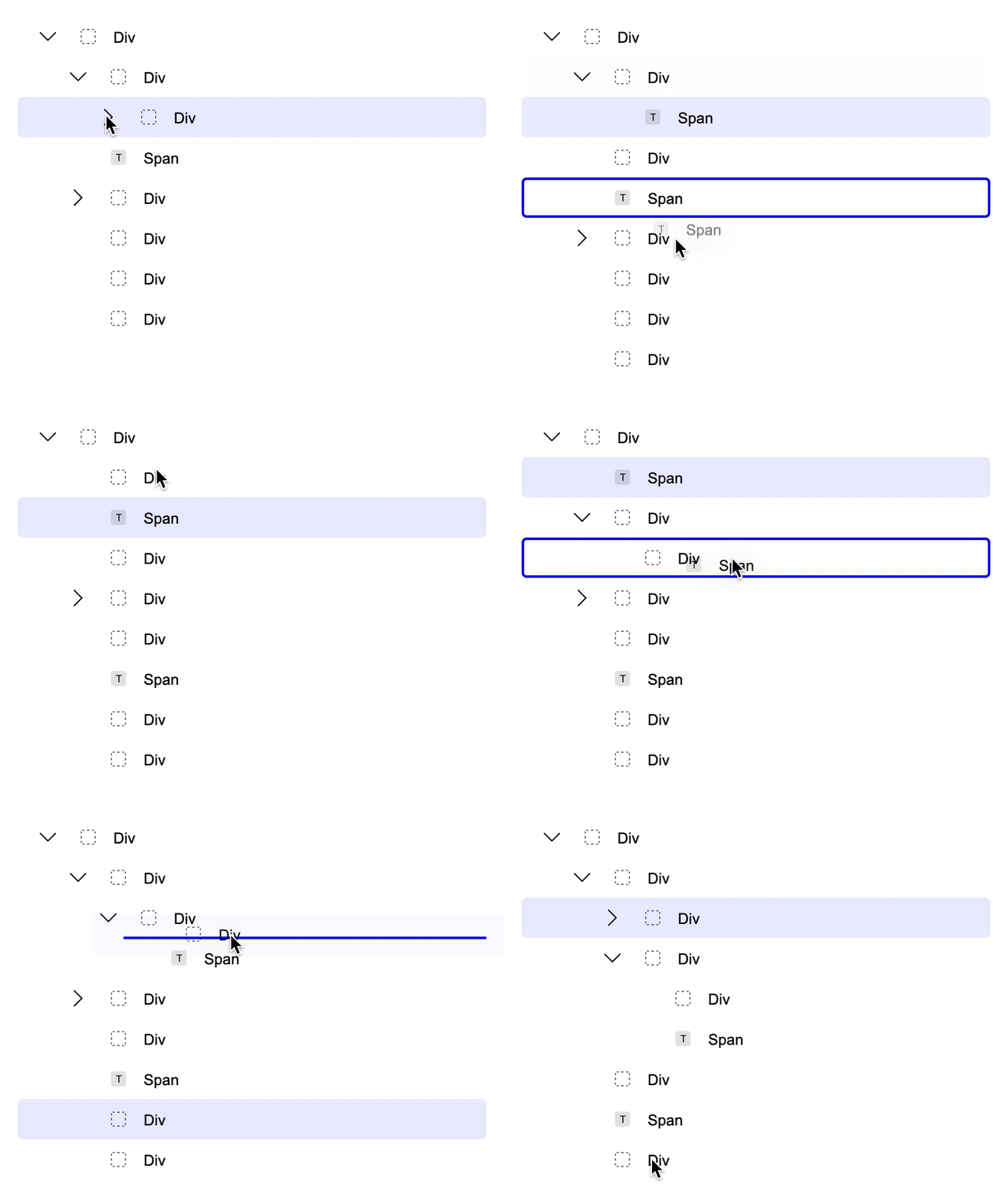
A draggable & sortable tree list UI component for React.
|  |
| ------------------------------------------------------------------------------------------------------------------- |
[Demo](https://bartaxyz.github.io/react-tree-list/)
· [See Features](https://github.com/bartaxyz/react-tree-list/projects)
· [Request Feature](https://github.com/bartaxyz/react-tree-list/issues)
## Usage
### Installation with NPM
```bash
npm install @bartaxyz/react-tree-list
```
This package additionaly requires you having `react` and `react-dom` dependencies.
### Importing
You can import the component directly as `ReactTreeList`
```js
import { ReactTreeList } from "@bartaxyz/react-tree-list";
```
#### Typescript
For Typescript the imports additionaly include types like `ReactTreeListProps` which is a type of properties
for `ReactTreeList` component.
```ts
import { ReactTreeList, ReactTreeListProps } from "@bartaxyz/react-tree-list";
```
### Simple Example
This is a simple implementation with some items (one nested item) and defaults for each of the items.
⚠️ If you're adding your own `id` parameter, it's important that it's a string and not a number or other type.
```jsx
import React, { useState } from "react";
import { ReactTreeList } from "@bartaxyz/react-tree-list";
const Component = () => {
const [data, setData] = useState([
{
id: "1",
label: "Item #1",
open: true,
children: [{ label: "Item #2" }],
},
{
id: "2",
label: "Item #3",
},
]);
const onTreeListChange = (data) => {
setData(data);
};
const onTreeListSelected = (item) => {
console.log("choosed item =", item);
};
const onDrop = (dragingNode, dragNode, drogType) => {
console.log("dragingNode:", dragingNode);
console.log("dragNode:", dragNode);
console.log("drogType:", drogType);
};
return (
);
};
```
[Open this code in Code Sandbox](https://codesandbox.io/s/little-architecture-06phfm?file=/src/Component.js)
### Simple Style Customisation
There's a limited possibility to adjust the styles (background color, outline color, border radius, etc.) of the focused items using the `itemOptions` property.
```jsx
const Component = () => {
...
return (
);
}
```
[Storybook - Tree List With Custom Styles](https://bartaxyz.github.io/react-tree-list/?path=/story/tree-list--with-custom-styles)
### [See Advanced Examples](https://bartaxyz.github.io/react-tree-list)
## License
React Tree List is licensed under the MIT License.
## Authors
Ondřej Bárta · [GitHub](https://github.com/bartaxyz) · [website](https://www.ondrejbarta.xyz) · [twitter](https://twitter.com/bartaxyz)
## Contributors
张威 (zhangwei900808) · [GitHub](https://github.com/zhangwei900808)
|
| ------------------------------------------------------------------------------------------------------------------- |
[Demo](https://bartaxyz.github.io/react-tree-list/)
· [See Features](https://github.com/bartaxyz/react-tree-list/projects)
· [Request Feature](https://github.com/bartaxyz/react-tree-list/issues)
## Usage
### Installation with NPM
```bash
npm install @bartaxyz/react-tree-list
```
This package additionaly requires you having `react` and `react-dom` dependencies.
### Importing
You can import the component directly as `ReactTreeList`
```js
import { ReactTreeList } from "@bartaxyz/react-tree-list";
```
#### Typescript
For Typescript the imports additionaly include types like `ReactTreeListProps` which is a type of properties
for `ReactTreeList` component.
```ts
import { ReactTreeList, ReactTreeListProps } from "@bartaxyz/react-tree-list";
```
### Simple Example
This is a simple implementation with some items (one nested item) and defaults for each of the items.
⚠️ If you're adding your own `id` parameter, it's important that it's a string and not a number or other type.
```jsx
import React, { useState } from "react";
import { ReactTreeList } from "@bartaxyz/react-tree-list";
const Component = () => {
const [data, setData] = useState([
{
id: "1",
label: "Item #1",
open: true,
children: [{ label: "Item #2" }],
},
{
id: "2",
label: "Item #3",
},
]);
const onTreeListChange = (data) => {
setData(data);
};
const onTreeListSelected = (item) => {
console.log("choosed item =", item);
};
const onDrop = (dragingNode, dragNode, drogType) => {
console.log("dragingNode:", dragingNode);
console.log("dragNode:", dragNode);
console.log("drogType:", drogType);
};
return (
);
};
```
[Open this code in Code Sandbox](https://codesandbox.io/s/little-architecture-06phfm?file=/src/Component.js)
### Simple Style Customisation
There's a limited possibility to adjust the styles (background color, outline color, border radius, etc.) of the focused items using the `itemOptions` property.
```jsx
const Component = () => {
...
return (
);
}
```
[Storybook - Tree List With Custom Styles](https://bartaxyz.github.io/react-tree-list/?path=/story/tree-list--with-custom-styles)
### [See Advanced Examples](https://bartaxyz.github.io/react-tree-list)
## License
React Tree List is licensed under the MIT License.
## Authors
Ondřej Bárta · [GitHub](https://github.com/bartaxyz) · [website](https://www.ondrejbarta.xyz) · [twitter](https://twitter.com/bartaxyz)
## Contributors
张威 (zhangwei900808) · [GitHub](https://github.com/zhangwei900808)