# @arach/pomo
**Website:** [pomo.arach.dev](https://pomo.arach.dev) · **npm:**
[@arach/pomo](https://www.npmjs.com/package/@arach/pomo) · **GitHub:**
[arach/pomo](https://github.com/arach/pomo)
Control the Pomo macOS timer from your shell
or an agent — and install it if it's not there yet. A zero-dependency wrapper
over Pomo's `pomo://` URL scheme and the JSON state file it refreshes as timer
and playback state changes: start, pause, or skip sessions, set your intent,
drive YouTube, SoundCloud, and direct audio playback, and read timer state back
as JSON. Or run the live
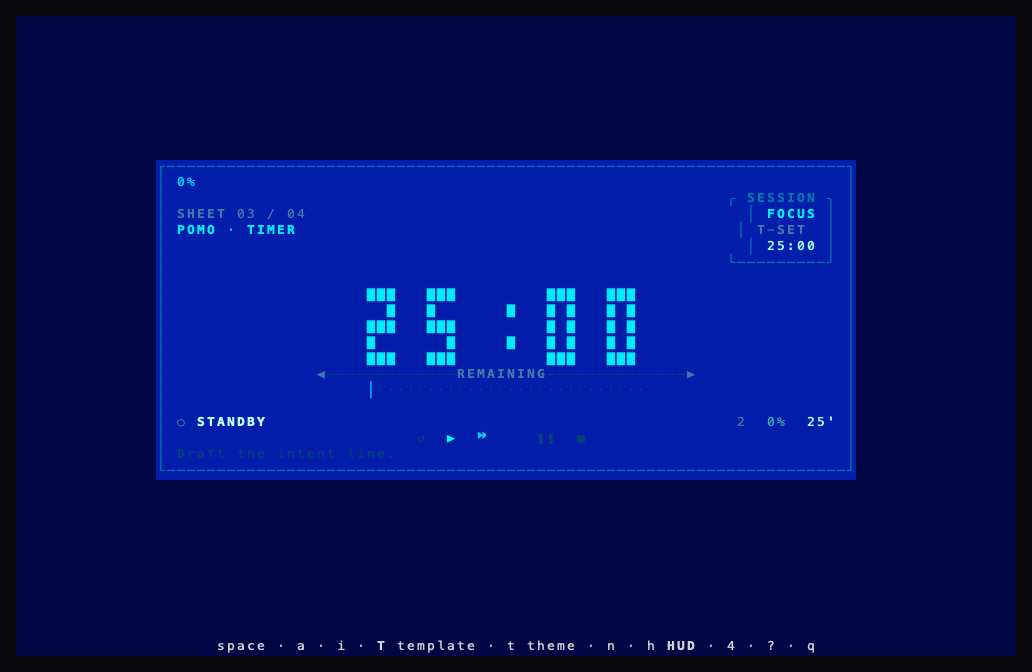
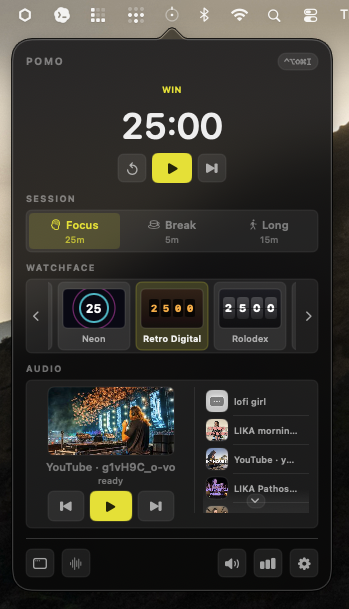
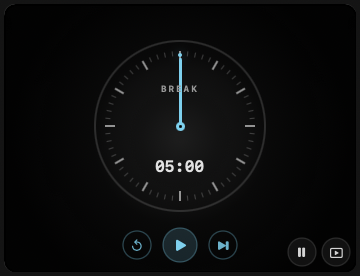
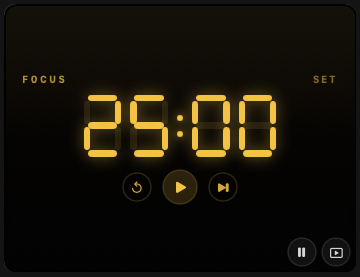
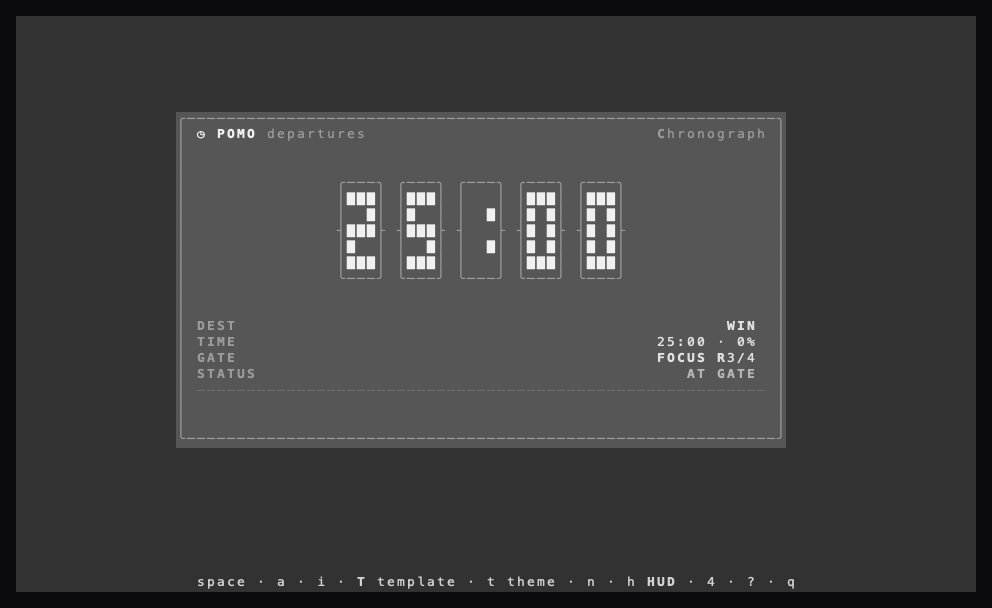
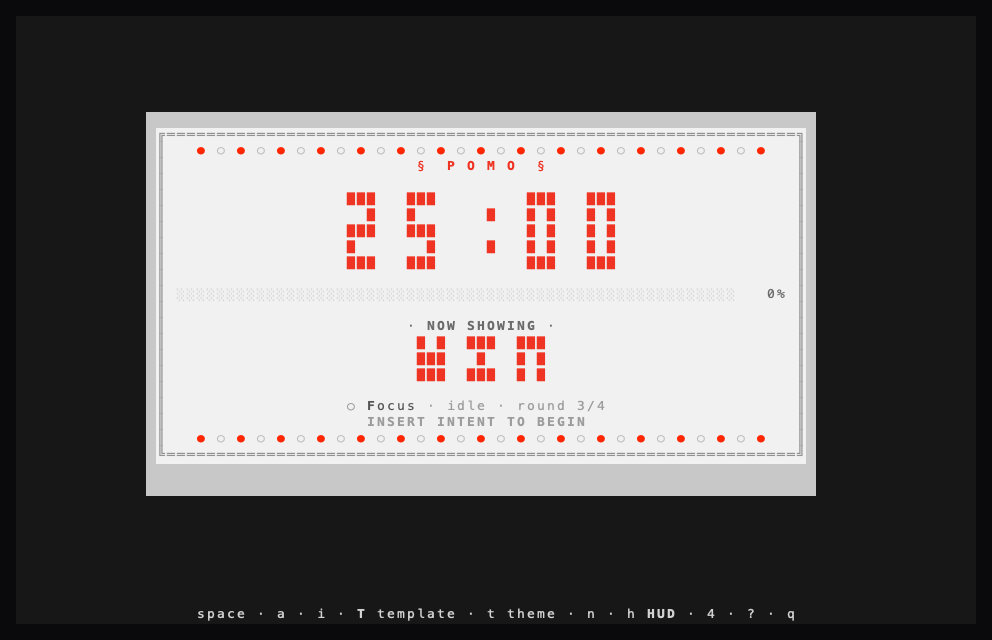
ANSI terminal UI (13 templates, 12 themes) next to the floating watch-face HUD
that sits on screen while you work.
### macOS HUD
### Terminal UI
## Use it
No install needed — run it with `npx`:
```sh
npx @arach/pomo install # download & install the latest Pomo.app
npx @arach/pomo start # start a focus session
npx @arach/pomo # live terminal UI
```
Or put it on your PATH:
```sh
npm install -g @arach/pomo
pomo
```
**13 layout templates** (`T` to cycle) and **12 color themes** (`t` to cycle),
saved between sessions.
| Key | Action |
| --- | --- |
| `space` | start / pause timer |
| `a` | play / pause track |
| `i` | edit intent |
| `T` | cycle **template** (layout) |
| `t` | cycle **theme** (colors) |
| `n` | skip session |
| `h` | toggle HUD |
| `4` | stats panel |
| `?` | help |
| `q` / `esc` | quit / close overlay |
Preview a look without changing your saved prefs:
```sh
POMO_TUI_TEMPLATE=lcd POMO_TUI_THEME=amber npx @arach/pomo tui
POMO_TUI_TEMPLATE=watch POMO_TUI_THEME=neon npx @arach/pomo tui
```
## Commands
```
Timer tui · status [--json] · start · pause · toggle · reset · skip
session · duration
Intent intent · intent clear
Audio audio · audio
audio session · volume <0-100>
Video video
Favorites fav · fav add [title…] · fav rename
fav url · fav move
fav set · fav play · fav remove · fav clear
Window show · hide · hud · tiny · hud · menu · face · settings · stats
Login login · login import [--browser b] [--profile p] · login profiles
login account · logout
App install [--dry-run] [--open] · quit
```
Run `pomo help` for the full list.
### Examples
```sh
pomo intent "Writing the launch post"
pomo audio "https://youtube.com/watch?v=jfKfPfyJRdk" # YouTube, SoundCloud, or direct audio
pomo audio session focus 1
pomo fav play 1
pomo status --json | jq .remainingSeconds
```
### `install`
Finds the newest GitHub release carrying a `.dmg`, downloads it, mounts it,
copies `Pomo.app` into `/Applications`, clears the download quarantine, and
unmounts. `--dry-run` prints what it would do; `--open` launches the app afterward.
> **Platform:** the npm package targets macOS because the TUI, state reads, app
> installation, and timer commands are companions to the native Pomo app.
## How it works
- **Commands** → `open "pomo://"` (fire-and-forget).
- **TUI / `status`** → reads `~/Library/Application Support/Pomo/state.json`.
- **Agent state** → `pomo status --json` includes writer identity, version,
freshness (`updatedAt` and `seq`), and player-reported position, duration,
title, pause, and account status.
The shared state file remains a last-writer-wins compatibility surface. Agents
can reject a stale or unexpected writer using the fields above; commands remain
fire-and-forget until Pomo's launch-scoped command receipts are implemented.