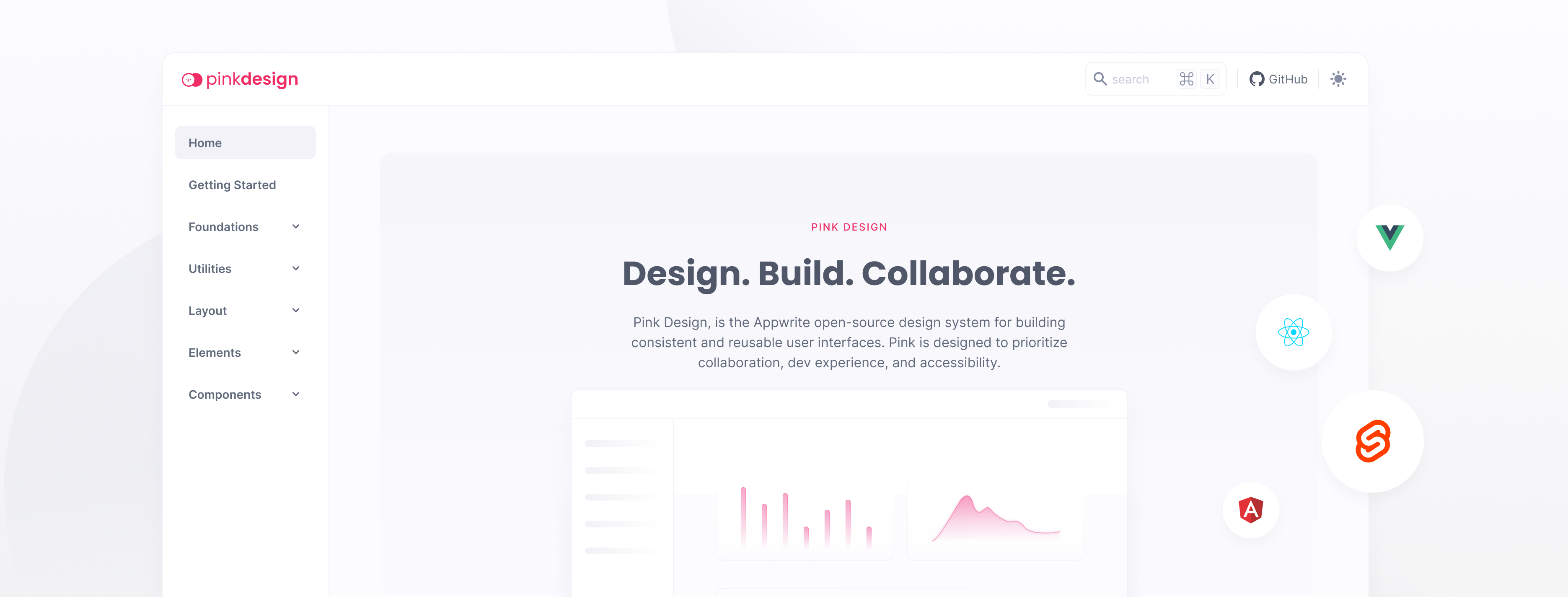
Appwrite's open-source design system for building consistent and reusable user interfaces.
SVG Icon library that is used to generate an icon font for Pink Design.
Pink Design is a CSS library designed for building accessible and visually appealing user interfaces. The library is built with a focus on accessibility, ensuring that users of all abilities can easily interact with your web application. Pink Design offers a wide range of classes and components that can be easily integrated into your project. Whether you're building a complex user interface or a simple web app, Pink Design has everything you need to create a polished and professional look.
## Getting Started
### NPM
Install the icons:
```bash
npm install "@appwrite.io/pink-icons"
```
After installation, include the icons by importing it in your JavaScript files.
```js
import "@appwrite.io/pink-icons";
```
### CDN
Copy the following code into the `` section of your HTML file.
```html
```
## Optimize Icons
In order to prepare all SVG files to be compatible for fonts, you can optimize all icons.
```sh
npm run optimize -w @appwrite.io/pink-icons
```