[](https://appica.dev/ui)
[](https://www.npmjs.com/package/@appica/ui-react)
[](https://opensource.org/licenses/MIT)
[](https://www.typescriptlang.org/)
[](https://www.figma.com/community/file/1657080448204231925)
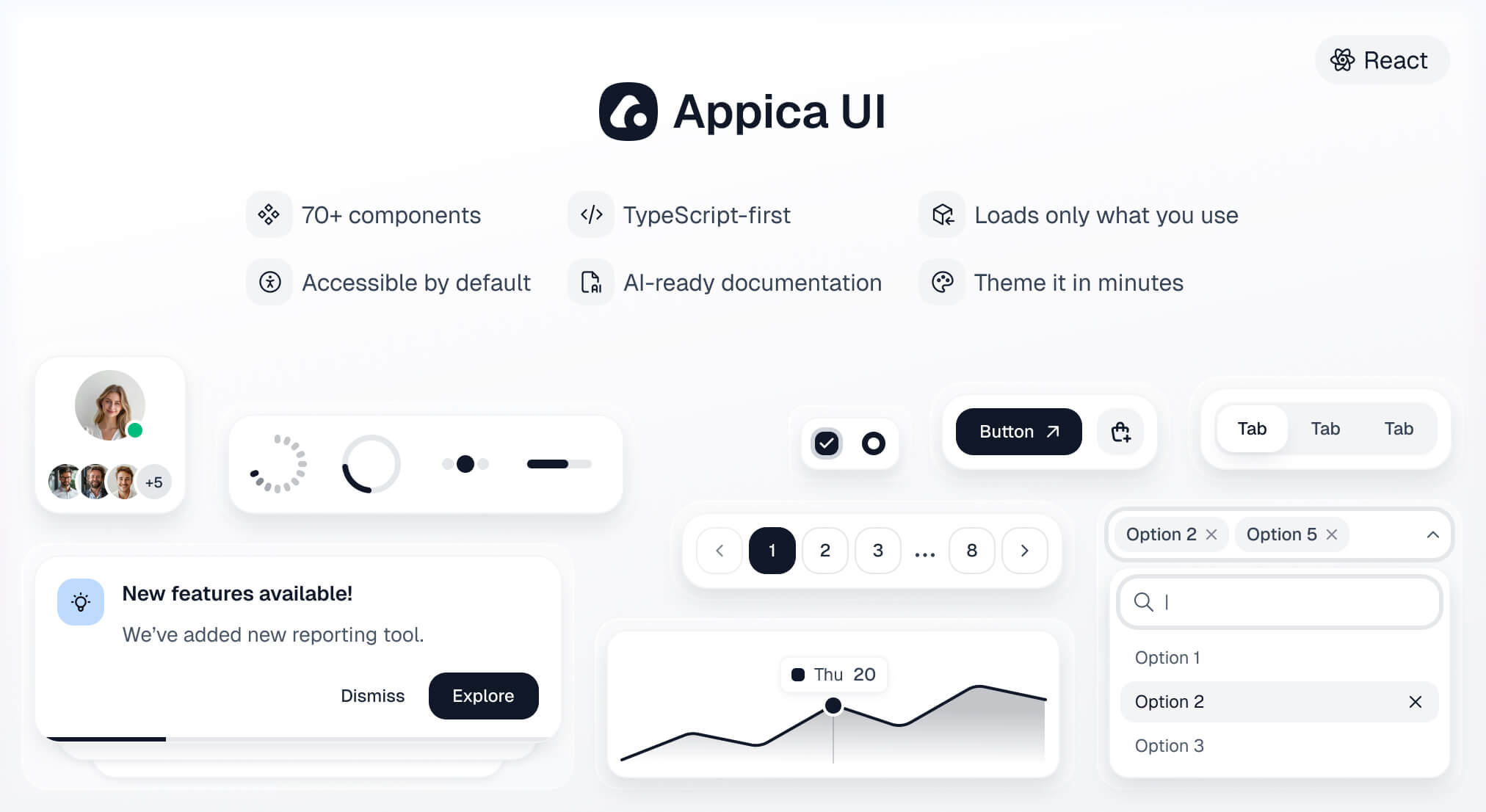
A modern React component library - 70+ accessible, themeable components built on [Base UI](https://base-ui.com) primitives, animated with [Motion](https://motion.dev), and styled with Tailwind CSS v4 design tokens.
**[Documentation](https://appica.dev/ui) · [Installation guide](https://appica.dev/ui/docs/react/installation) · [Components](https://appica.dev/ui/components/react/button)**
## Prerequisites
| Dependency | Version |
| ------------ | -------- |
| React | `>= 19` |
| React DOM | `>= 19` |
| Tailwind CSS | `>= 4.0` |
React 19 is a hard requirement - components use the modern ref-as-prop API with no `forwardRef` shims. Tailwind v4 must be set up and compiling in your project first; Appica UI relies on your project's Tailwind to compile the component styles.
## Installation
```bash
npm install @appica/ui-react
# or
yarn add @appica/ui-react
# or
pnpm add @appica/ui-react
# or
bun add @appica/ui-react
```
## Configure Tailwind
Import the design tokens after Tailwind in your global stylesheet, and add a `@source` directive so Tailwind scans the compiled library for class names:
```css
@import 'tailwindcss';
@import '@appica/ui-react/styles.css';
@source '../node_modules/@appica/ui-react/dist';
```
> **Don't skip `@source` - and give it a real path.**
>
> Tailwind ignores `node_modules` by default. Without the `@source` directive it won't generate the utility classes used inside the compiled components, and they'll render unstyled.
>
> `@source` takes a path or glob **relative to the stylesheet that contains it**, not a bare package name - `@source '@appica/ui-react'` does not resolve and silently scans nothing. Count the `../` needed to reach `node_modules` from your CSS file: a stylesheet one level deep (`app/globals.css`, `src/index.css`) needs a single `../`; a deeper one (`src/styles/app.css`) needs `../../`. This matches Tailwind's own [`@source` documentation](https://tailwindcss.com/docs/functions-and-directives#source-directive), whose example is `@source '../node_modules/@my-company/ui-lib';`.
## Without Tailwind
Appica UI is built on Tailwind, and the source-scanning setup above is the recommended path. If your project doesn't use Tailwind, skip that step and import the prebuilt stylesheet instead - a single self-contained file with every component's styles and the full token system compiled in:
```css
@import '@appica/ui-react/css';
```
No bundler? Link it straight from a CDN (pin a version for cache stability):
```html
```
Tailwind stays an optional peer dependency, so nothing installs it on your behalf when you take this path. Design tokens remain CSS variables, so theming still works the same way - redefine the variable after the import:
```css
:root {
--primary: oklch(60% 0.25 150);
}
```
> **Don't load both.**
>
> The prebuilt file bundles Tailwind's Preflight reset, and only the token variables (colors, fonts, radii, shadows) stay overridable - structural utilities are frozen at publish time. If you already run Tailwind, use [Configure Tailwind](#configure-tailwind) instead, or you'll ship the reset and utilities twice.
## Add the provider
Wrap your app in `ThemeProvider` to enable theming and dark mode with no flash of the wrong theme:
```tsx
import { ThemeProvider } from '@appica/ui-react/providers/theme-provider'
export default function RootLayout({ children }: { children: React.ReactNode }) {
return (
{children}
)
}
```
## Use a component
Import components from their subpath for the smallest bundle:
```tsx
import { Button } from '@appica/ui-react/button'
export default function App() {
return
}
```
See the [installation guide](https://appica.dev/ui/docs/react/installation) for framework-specific notes (Next.js, Vite, TanStack Start, Remix, Astro), and [Theming](https://appica.dev/ui/docs/react/theming) to customize colors, radii, and tokens.
## For AI agents
If you are a coding agent reading this from `node_modules`, the rules for writing Appica UI code correctly are in [`agent-rules.md`](./agent-rules.md), next to this file. Read it before writing any component or CSS. The two mistakes it prevents are the expensive ones: a missing `@source` directive renders every component unstyled, and hue-based utilities (`bg-gray-100`) bypass the token system entirely.
Every documentation page is served as clean markdown at `.md` - fetch `https://appica.dev/ui/components/react/button.md`, not the HTML page. The full index, with an instruction block, is at [`https://appica.dev/llms.txt`](https://appica.dev/llms.txt).
If you are a human setting up a project: paste those rules into your own `AGENTS.md` so your agent loads them every session. See [Set up your coding agent](https://appica.dev/ui/docs/react/agents) for a copy-paste block.
## Changelog
What changed in each release is in [`CHANGELOG.md`](./CHANGELOG.md), next to this file, and on [appica.dev/ui/changelog](https://appica.dev/ui/changelog) alongside the documentation and Figma updates that shipped with it.
## Figma design file
Every component is also available as a free [Figma design file](https://www.figma.com/community/file/1657080448204231925) - variants, sizes, and states mirrored one-to-one with the code, built on the same design tokens. Design and develop from a single source of truth.
## Stay updated
Follow [@Appica_dev](https://x.com/Appica_dev) on X for release announcements and updates.
## License
MIT © [Appica](https://appica.dev)
Free to use in personal and commercial projects.