# @ap.cx/react-fullpage
https://thierryc.github.io/react-fullpage/
another demo:
https://thierryc.github.io/react-fullpage-example/
This project is still in a very **early stage**.
You shouldn't use this for production unless you really know what you're doing. 🖖
## Features
- Design for Mobile, Tablet, and Desktop
- Nested Component (simple to use)
- Hide safari's header on Scroll on iphone and ipad
- Hide Google Chrome's header on Scroll on iOS and Android
- Drived by the scroll
- CSS animation
- GPU/CPU swtich
- Very Small ( ~ 25kB )
- MIT License (no fullpage.js dependency)
> Create Fullscreen Scrolling Websites
[](https://www.npmjs.com/package/react-fullpage)
[](https://github.com/thierryc/react-fullpage/blob/master/LICENSE)
## Install
```bash
npm install --save @ap.cx/react-fullpage
```
## Usage
```jsx
import React, { Component } from 'react'
import Fullpage, { FullPageSections, FullpageSection } from '@ap.cx/react-fullpage'
export default class App extends Component {
render () {
return (
1
2
3
)
}
}
Migation from previous version.
Add the ``` ... ```
```
### For IE
```
npm i babel-polyfill
```
```
import "babel-polyfill";
```
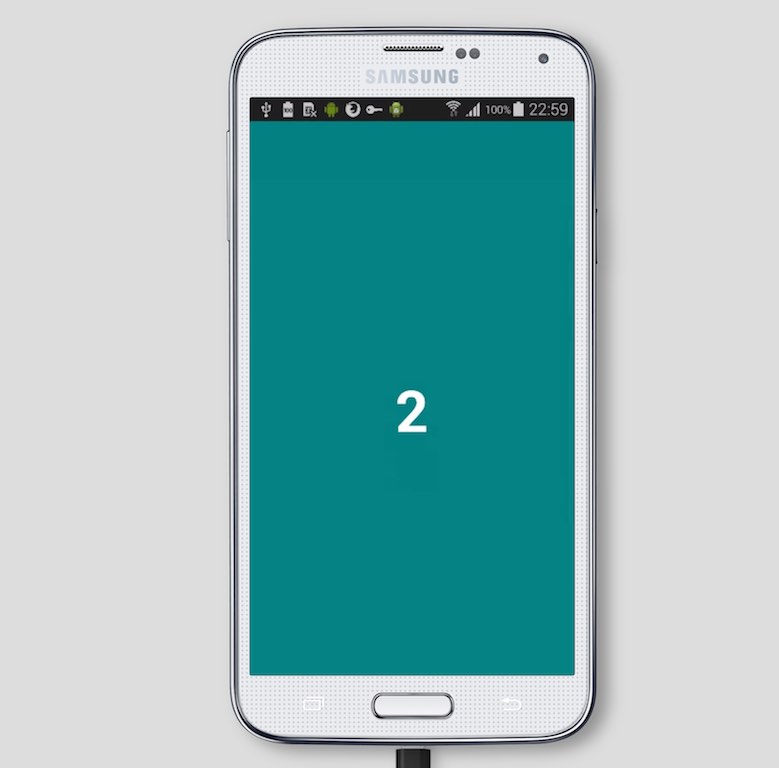
## Mobile First
## Dev
open 2 terminal
In the first terminals windows.
```
> npm i
> npm link
> npm start
```
In the second terminal
```
> cd example
> npm i
> npm link @ap.cx/react-fullpage
> npm start
```
## Thanks
Special thanks to [BrowserStack](https://www.browserstack.com/users/sign_up) for sponsoring this plugin. 👍
[](https://www.browserstack.com/users/sign_up)
## License (MIT)
```
WWWWWW||WWWWWW
W W W||W W W
||
( OO )__________
/ | \
/o o| MIT \
\___/||_||__||_|| *
|| || || ||
_||_|| _||_||
(__|__|(__|__|
```
MIT © [thierryc](https://github.com/thierryc)
Copyright (c) 2018-present anotherplanet.io, hello@anotherplanet.io
## Hit me up on Twitter
[@Autre_planete](https://twitter.com/Autre_planete?ref=github)