<img src="https://gw.alipayobjects.com/zos/antfincdn/R8sN%24GNdh6/language.svg" width="18"> [English](./README.md) | 简体中文

<h1 align="center">
<b>G2：一套简明和渐进式的可视化语法</b>
</h1>

<div align="center">

简洁的渐进式可视化语法，用于构建仪表盘、数据探索以及数据讲故事。

<a href="https://trendshift.io/repositories/4408" target="_blank"><img src="https://trendshift.io/api/badge/repositories/4408" alt="antvis%2FG2 | Trendshift" style="width: 250px; height: 55px;" width="250" height="55"/></a>

<p align="center">
  <a href="https://g2.antv.antgroup.com/manual/introduction/what-is-g2">介绍</a> •
  <a href="https://g2.antv.antgroup.com/examples">案例</a> •
  <a href="https://g2.antv.antgroup.com/manual/quick-start">教程</a> •
  <a href="https://g2.antv.antgroup.com/api/overview">API</a> •
  <a href="https://editor.antv.antgroup.com/">Editor</a>
</p>

[![Build Status](https://github.com/antvis/G2/actions/workflows/build.yml/badge.svg)](https://github.com/antvis/G2/actions/workflows/build.yml)
[![Coverage Status](https://img.shields.io/coveralls/github/antvis/g2/v5.svg)](https://coveralls.io/github/antvis/g2?branch=v5)
[![npm Version](https://img.shields.io/npm/v/@antv/g2.svg)](https://www.npmjs.com/package/@antv/g2)
[![npm Download](https://img.shields.io/npm/dm/@antv/g2.svg)](https://www.npmjs.com/package/@antv/g2)

[![npm License](https://img.shields.io/npm/l/@antv/g2.svg)](https://www.npmjs.com/package/@antv/g2)
[![Ask DeepWiki](https://deepwiki.com/badge.svg)](https://deepwiki.com/antvis/G2)

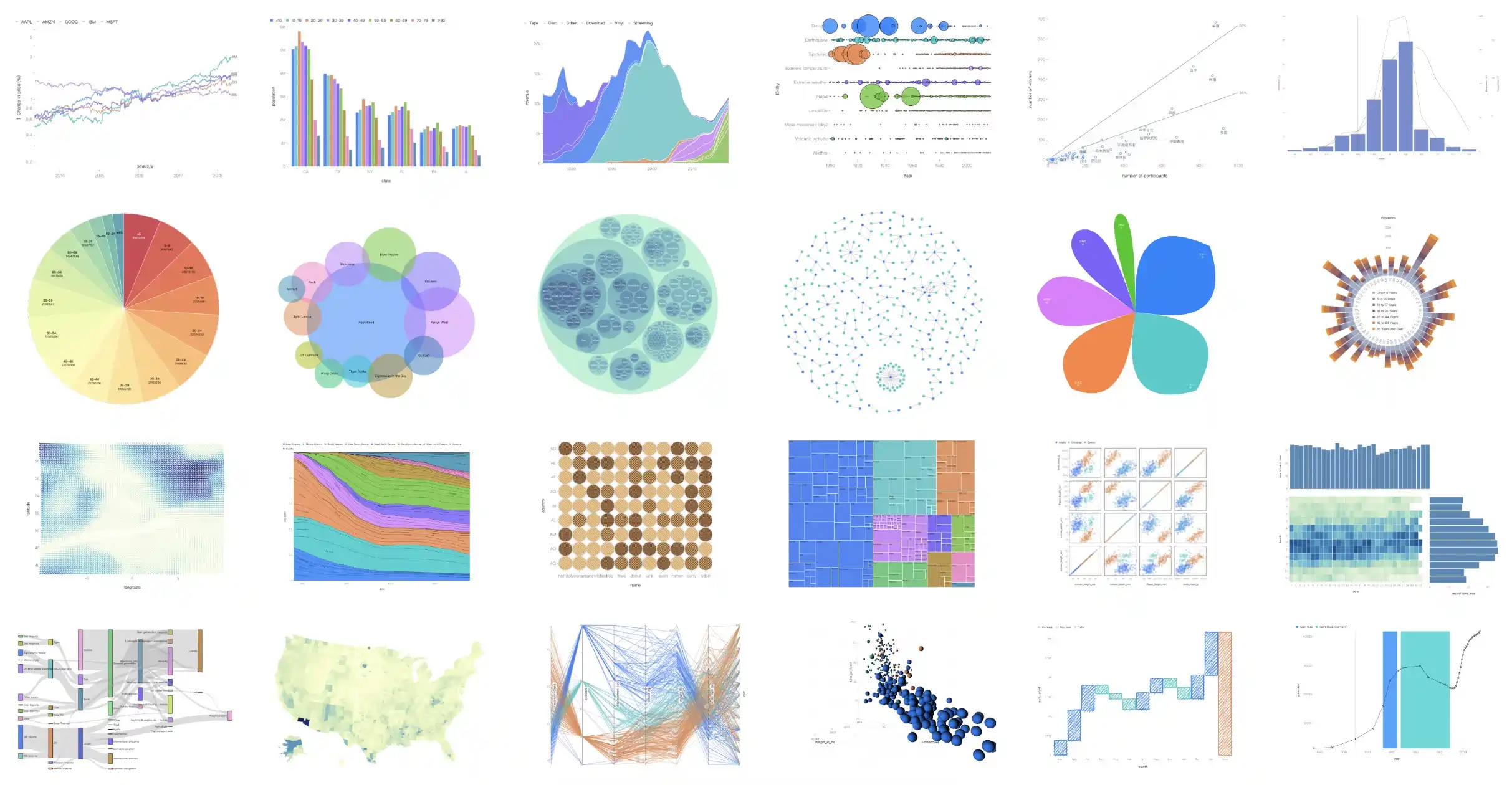
![examples](https://mdn.alipayobjects.com/huamei_qa8qxu/afts/img/A*_GfqQoRCqQkAAAAAAAAAAAAADmJ7AQ/fmt.webp)

</div>

G2 起源于 Leland Wilkinson 的图形语法：《The Grammar of Graphics》，但又不止于图形语法。

## ✨ 特色

- **渐进式语法**：结合工业和学术实践，实现图形语法、动画语法和交互语法。
- **丰富的标记**：内置 10+ 基础标记，8+ 高阶标记。
- **高可扩展性**：提供统一机制扩展所有可视化组件。
- **个性化风格**：支持手绘、圆角、纹理等风格。
- **多环境渲染**：支持 Canvas、SVG 以及 WebGL，和 Node.js 服务端渲染。

## 🔨 开始使用

可以通过 NPM 或 Yarn 等包管理器来安装。

```bash
$ npm install @antv/g2
```

```bash
$ yarn add @antv/g2
```

成功安装之后，可以通过 import 导入 Chart 对象。

```html
<div id="container"></div>
```

```js
import { Chart } from '@antv/g2';

// 准备数据
const data = [
  { genre: 'Sports', sold: 275 },
  { genre: 'Strategy', sold: 115 },
  { genre: 'Action', sold: 120 },
  { genre: 'Shooter', sold: 350 },
  { genre: 'Other', sold: 150 },
];

// 初始化图表实例
const chart = new Chart({
  container: 'container',
});

// 声明可视化
chart
  .interval()                 // 创建一个 Interval 标记
  .data(data)                 // 绑定数据
  .encode('x', 'genre')       // 编码 x 通道
  .encode('y', 'sold')        // 编码 y 通道
  .encode('color', 'genre');  // 编码 color 通道

// 渲染可视化
chart.render();
```

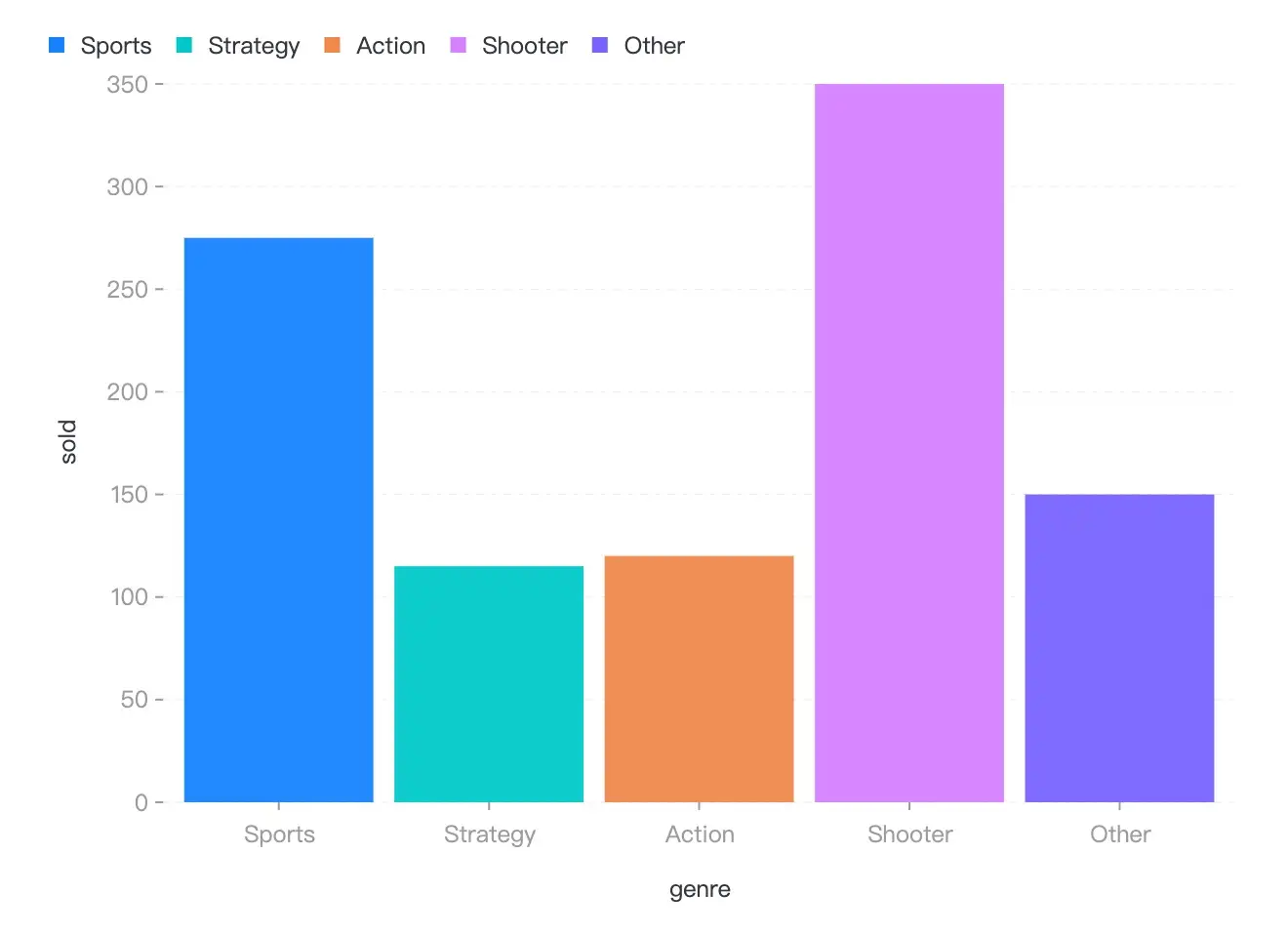
如果一切顺利，你可以得到下面的柱状图!

<img src="https://mdn.alipayobjects.com/huamei_qa8qxu/afts/img/A*XqCnTbkpAkQAAAAAAAAAAAAADmJ7AQ/fmt.webp" width="640" alt="example">

## 🌍 生态

- [g2-react](https://github.com/pearmini/g2-react) - G2 的轻量级 React 组件，没有额外特性。
- [g2-extensions](https://github.com/antvis/g2-extensions) - G2 的一系列插件库，包含 3D 和智能可视化等。
- [ant-design-charts](https://github.com/ant-design/ant-design-charts) - React 图表库，基于 [G2](https://github.com/antvis/G2), [G6](https://github.com/antvis/G6), [X6](https://github.com/antvis/X6), [L7Plot](https://github.com/antvis/L7Plot).
- [更多...](https://github.com/antvis/G2/discussions/5772)

## 📮 参与贡献

感谢所有为这个项目做出贡献的人，感谢所有支持者！🙏

<a href="https://openomy.app/github/antvis/G2" target="_blank" style="display: block; width: 100%;" align="center">
  <img src="https://openomy.app/svg?repo=antvis/G2&chart=bubble&latestMonth=3" target="_blank" alt="Contribution Leaderboard" style="display: block; width: 100%;" />
 </a>


- [问题](https://github.com/antvis/g2/issues)： 报告 bug 或者提出需求
- [贡献指南](https://github.com/antvis/g2/blob/v5/CONTRIBUTING.zh-CN.md)：参与建设 G2
- [讨论](https://github.com/antvis/G2/discussions)：在 GitHub 上或者钉钉群里面讨论（30233731, 35686967, 44788198）

<img src="https://gw.alipayobjects.com/zos/antfincdn/hTzzaqgHgQ/Antv%252520G2%252520%26%252520G2Plot.png" width="200" height="266" alt="code"/>


## 📄 许可证

MIT@[AntV](https://github.com/antvis).