# react-admin([尝试一下在线编辑](https://codesandbox.io/s/react-admin-u9kdb))
react-admin system solution
 
[](http://makeapullrequest.com)
### 文档地址:[wiki](https://github.com/yezihaohao/react-admin/wiki)
### 问题和方案汇总:[issue](https://github.com/yezihaohao/react-admin/issues/12)
### 更新日志迁移至[CHANGELOG.md](https://github.com/yezihaohao/react-admin/blob/master/CHANGELOG.md)😁(重要!对于了解项目部分功能和代码很有用!)
### cli 安装和使用 react-admin 🔥
使用 [saigao](https://github.com/yezihaohao/saigao) 快速安装和下载 react-admin 模板来开发项目:
```js
npm i -g saigao
saigao myapp
// 或者使用npx 下载模板
npx saigao myapp
```
### 前言
> 网上 react 后台管理开源免费的完整版项目比较少,所以利用空余时间集成了一个版本出来,已放到 GitHub
> 启动和打包的时间都稍长,请耐心等待两分钟
- [GitHub 地址](https://github.com/yezihaohao/react-admin)
- [预览地址](https://admiring-dijkstra-34cb29.netlify.com)(已增加响应式,可手机预览 😄)
### 依赖模块
项目是用 create-react-app 创建的,主要还是列出新加的功能依赖包
点击名称可跳转相关网站 😄😄
- [react](https://facebook.github.io/react/)
- [react-router](https://react-guide.github.io/react-router-cn/)(react 路由,4.x 的版本,如果还使用 3.x 的版本,请切换分支(ps:分支不再维护))
- [redux](https://redux.js.org/)(基础用法,但是封装了通用 action 和 reducer,demo 中主要用于权限控制(ps:目前可以用 16.x 的 context api 代替),可以简单了解下)
- [antd](https://ant.design/index-cn)(蚂蚁金服开源的 react ui 组件框架)
- [axios](https://github.com/mzabriskie/axios)(http 请求模块,可用于前端任何场景,很强大 👍)
- [echarts-for-react](https://github.com/hustcc/echarts-for-react)(可视化图表,别人基于 react 对 echarts 的封装,足够用了)
- [recharts](http://recharts.org/#/zh-CN/)(另一个基于 react 封装的图表,个人觉得是没有 echarts 好用)
- [nprogress](https://github.com/rstacruz/nprogress)(顶部加载条,蛮好用 👍)
- [react-draft-wysiwyg](https://github.com/jpuri/react-draft-wysiwyg)(别人基于 react 的富文本封装,如果找到其他更好的可以替换)
- [react-draggable](https://github.com/mzabriskie/react-draggable)(拖拽模块,找了个简单版的)
- [screenfull](https://github.com/sindresorhus/screenfull.js/)(全屏插件)
- [photoswipe](https://github.com/dimsemenov/photoswipe)(图片弹层查看插件,不依赖 jQuery,还是蛮好用 👍)
- [animate.css](http://daneden.me/animate)(css 动画库)
- [react-loadable](https://github.com/jamiebuilds/react-loadable)(代码拆分,按需加载,预加载,样样都行,具体见其文档,推荐使用)
- [redux-alita](https://github.com/yezihaohao/redux-alita) 极简的 redux2react 工具
- 其他小细节省略
### 功能模块
备注:项目只引入了 ant-design 的部分组件,其他的组件 antd 官网有源码,可以直接复制到项目中使用,后续有时间补上全部组件。
项目使用了 antd 的自定义主题功能-->黑色,若想替换其他颜色,具体操作请查看 antd 官网
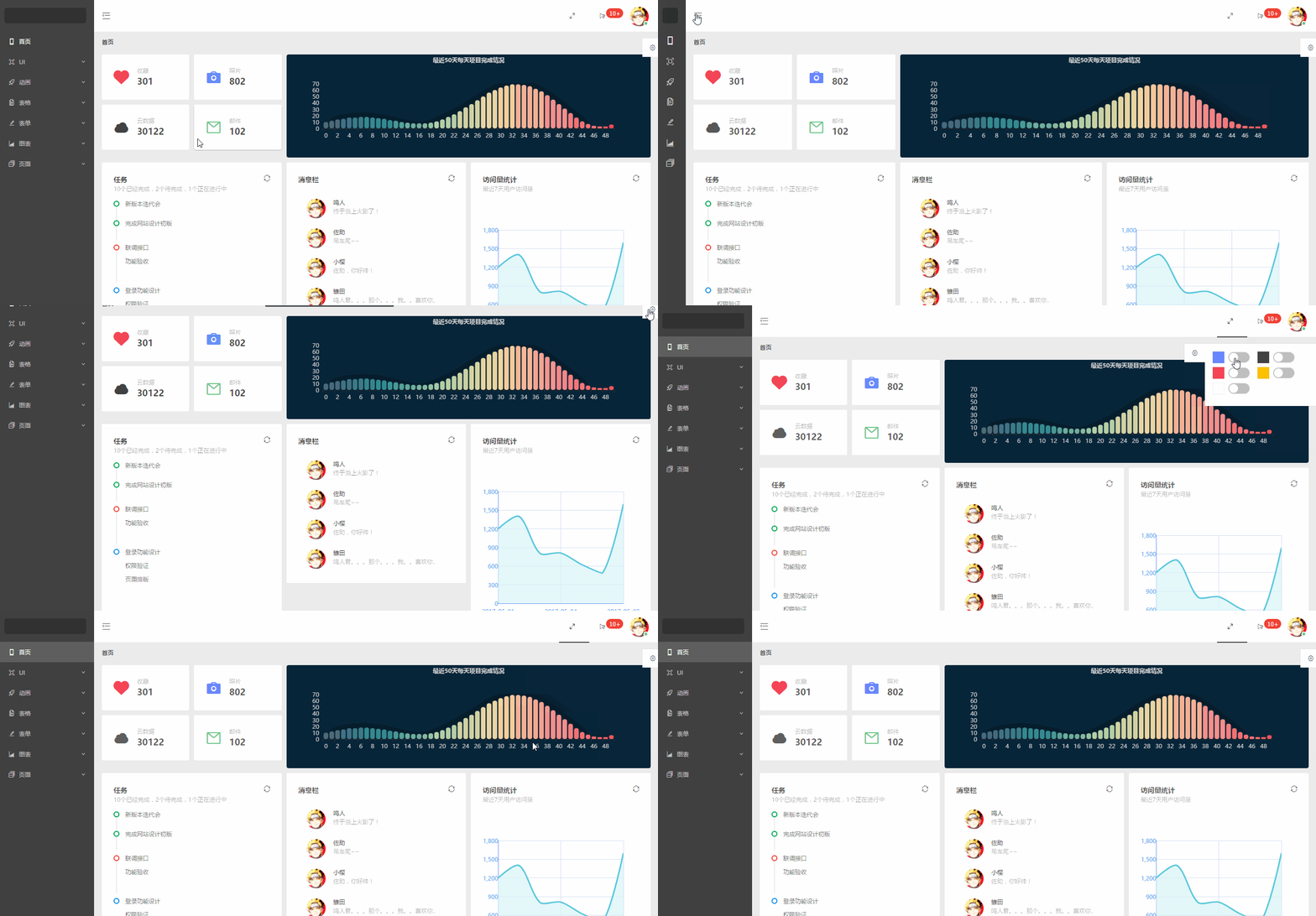
- 首页
- 完整布局
- 换肤(全局功能,暂时只实现了顶部导航的换肤,后续加上其他模块)
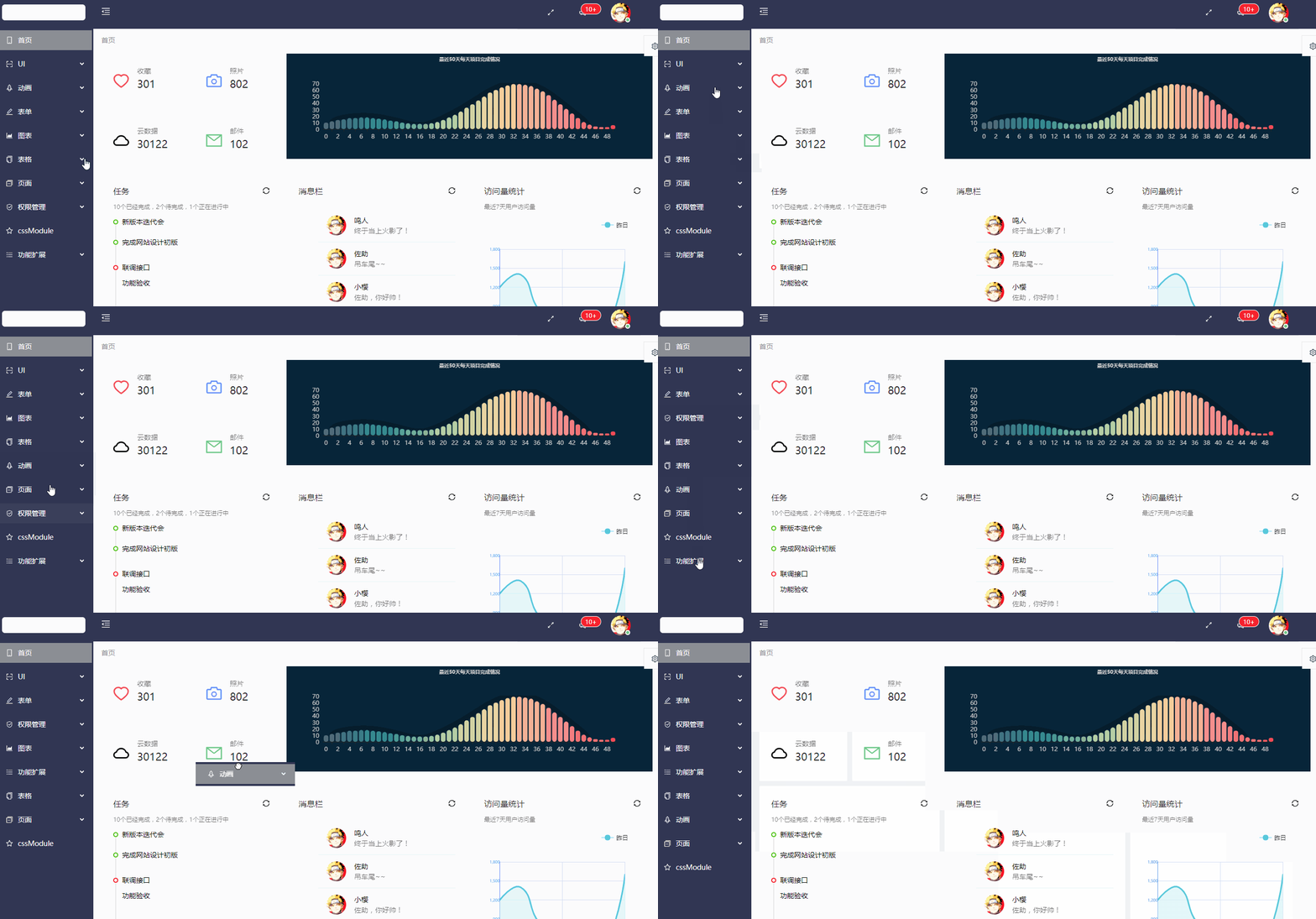
- 导航菜单
- 顶部导航(菜单伸缩,全屏功能)
- 左边菜单(增加滚动条以及适配路由的 active 操作)
- UI 模块
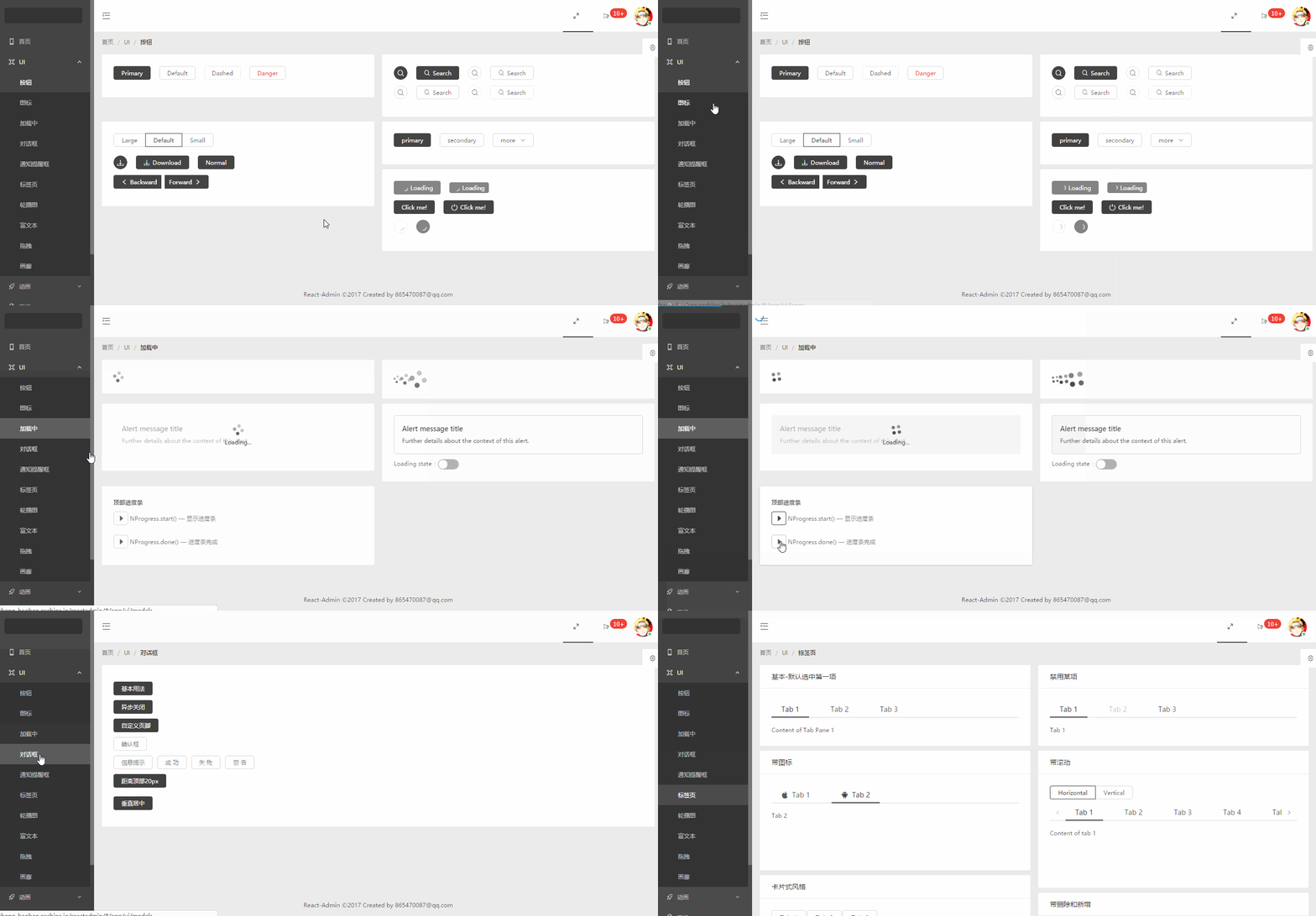
- 按钮(antd 组件)
- 图标(antd 组件并增加彩色表情符)
- 加载中(antd 组件并增加顶部加载条)
- 通知提醒框(antd 组件)
- 标签页(antd 组件)
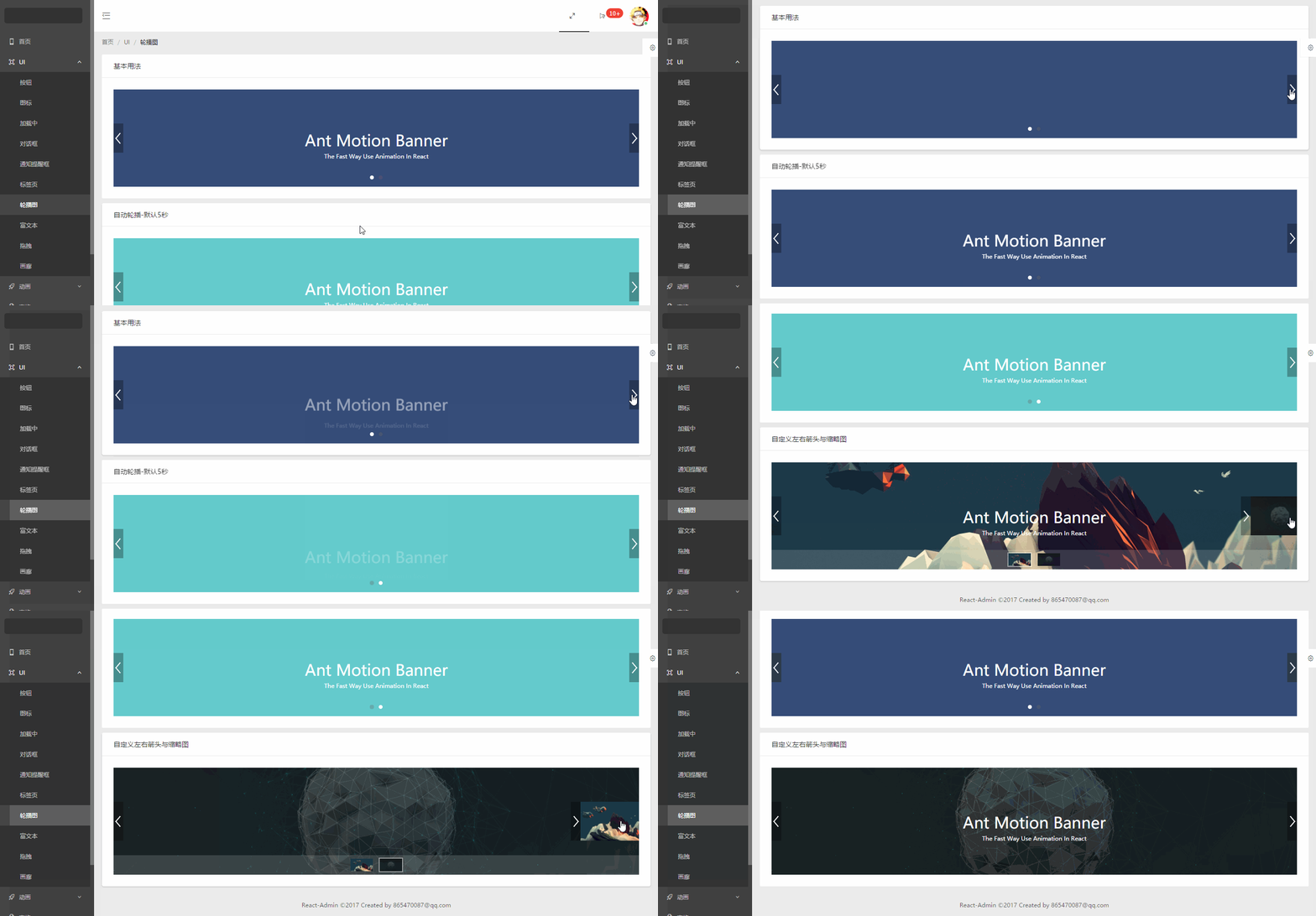
- 轮播图(ant 动效组件)
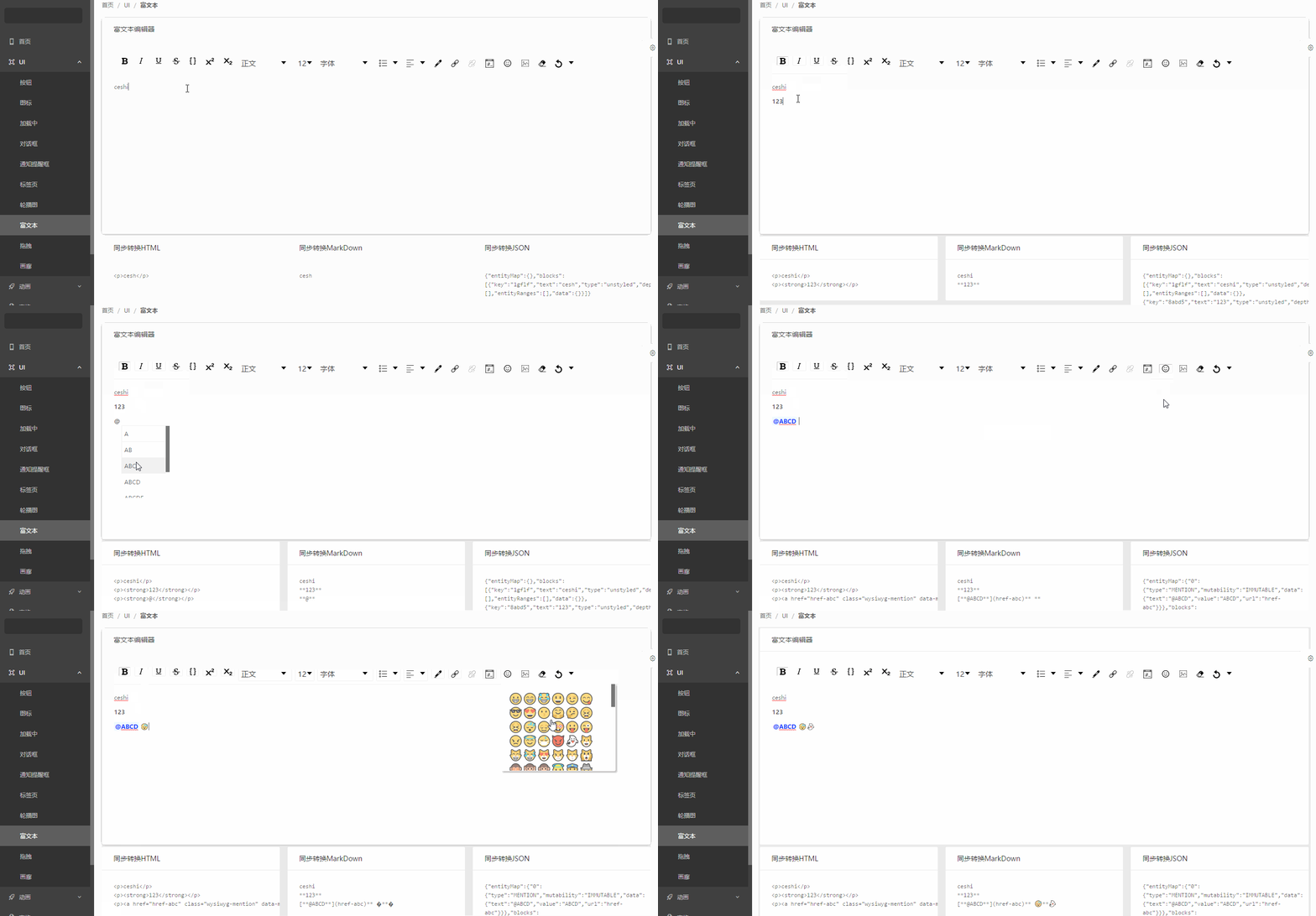
- 富文本
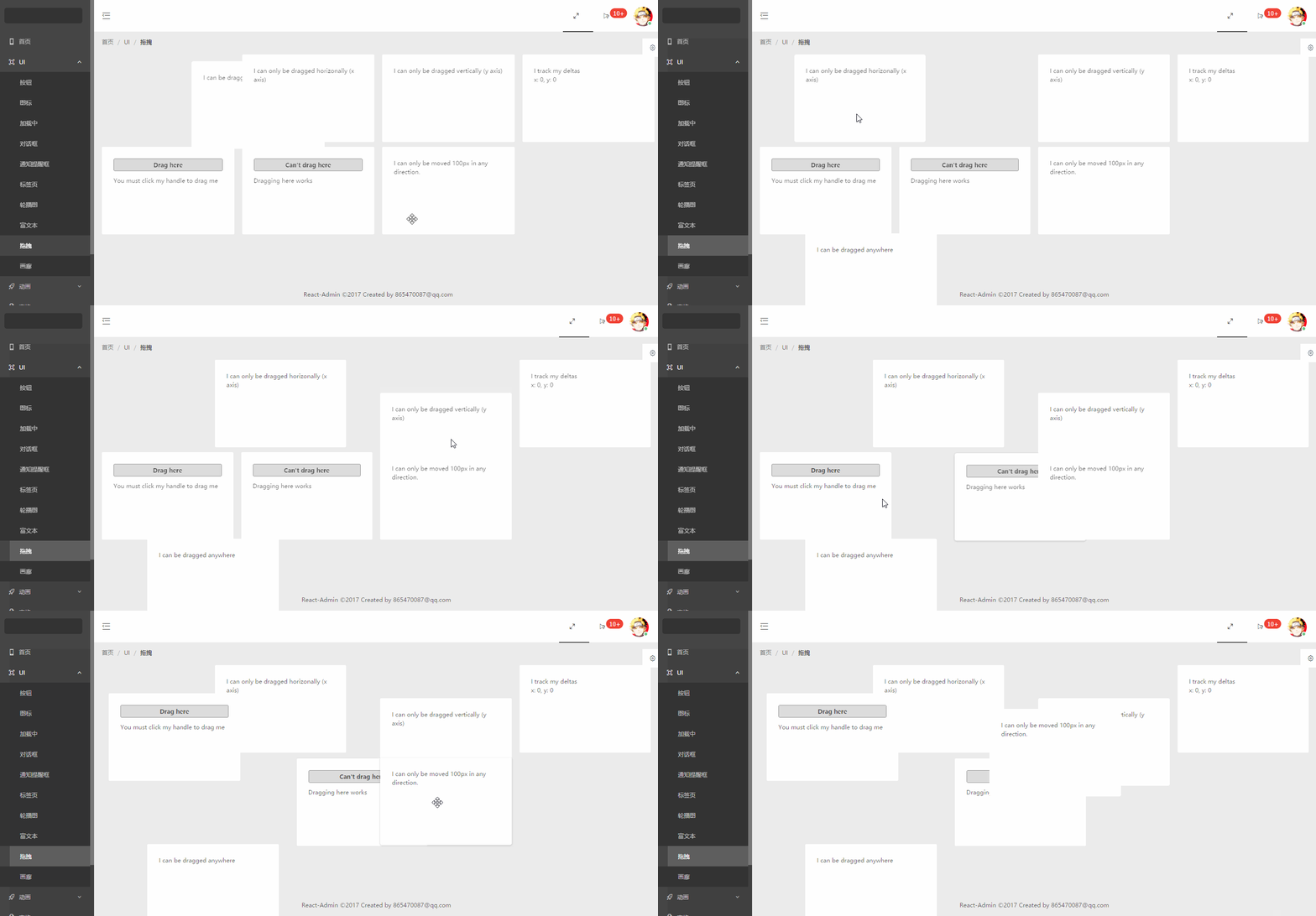
- 拖拽
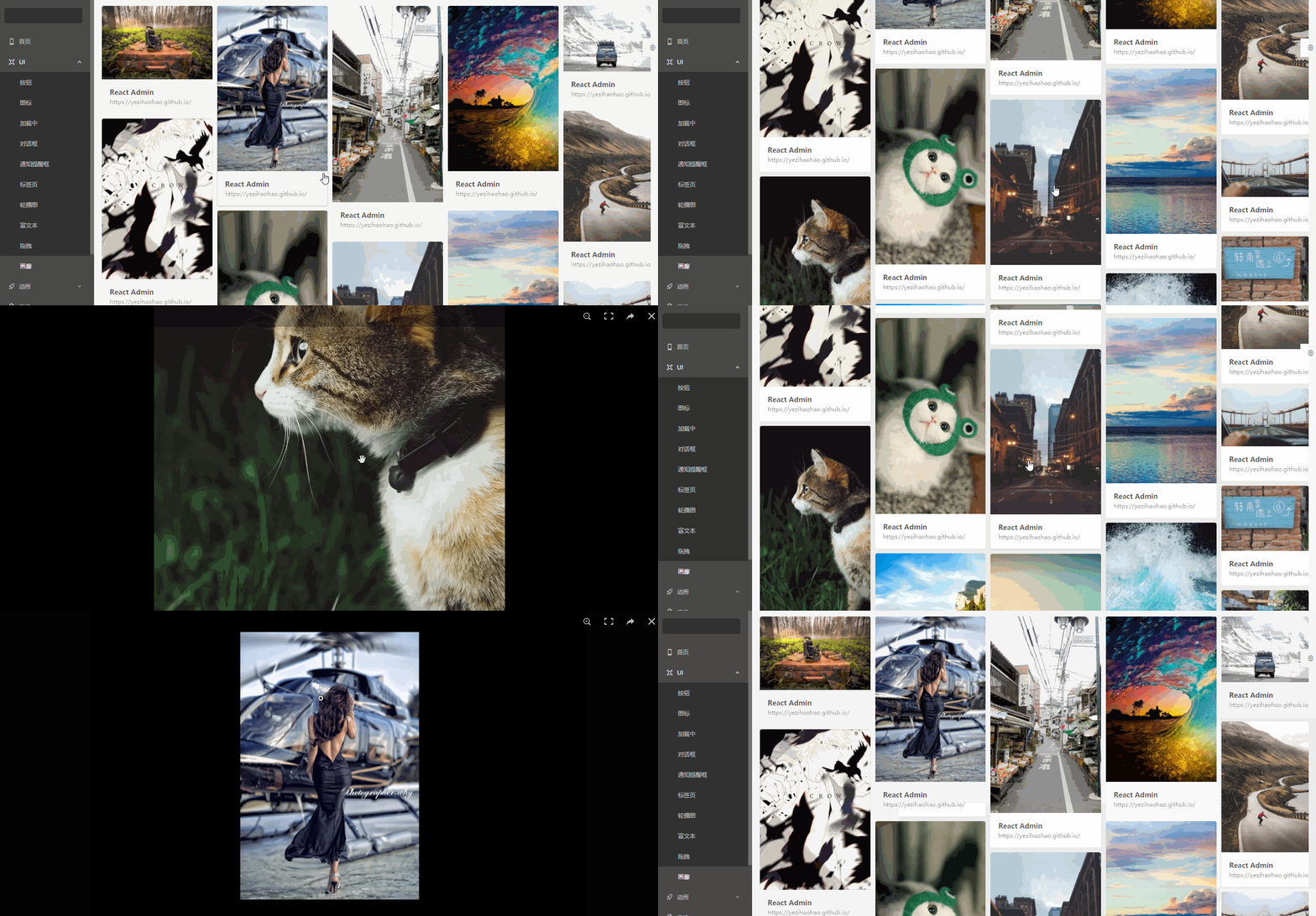
- 画廊
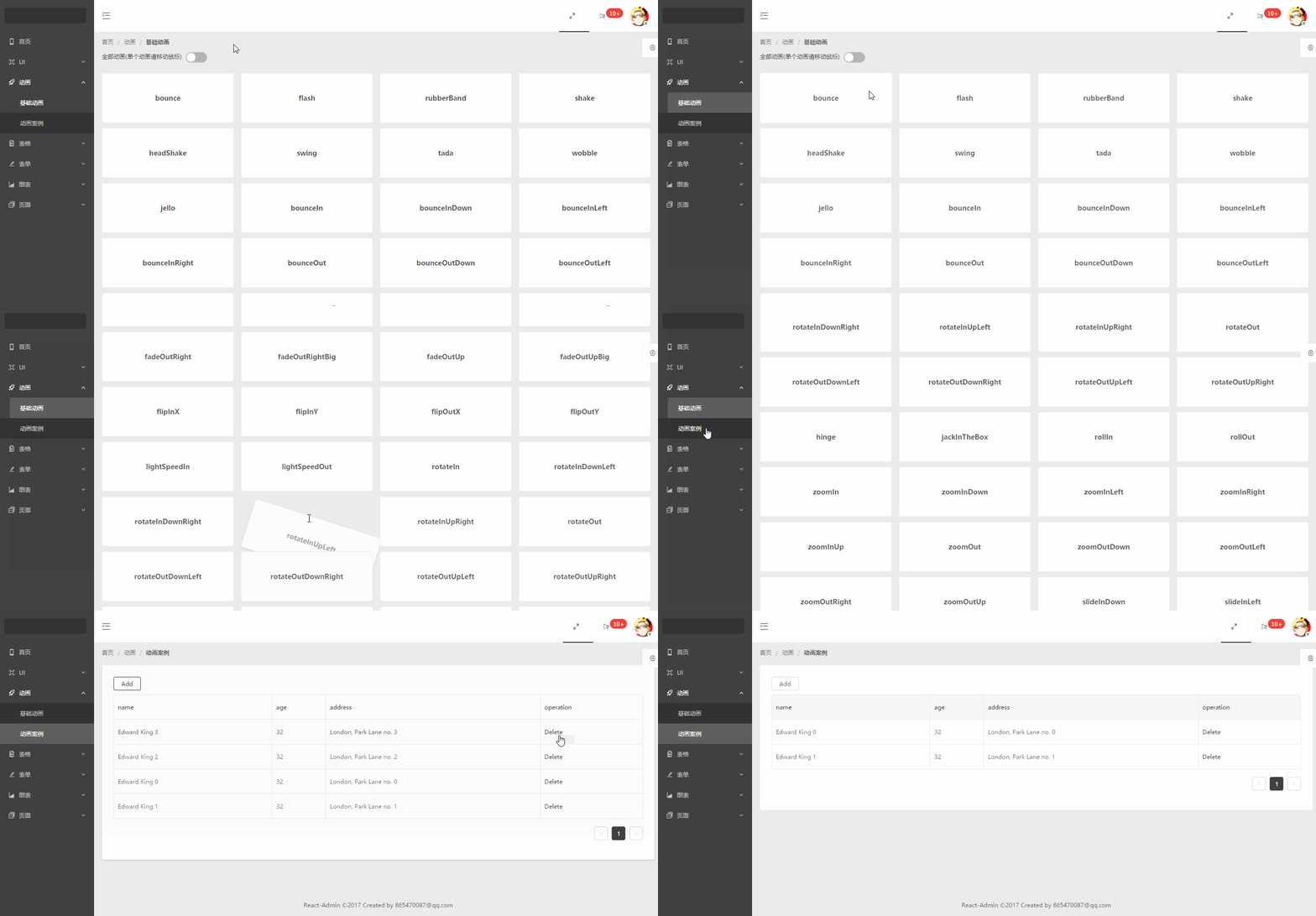
- 动画
- 基础动画(animate.css 所有动画)
- 动画案例
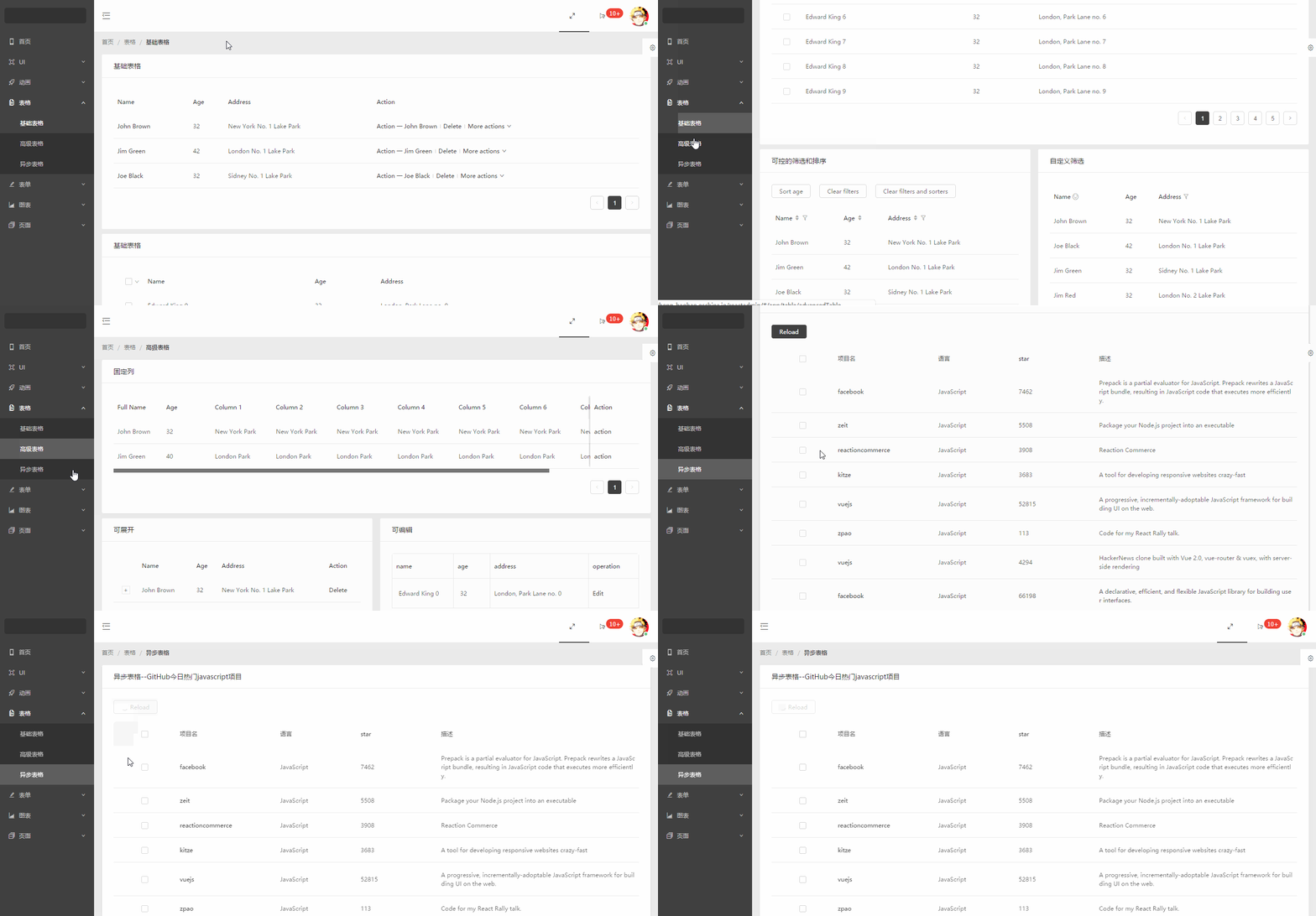
- 表格
- 基础表格(antd 组件)
- 高级表格(antd 组件)
- 异步表格(数据来自掘金酱的接口)
- 表单
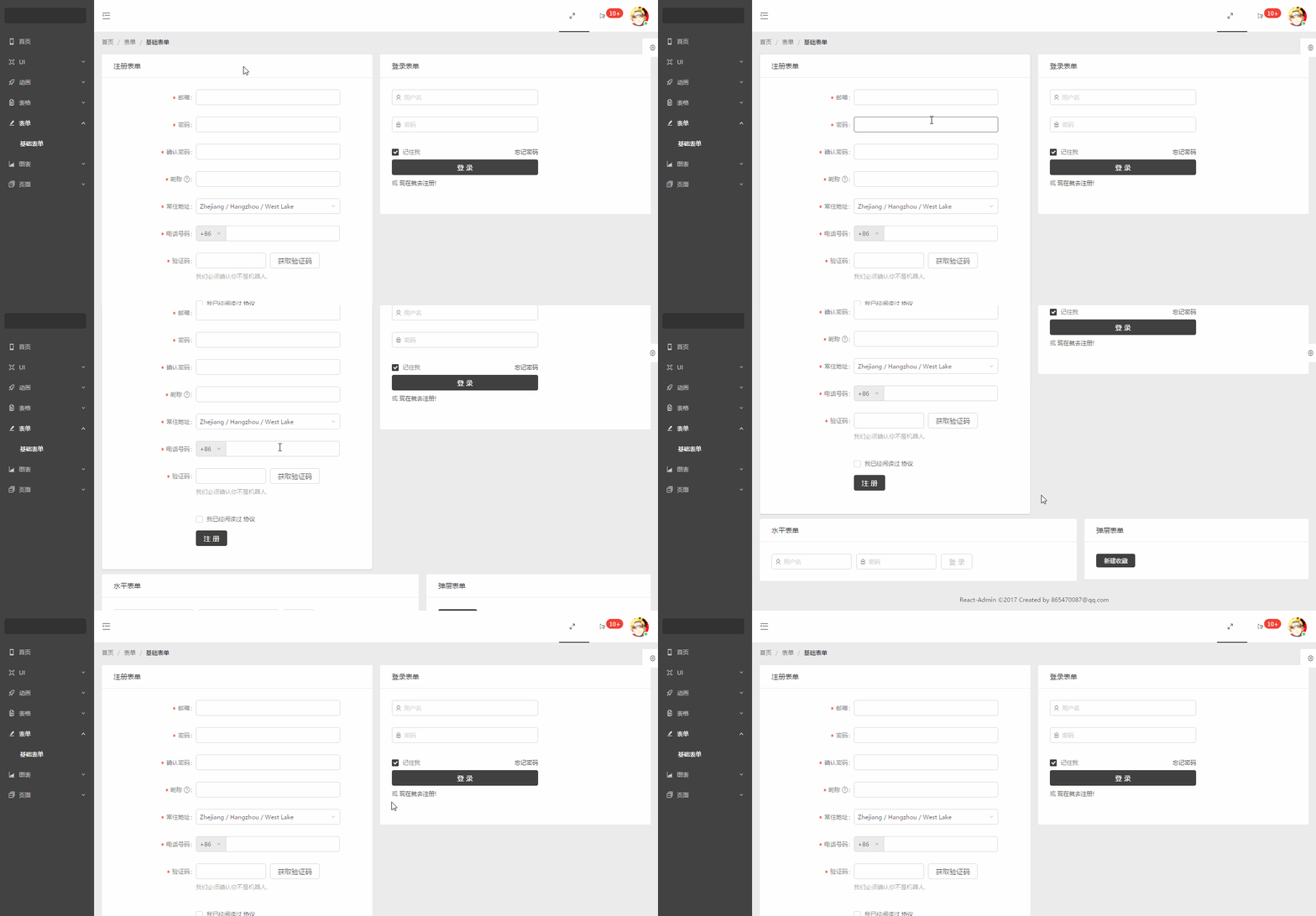
- 基础表单(antd 组件)
- 图表
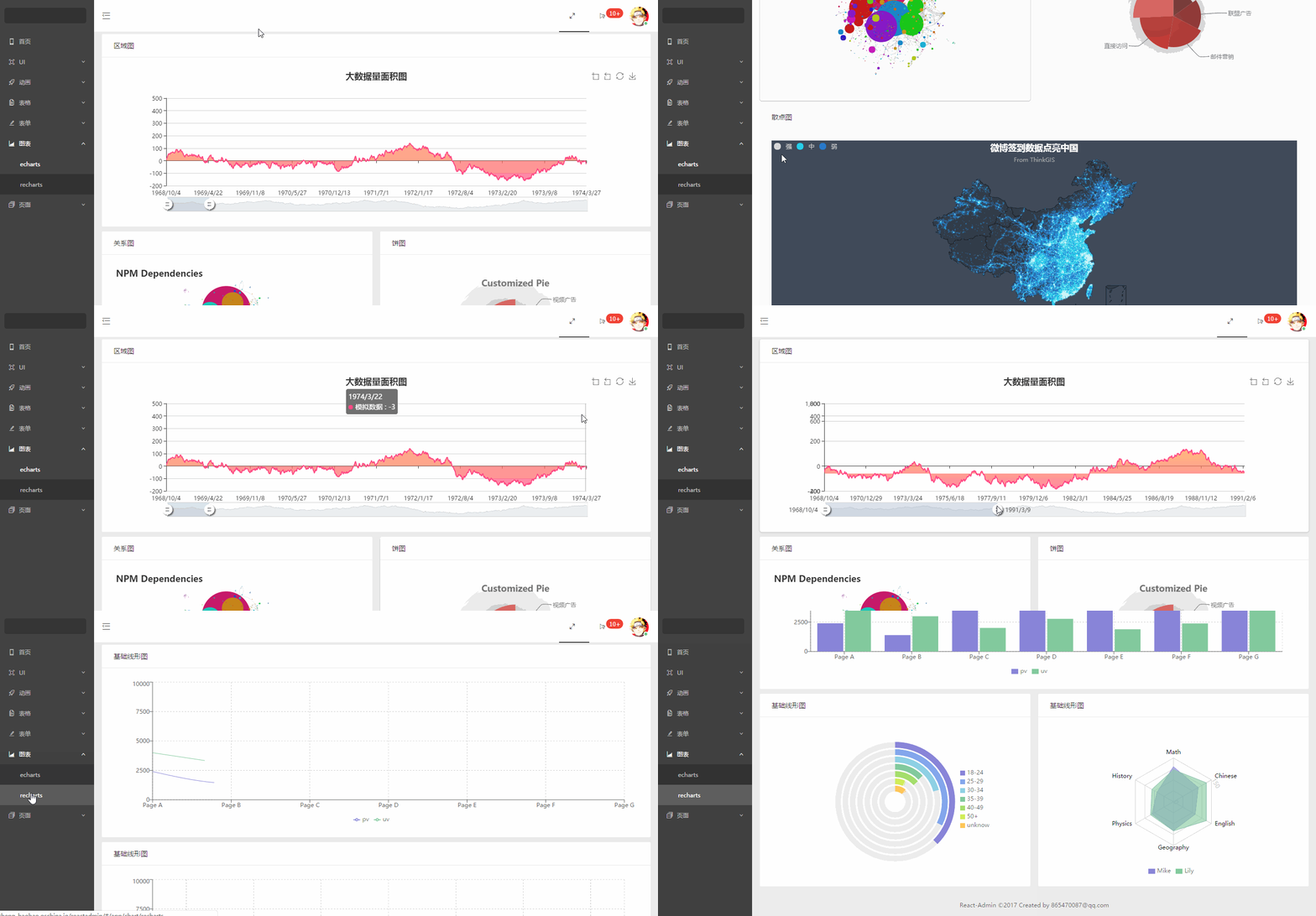
- echarts 图表
- recharts 图表
- 页面
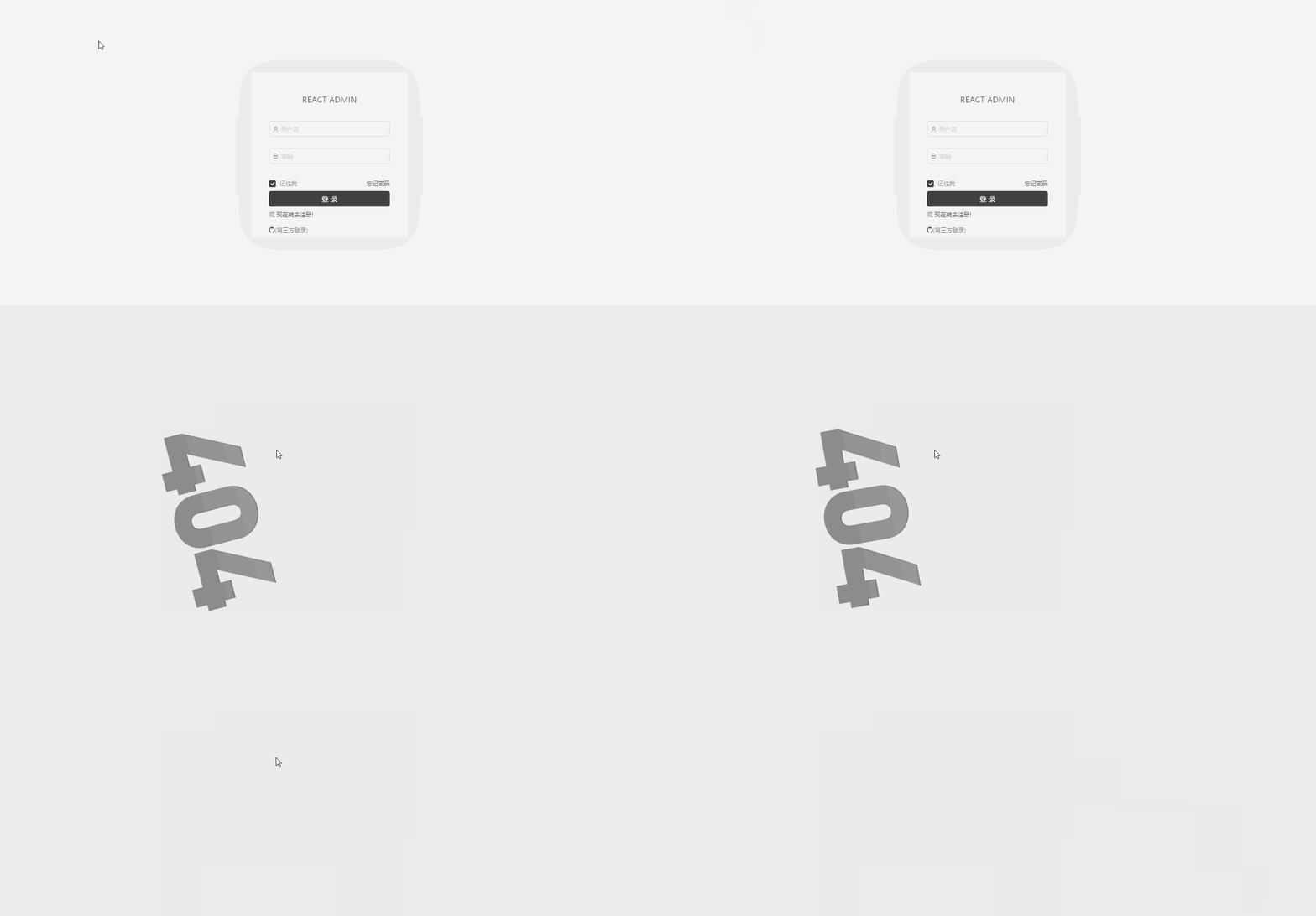
- 登录页面(包括 GitHub 第三方登录)
- 404 页面
### 功能截图
#### 首页
#### 按钮图标等
#### 轮播图
#### 富文本
#### 拖拽
#### 画廊
#### 动画
#### 表格
#### 表单
#### 图表
#### 页面
#### 菜单拖拽
### 代码目录
```js
+-- build/ ---打包的文件目录
+-- config/ ---npm run eject 后的配置文件目录
+-- node_modules/ ---npm下载文件目录
+-- public/
| --- index.html ---首页入口html文件
| --- npm.json ---echarts测试数据
| --- weibo.json ---echarts测试数据
+-- src/ ---核心代码目录
| +-- axios ---http请求存放目录
| | --- index.js
| +-- components ---各式各样的组件存放目录
| | +-- animation ---动画组件
| | | --- ...
| | +-- charts ---图表组件
| | | --- ...
| | +-- dashboard ---首页组件
| | | --- ...
| | +-- forms ---表单组件
| | | --- ...
| | +-- pages ---页面组件
| | | --- ...
| | +-- tables ---表格组件
| | | --- ...
| | +-- ui ---ui组件
| | | --- ...
| | --- BreadcrumbCustom.jsx ---面包屑组件
| | --- HeaderCustom.jsx ---顶部导航组件
| | --- Page.jsx ---页面容器
| | --- SiderCustom.jsx ---左边菜单组件
| +-- style ---项目的样式存放目录,主要采用less编写
| +-- utils ---工具文件存放目录
| --- App.js ---组件入口文件
| --- index.js ---项目的整体js入口文件,包括路由配置等
--- .env ---启动项目自定义端口配置文件
--- .eslintrc ---自定义eslint配置文件,包括增加的react jsx语法限制
--- package.json
```
### 安装运行
##### 1.下载或克隆项目源码
##### 2.yarn 安装依赖(国内建议增加淘宝镜像源,不然很慢,你懂的 😁)
> 有些老铁遇到运行时报错,首先确定下是不是最新稳定版的 nodejs 和 yarn,切记不要用 cnpm
```js
// 首推荐使用yarn装包,避免自动升级依赖包
yarn;
```
##### 3.启动项目
```js
yarn start
```
##### 4.打包项目
```js
yarn build
```
### Q&A(点击问题查看答案)
#### 1.[create-react-app 打包项目 run build 增加进度条信息?](https://github.com/yezihaohao/react-admin/issues/12#issuecomment-325383346)
#### 2.[接口跨域了,怎么在本地开发时配置代理?](https://github.com/yezihaohao/react-admin/issues/12#issuecomment-326169055)
#### 3.[在使用 hashRouter 的情况下怎么实现类似锚点跳转?](https://github.com/yezihaohao/react-admin/issues/12#issuecomment-345127221)
#### 4.[怎么添加多页面配置?](https://github.com/yezihaohao/react-admin/issues/12#issuecomment-348088852)
#### 5.[路由传参数接问号怎么传?](https://github.com/yezihaohao/react-admin/issues/12#issuecomment-375583089)
#### 6.[如何兼容 IE 浏览器?](https://github.com/yezihaohao/react-admin/issues/12#issuecomment-510295292)
### License
MIT
### 结尾
该项目会不定时更新,后续时间会添加更多的模块
欢迎和感谢大家 PR~~👏👏
若有问题,可加 QQ 群与我交流
- 1 群:264591039(已满)
- 2 群:592688854(已满)
- 3 群:743490497 (已满)
- 4 群:150131600 (已满)
如果对你有帮助,给个 star 哟~~❤️❤️❤️❤️

[](http://makeapullrequest.com)
### 文档地址:[wiki](https://github.com/yezihaohao/react-admin/wiki)
### 问题和方案汇总:[issue](https://github.com/yezihaohao/react-admin/issues/12)
### 更新日志迁移至[CHANGELOG.md](https://github.com/yezihaohao/react-admin/blob/master/CHANGELOG.md)😁(重要!对于了解项目部分功能和代码很有用!)
### cli 安装和使用 react-admin 🔥
使用 [saigao](https://github.com/yezihaohao/saigao) 快速安装和下载 react-admin 模板来开发项目:
```js
npm i -g saigao
saigao myapp
// 或者使用npx 下载模板
npx saigao myapp
```
### 前言
> 网上 react 后台管理开源免费的完整版项目比较少,所以利用空余时间集成了一个版本出来,已放到 GitHub
> 启动和打包的时间都稍长,请耐心等待两分钟
- [GitHub 地址](https://github.com/yezihaohao/react-admin)
- [预览地址](https://admiring-dijkstra-34cb29.netlify.com)(已增加响应式,可手机预览 😄)
### 依赖模块
项目是用 create-react-app 创建的,主要还是列出新加的功能依赖包
点击名称可跳转相关网站 😄😄
- [react](https://facebook.github.io/react/)
- [react-router](https://react-guide.github.io/react-router-cn/)(react 路由,4.x 的版本,如果还使用 3.x 的版本,请切换分支(ps:分支不再维护))
- [redux](https://redux.js.org/)(基础用法,但是封装了通用 action 和 reducer,demo 中主要用于权限控制(ps:目前可以用 16.x 的 context api 代替),可以简单了解下)
- [antd](https://ant.design/index-cn)(蚂蚁金服开源的 react ui 组件框架)
- [axios](https://github.com/mzabriskie/axios)(http 请求模块,可用于前端任何场景,很强大 👍)
- [echarts-for-react](https://github.com/hustcc/echarts-for-react)(可视化图表,别人基于 react 对 echarts 的封装,足够用了)
- [recharts](http://recharts.org/#/zh-CN/)(另一个基于 react 封装的图表,个人觉得是没有 echarts 好用)
- [nprogress](https://github.com/rstacruz/nprogress)(顶部加载条,蛮好用 👍)
- [react-draft-wysiwyg](https://github.com/jpuri/react-draft-wysiwyg)(别人基于 react 的富文本封装,如果找到其他更好的可以替换)
- [react-draggable](https://github.com/mzabriskie/react-draggable)(拖拽模块,找了个简单版的)
- [screenfull](https://github.com/sindresorhus/screenfull.js/)(全屏插件)
- [photoswipe](https://github.com/dimsemenov/photoswipe)(图片弹层查看插件,不依赖 jQuery,还是蛮好用 👍)
- [animate.css](http://daneden.me/animate)(css 动画库)
- [react-loadable](https://github.com/jamiebuilds/react-loadable)(代码拆分,按需加载,预加载,样样都行,具体见其文档,推荐使用)
- [redux-alita](https://github.com/yezihaohao/redux-alita) 极简的 redux2react 工具
- 其他小细节省略
### 功能模块
备注:项目只引入了 ant-design 的部分组件,其他的组件 antd 官网有源码,可以直接复制到项目中使用,后续有时间补上全部组件。
项目使用了 antd 的自定义主题功能-->黑色,若想替换其他颜色,具体操作请查看 antd 官网
- 首页
- 完整布局
- 换肤(全局功能,暂时只实现了顶部导航的换肤,后续加上其他模块)
- 导航菜单
- 顶部导航(菜单伸缩,全屏功能)
- 左边菜单(增加滚动条以及适配路由的 active 操作)
- UI 模块
- 按钮(antd 组件)
- 图标(antd 组件并增加彩色表情符)
- 加载中(antd 组件并增加顶部加载条)
- 通知提醒框(antd 组件)
- 标签页(antd 组件)
- 轮播图(ant 动效组件)
- 富文本
- 拖拽
- 画廊
- 动画
- 基础动画(animate.css 所有动画)
- 动画案例
- 表格
- 基础表格(antd 组件)
- 高级表格(antd 组件)
- 异步表格(数据来自掘金酱的接口)
- 表单
- 基础表单(antd 组件)
- 图表
- echarts 图表
- recharts 图表
- 页面
- 登录页面(包括 GitHub 第三方登录)
- 404 页面
### 功能截图
#### 首页

#### 按钮图标等

#### 轮播图

#### 富文本

#### 拖拽

#### 画廊

#### 动画

#### 表格

#### 表单

#### 图表

#### 页面

#### 菜单拖拽

### 代码目录
```js
+-- build/ ---打包的文件目录
+-- config/ ---npm run eject 后的配置文件目录
+-- node_modules/ ---npm下载文件目录
+-- public/
| --- index.html ---首页入口html文件
| --- npm.json ---echarts测试数据
| --- weibo.json ---echarts测试数据
+-- src/ ---核心代码目录
| +-- axios ---http请求存放目录
| | --- index.js
| +-- components ---各式各样的组件存放目录
| | +-- animation ---动画组件
| | | --- ...
| | +-- charts ---图表组件
| | | --- ...
| | +-- dashboard ---首页组件
| | | --- ...
| | +-- forms ---表单组件
| | | --- ...
| | +-- pages ---页面组件
| | | --- ...
| | +-- tables ---表格组件
| | | --- ...
| | +-- ui ---ui组件
| | | --- ...
| | --- BreadcrumbCustom.jsx ---面包屑组件
| | --- HeaderCustom.jsx ---顶部导航组件
| | --- Page.jsx ---页面容器
| | --- SiderCustom.jsx ---左边菜单组件
| +-- style ---项目的样式存放目录,主要采用less编写
| +-- utils ---工具文件存放目录
| --- App.js ---组件入口文件
| --- index.js ---项目的整体js入口文件,包括路由配置等
--- .env ---启动项目自定义端口配置文件
--- .eslintrc ---自定义eslint配置文件,包括增加的react jsx语法限制
--- package.json
```
### 安装运行
##### 1.下载或克隆项目源码
##### 2.yarn 安装依赖(国内建议增加淘宝镜像源,不然很慢,你懂的 😁)
> 有些老铁遇到运行时报错,首先确定下是不是最新稳定版的 nodejs 和 yarn,切记不要用 cnpm
```js
// 首推荐使用yarn装包,避免自动升级依赖包
yarn;
```
##### 3.启动项目
```js
yarn start
```
##### 4.打包项目
```js
yarn build
```
### Q&A(点击问题查看答案)
#### 1.[create-react-app 打包项目 run build 增加进度条信息?](https://github.com/yezihaohao/react-admin/issues/12#issuecomment-325383346)
#### 2.[接口跨域了,怎么在本地开发时配置代理?](https://github.com/yezihaohao/react-admin/issues/12#issuecomment-326169055)
#### 3.[在使用 hashRouter 的情况下怎么实现类似锚点跳转?](https://github.com/yezihaohao/react-admin/issues/12#issuecomment-345127221)
#### 4.[怎么添加多页面配置?](https://github.com/yezihaohao/react-admin/issues/12#issuecomment-348088852)
#### 5.[路由传参数接问号怎么传?](https://github.com/yezihaohao/react-admin/issues/12#issuecomment-375583089)
#### 6.[如何兼容 IE 浏览器?](https://github.com/yezihaohao/react-admin/issues/12#issuecomment-510295292)
### License
MIT
### 结尾
该项目会不定时更新,后续时间会添加更多的模块
欢迎和感谢大家 PR~~👏👏
若有问题,可加 QQ 群与我交流
- 1 群:264591039(已满)
- 2 群:592688854(已满)
- 3 群:743490497 (已满)
- 4 群:150131600 (已满)
如果对你有帮助,给个 star 哟~~❤️❤️❤️❤️