# Hype BlendModes
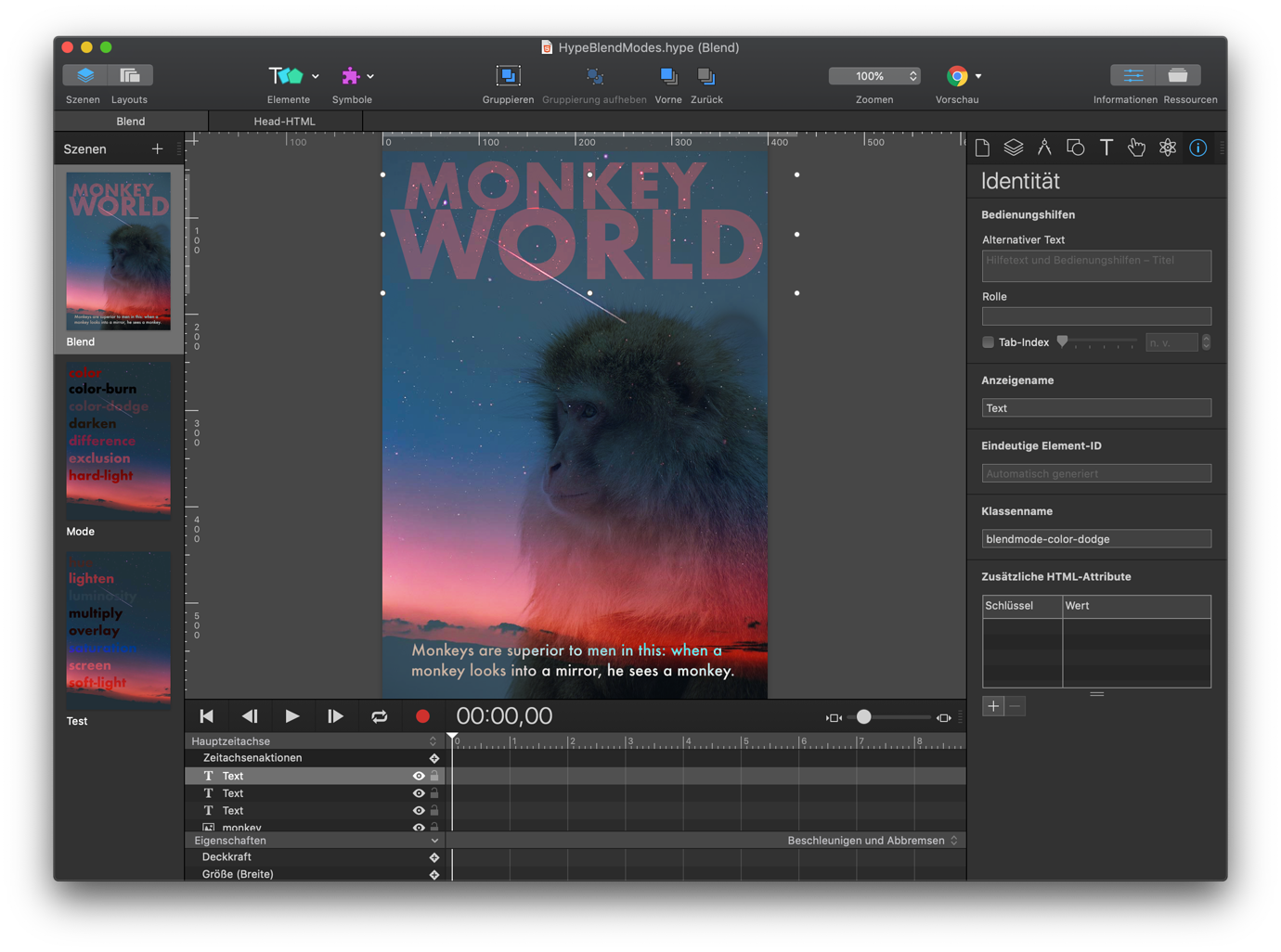
This is a full extension offering blendmodes. You can assign them by using the attribute `data-blendmode` (assigning MODENAME) or by class `blendmode-MODENAME`.
*MODENAME* are color, color-burn, color-dodge, darken, difference, exclusion, hard-light, hue, lighten, luminosity, multiply, overlay, saturation, screen, soft-light.
**Demo:**\
[HypeBlendModes.html](https://playground.maxziebell.de/Hype/BlendModes/HypeBlendModes.html)
**Version history**\
`1.0 Initial release under MIT-license`\
`1.2 Converted into full IDE plugin`\
`1.3 Fixed IDE support, added dataset variation`
PS: there is an [older version](https://forums.tumult.com/t/hypeblendmodeenabler-1-1-with-thumbnail-preview-in-ide/12637) of this project using an symbol but this take is much more versatile, in my opinion.
Content Delivery Network (CDN)
--
Latest version can be linked into your project using the following in the head section of your project:
```html
```
Optionally you can also link a SRI version or specific releases.
Read more about that on the JsDelivr (CDN) page for this extension at https://www.jsdelivr.com/package/gh/worldoptimizer/HypeBlendModes
Learn how to use the latest extension version and how to combine extensions into one file at
https://github.com/worldoptimizer/HypeCookBook/wiki/Including-external-files-and-Hype-extensions