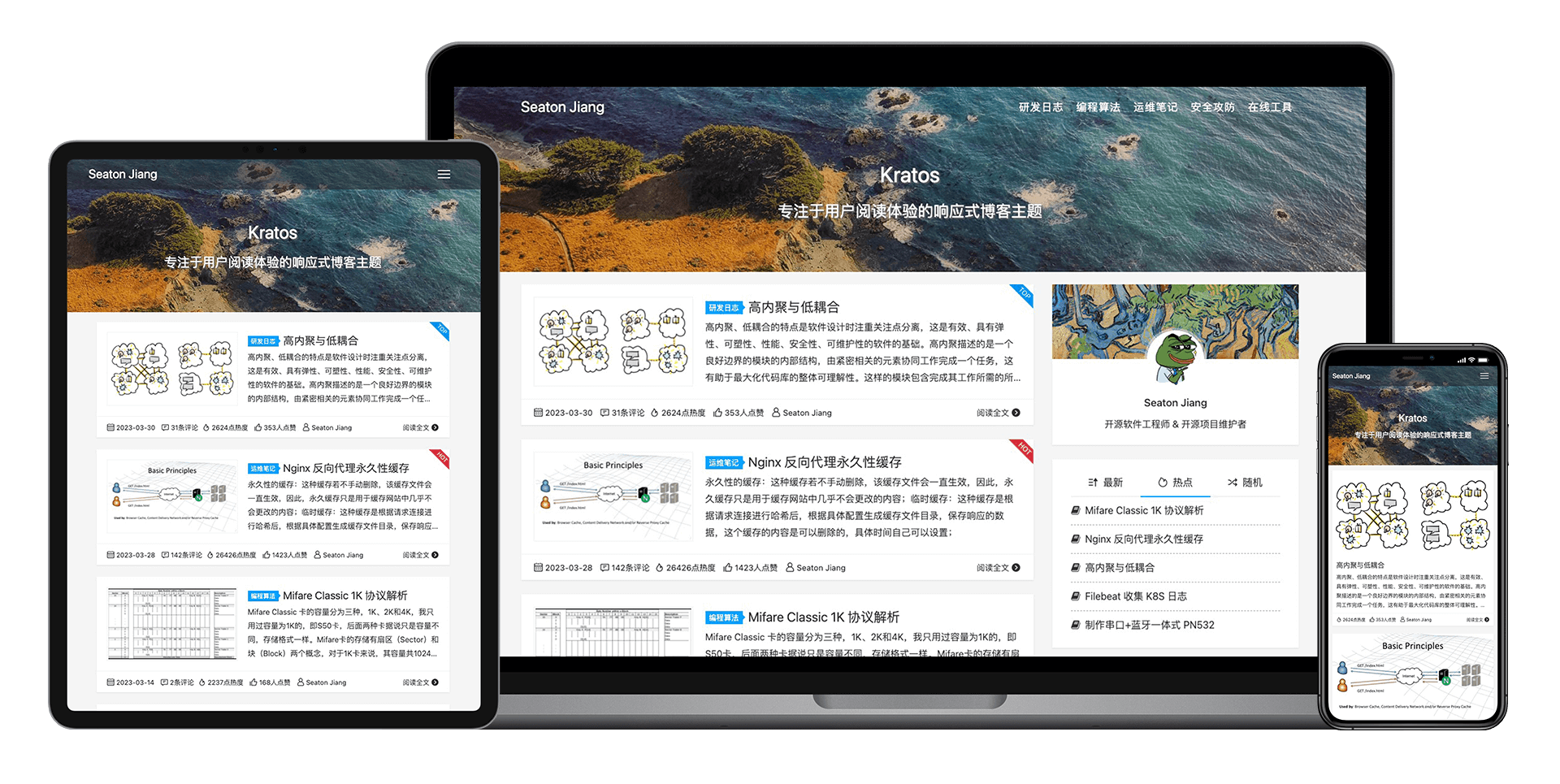



[English](README.md) | **简体中文**

<p align="center">
    <img src="assets/img/options/about.png">
</p>

<p align="center">
    <img src="https://img.shields.io/badge/PHP-%3E8.0-777BB4?style=flat-square&logo=php&logoColor=#777BB4">
    <img src="https://img.shields.io/badge/WordPress-v6.8%20tested-21759B?style=flat-square&logo=wordpress">
    <a href="https://github.com/seatonjiang/kratos/issues">
        <img src="https://img.shields.io/github/issues/seatonjiang/kratos?style=flat-square&color=blue">
    </a>
    <a href="https://github.com/seatonjiang/kratos/pulls">
        <img src="https://img.shields.io/github/issues-pr/seatonjiang/kratos?style=flat-square&color=brightgreen">
    </a>
    <a href="https://github.com/seatonjiang/kratos/blob/main/LICENSE">
        <img src="https://img.shields.io/github/license/seatonjiang/kratos?&style=flat-square">
    </a>
</p>

<p align="center">
    <a href="https://github.com/seatonjiang/kratos/issues">报告问题</a>
    ·
    <a href="https://github.com/seatonjiang/kratos/issues">功能需求</a>
</p>

<p align="center">专注阅读体验的 WordPress 主题</p>

## 🚀 使用说明

1. 下载最新发行版本的 .zip 格式安装包；

2. 登录 WordPress 管理员后台，进入 `外观` > `主题` 页面，然后点击 `添加` 按钮；

3. 进入添加主题页面之后，再点击 `上传主题` 按钮；

4. 点击 `选择文件`, 找到下载的 .zip 格式安装包，然后点击 `现在安装` 按钮；

5. 进入 `外观` > `主题` 页面，找到 Kratos 主题，然后点击 `启用` 即可。

## 🤝 参与共建

我们欢迎所有的贡献，你可以将任何想法作为 Pull requests 或 Issues 提交，顺颂商祺！

## 📃 开源许可

项目基于 GNU 通用公共许可证 v3.0 发布，详细说明请参阅 [LICENCE](https://github.com/seatonjiang/kratos/blob/main/LICENSE) 文件。
