## Docs (WIP)
https://novel.sh/docs/introduction
## Introduction
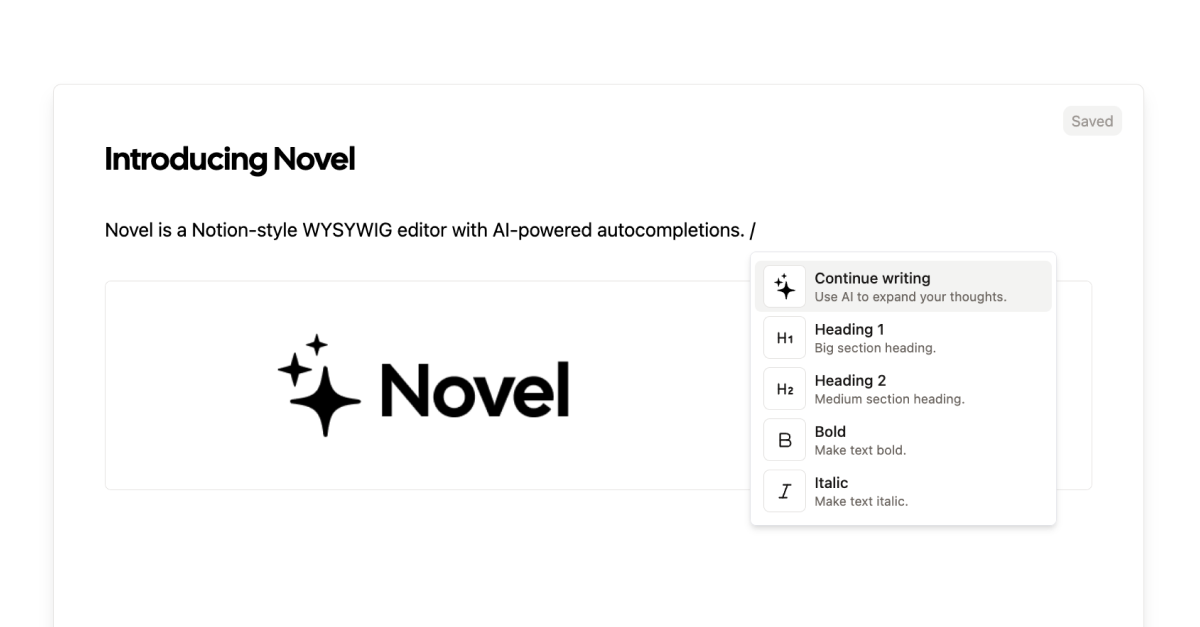
[Novel](https://novel.sh/) is a Notion-style WYSIWYG editor with AI-powered autocompletions.
https://github.com/steven-tey/novel/assets/28986134/2099877f-4f2b-4b1c-8782-5d803d63be5c
## Deploy Your Own
You can deploy your own version of Novel to Vercel with one click:
[](https://stey.me/novel-deploy)
## Setting Up Locally
To set up Novel locally, you'll need to clone the repository and set up the following environment variables:
- `OPENAI_API_KEY` – your OpenAI API key (you can get one [here](https://platform.openai.com/account/api-keys))
- `BLOB_READ_WRITE_TOKEN` – your Vercel Blob read/write token (currently [still in beta](https://vercel.com/docs/storage/vercel-blob/quickstart#quickstart), but feel free to [sign up on this form](https://vercel.fyi/blob-beta) for access)
If you've deployed this to Vercel, you can also use [`vc env pull`](https://vercel.com/docs/cli/env#exporting-development-environment-variables) to pull the environment variables from your Vercel project.
To run the app locally, you can run the following commands:
```
pnpm i
pnpm dev
```
## Cross-framework support
While Novel is built for React, we also have a few community-maintained packages for non-React frameworks:
- Svelte: https://novel.sh/svelte
- Vue: https://novel.sh/vue
## VSCode Extension
Thanks to @bennykok, Novel also has a VSCode Extension: https://novel.sh/vscode
https://github.com/steven-tey/novel/assets/28986134/58ebf7e3-cdb3-43df-878b-119e304f7373
## Tech Stack
Novel is built on the following stack:
- [Next.js](https://nextjs.org/) – framework
- [Tiptap](https://tiptap.dev/) – text editor
- [OpenAI](https://openai.com/) - AI completions
- [Vercel AI SDK](https://sdk.vercel.ai/docs) – AI library
- [Vercel](https://vercel.com) – deployments
- [TailwindCSS](https://tailwindcss.com/) – styles
- [Cal Sans](https://github.com/calcom/font) – font
## Contributing
Here's how you can contribute:
- [Open an issue](https://github.com/steven-tey/novel/issues) if you believe you've encountered a bug.
- Make a [pull request](https://github.com/steven-tey/novel/pull) to add new features/make quality-of-life improvements/fix bugs.
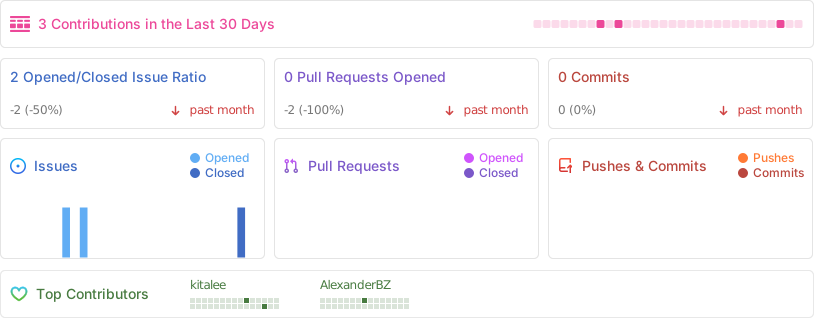
## Repo Activity
## License
Licensed under the [Apache-2.0 license](https://github.com/steven-tey/novel/blob/main/LICENSE).