



 ### Features
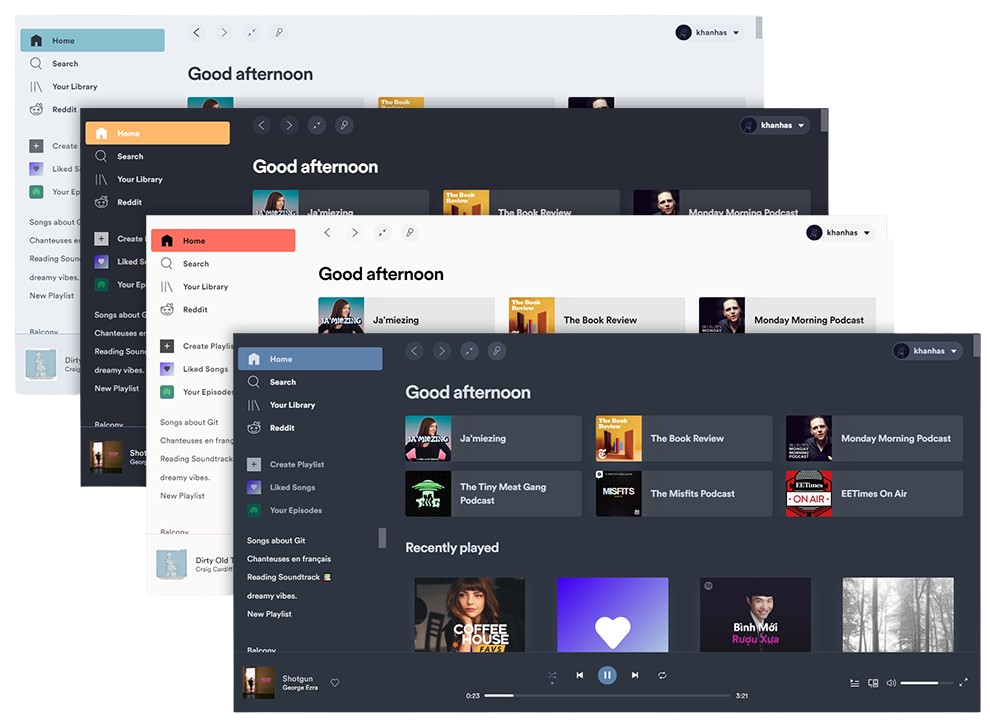
- Change colors across the User Interface
- Inject CSS for advanced customization
- Inject Extensions to extend functionalities, manipulate UI and control player
- Inject Custom Apps
- Make yourself in control of the Spotify client
### Links
- [Installation](https://spicetify.app/docs/getting-started)
- [Basic Usage](https://spicetify.app/docs/getting-started#basic-usage)
---
### Code Signing Policy
Free code signing provided by [SignPath.io](https://signpath.io), certificate by [SignPath Foundation](https://signpath.org/).
### Features
- Change colors across the User Interface
- Inject CSS for advanced customization
- Inject Extensions to extend functionalities, manipulate UI and control player
- Inject Custom Apps
- Make yourself in control of the Spotify client
### Links
- [Installation](https://spicetify.app/docs/getting-started)
- [Basic Usage](https://spicetify.app/docs/getting-started#basic-usage)
---
### Code Signing Policy
Free code signing provided by [SignPath.io](https://signpath.io), certificate by [SignPath Foundation](https://signpath.org/).