[![Build Status](https://github.com/natario1/CameraView/workflows/Build/badge.svg?event=push)](https://github.com/natario1/CameraView/actions)
[![Code Coverage](https://codecov.io/gh/natario1/CameraView/branch/main/graph/badge.svg)](https://codecov.io/gh/natario1/CameraView)

[![Release](https://img.shields.io/github/release/natario1/CameraView.svg)](https://github.com/natario1/CameraView/releases)
[![Issues](https://img.shields.io/github/issues-raw/natario1/CameraView.svg)](https://github.com/natario1/CameraView/issues)

[![Funding](https://img.shields.io/opencollective/all/CameraView.svg?colorB=r)](https://natario1.github.io/CameraView/extra/donate)

&#10240;  <!-- Hack to add whitespace -->

<p align="center">
  <img src="docs/static/banner.png" width="100%">
</p>

*Post-processing videos or want to reduce video size before uploading? Take a look at our [Transcoder](https://github.com/natario1/Transcoder).*

*Like the project, make profit from it, or simply want to thank back? Please consider [sponsoring me](https://github.com/sponsors/natario1) or [donating](https://natario1.github.io/CameraView/extra/donate)!*

*Need support, consulting, or have any other business-related question? Feel free to <a href="mailto:mat.iavarone@gmail.com">get in touch</a>.*

# CameraView

CameraView is a well documented, high-level library that makes capturing pictures and videos easy,
addressing most of the common issues and needs, and still leaving you with flexibility where needed.

```groovy
api 'com.otaliastudios:cameraview:2.7.2'
```

- Fast & reliable
- Gestures support [[docs]](https://natario1.github.io/CameraView/docs/gestures)
- Real-time filters [[docs]](https://natario1.github.io/CameraView/docs/filters)
- Camera1 or Camera2 powered engine [[docs]](https://natario1.github.io/CameraView/docs/previews)
- Frame processing support [[docs]](https://natario1.github.io/CameraView/docs/frame-processing)
- Watermarks & animated overlays [[docs]](https://natario1.github.io/CameraView/docs/watermarks-and-overlays)
- OpenGL powered preview [[docs]](https://natario1.github.io/CameraView/docs/previews)
- Take high-quality content with `takePicture` and `takeVideo` [[docs]](https://natario1.github.io/CameraView/docs/capturing-media)
- Take super-fast snapshots with `takePictureSnapshot` and `takeVideoSnapshot` [[docs]](https://natario1.github.io/CameraView/docs/capturing-media)
- Smart sizing: create a `CameraView` of any size [[docs]](https://natario1.github.io/CameraView/docs/preview-size)
- Control HDR, flash, zoom, white balance, exposure, location, grid drawing & more [[docs]](https://natario1.github.io/CameraView/docs/controls)
- RAW pictures support [[docs]](https://natario1.github.io/CameraView/docs/controls)
- Lightweight
- Works down to API level 15
- Well tested

&#10240;  <!-- Hack to add whitespace -->

<p align="center">
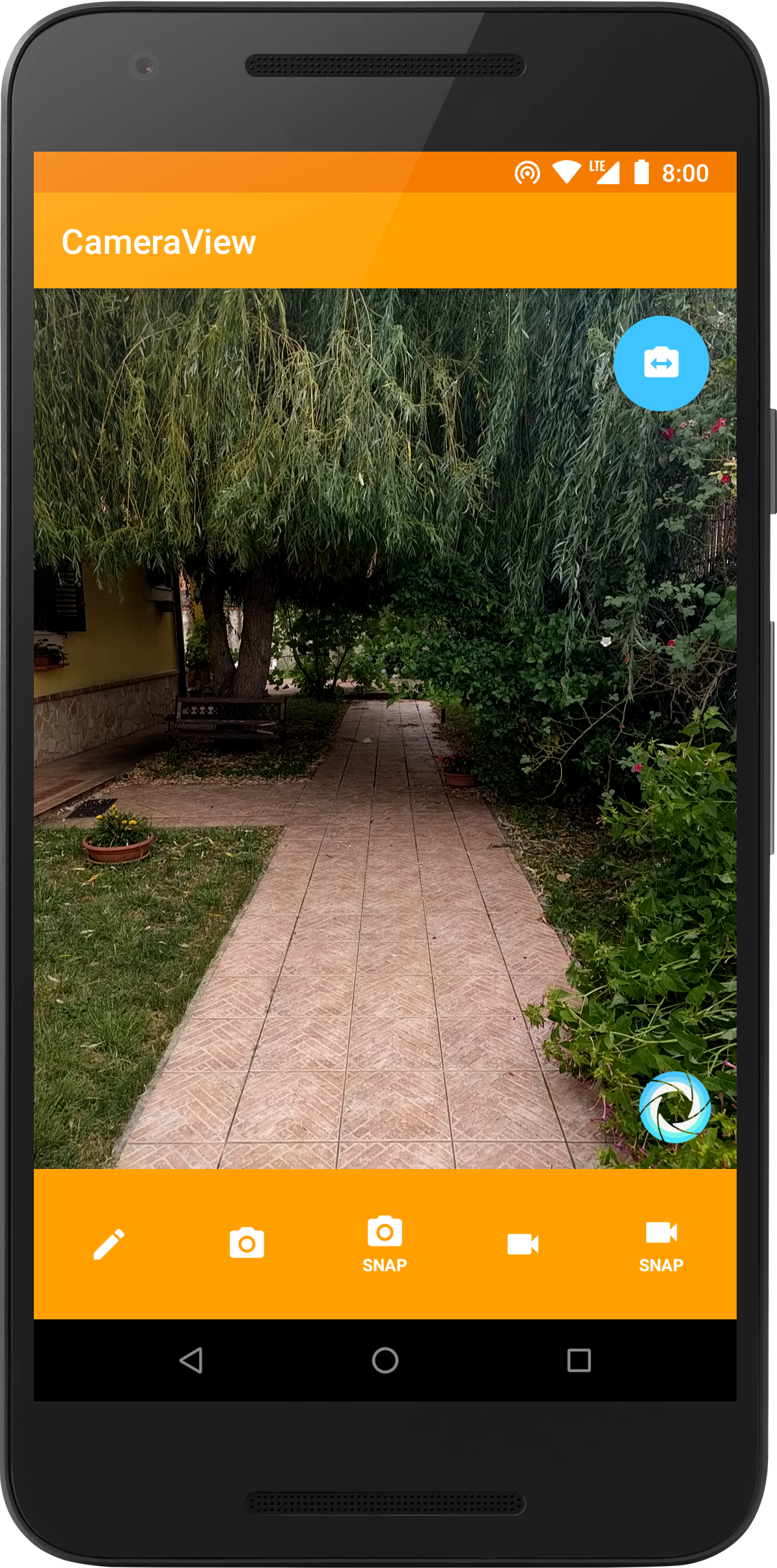
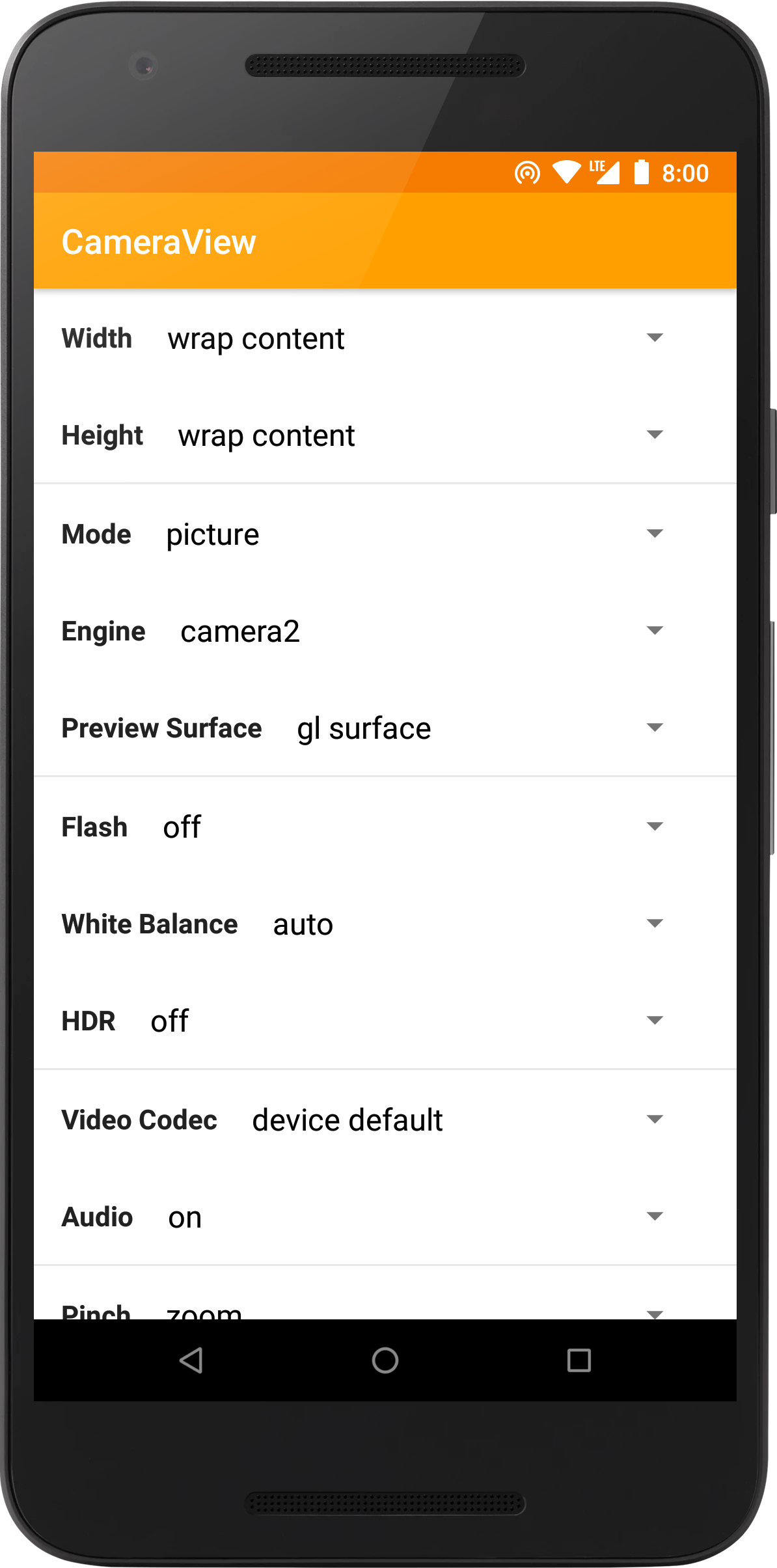
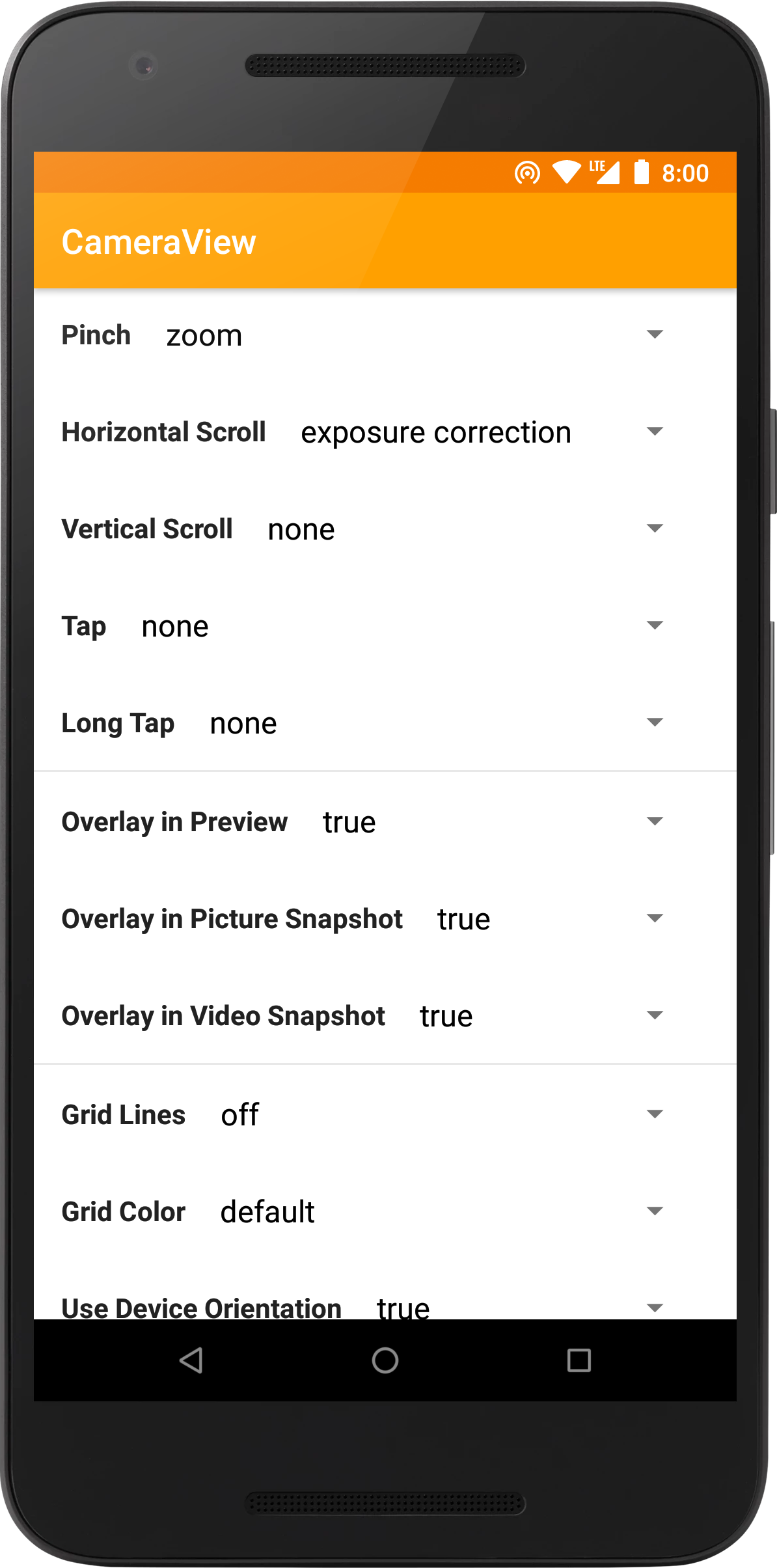
  <img src="docs/static/screen1.png" width="250" hspace="5"><img src="docs/static/screen2.png" width="250" hspace="5"><img src="docs/static/screen3.png" width="250" hspace="5">
</p>

&#10240;  <!-- Hack to add whitespace -->

## Support 

If you like the project, make profit from it, or simply want to thank back, please consider 
[sponsoring me](https://github.com/sponsors/natario1) through the GitHub Sponsors program! You can
have your company logo here, get private support hours or simply help me push this forward.
If you prefer, you can also [donate](https://natario1.github.io/CameraView/extra/donate) 
to our OpenCollective page.

CameraView is trusted and supported by [ShareChat](https://sharechat.com/), a social media app with over 100 million downloads. 
<p align="center">
  <img src="docs/static/sharechat.png" width="100%">
</p>

Feel free to <a href="mailto:mat.iavarone@gmail.com">contact me</a> for support, consulting or any other business-related question.

Thanks to all our project backers... [[become a backer]](https://opencollective.com/cameraview#backer)

<a href="https://opencollective.com/cameraview#backers" target="_blank"><img src="https://opencollective.com/cameraview/backers.svg?width=890"></a>

...and to all our project sponsors! [[become a sponsor]](https://opencollective.com/cameraview#sponsor)

<a href="https://opencollective.com/cameraview/sponsor/0/website" target="_blank"><img src="https://opencollective.com/cameraview/sponsor/0/avatar.svg"></a>
<a href="https://opencollective.com/cameraview/sponsor/1/website" target="_blank"><img src="https://opencollective.com/cameraview/sponsor/1/avatar.svg"></a>
<a href="https://opencollective.com/cameraview/sponsor/2/website" target="_blank"><img src="https://opencollective.com/cameraview/sponsor/2/avatar.svg"></a>
<a href="https://opencollective.com/cameraview/sponsor/3/website" target="_blank"><img src="https://opencollective.com/cameraview/sponsor/3/avatar.svg"></a>
<a href="https://opencollective.com/cameraview/sponsor/4/website" target="_blank"><img src="https://opencollective.com/cameraview/sponsor/4/avatar.svg"></a>
<a href="https://opencollective.com/cameraview/sponsor/5/website" target="_blank"><img src="https://opencollective.com/cameraview/sponsor/5/avatar.svg"></a>
<a href="https://opencollective.com/cameraview/sponsor/6/website" target="_blank"><img src="https://opencollective.com/cameraview/sponsor/6/avatar.svg"></a>
<a href="https://opencollective.com/cameraview/sponsor/7/website" target="_blank"><img src="https://opencollective.com/cameraview/sponsor/7/avatar.svg"></a>
<a href="https://opencollective.com/cameraview/sponsor/8/website" target="_blank"><img src="https://opencollective.com/cameraview/sponsor/8/avatar.svg"></a>
<a href="https://opencollective.com/cameraview/sponsor/9/website" target="_blank"><img src="https://opencollective.com/cameraview/sponsor/9/avatar.svg"></a>

## Setup

Please read the [official website](https://natario1.github.io/CameraView) for setup instructions and documentation.
You might also be interested in our [changelog](https://natario1.github.io/CameraView/about/changelog)
or in the [v1 migration guide](https://natario1.github.io/CameraView/extra/v1-migration-guide). 
Using CameraView is extremely simple:

```xml
<com.otaliastudios.cameraview.CameraView
    xmlns:app="http://schemas.android.com/apk/res-auto"
    android:layout_width="wrap_content"
    android:layout_height="wrap_content"
    app:cameraPictureSizeMinWidth="@integer/picture_min_width"
    app:cameraPictureSizeMinHeight="@integer/picture_min_height"
    app:cameraPictureSizeMaxWidth="@integer/picture_max_width"
    app:cameraPictureSizeMaxHeight="@integer/picture_max_height"
    app:cameraPictureSizeMinArea="@integer/picture_min_area"
    app:cameraPictureSizeMaxArea="@integer/picture_max_area"
    app:cameraPictureSizeSmallest="false|true"
    app:cameraPictureSizeBiggest="false|true"
    app:cameraPictureSizeAspectRatio="@string/video_ratio"
    app:cameraVideoSizeMinWidth="@integer/video_min_width"
    app:cameraVideoSizeMinHeight="@integer/video_min_height"
    app:cameraVideoSizeMaxWidth="@integer/video_max_width"
    app:cameraVideoSizeMaxHeight="@integer/video_max_height"
    app:cameraVideoSizeMinArea="@integer/video_min_area"
    app:cameraVideoSizeMaxArea="@integer/video_max_area"
    app:cameraVideoSizeSmallest="false|true"
    app:cameraVideoSizeBiggest="false|true"
    app:cameraVideoSizeAspectRatio="@string/video_ratio"
    app:cameraSnapshotMaxWidth="@integer/snapshot_max_width"
    app:cameraSnapshotMaxHeight="@integer/snapshot_max_height"
    app:cameraFrameProcessingMaxWidth="@integer/processing_max_width"
    app:cameraFrameProcessingMaxHeight="@integer/processing_max_height"
    app:cameraFrameProcessingFormat="@integer/processing_format"
    app:cameraFrameProcessingPoolSize="@integer/processing_pool_size"
    app:cameraFrameProcessingExecutors="@integer/processing_executors"
    app:cameraVideoBitRate="@integer/video_bit_rate"
    app:cameraAudioBitRate="@integer/audio_bit_rate"
    app:cameraGestureTap="none|autoFocus|takePicture"
    app:cameraGestureLongTap="none|autoFocus|takePicture"
    app:cameraGesturePinch="none|zoom|exposureCorrection|filterControl1|filterControl2"
    app:cameraGestureScrollHorizontal="none|zoom|exposureCorrection|filterControl1|filterControl2"
    app:cameraGestureScrollVertical="none|zoom|exposureCorrection|filterControl1|filterControl2"
    app:cameraEngine="camera1|camera2"
    app:cameraPreview="glSurface|surface|texture"
    app:cameraPreviewFrameRate="@integer/preview_frame_rate"
    app:cameraPreviewFrameRateExact="false|true"
    app:cameraFacing="back|front"
    app:cameraHdr="on|off"
    app:cameraFlash="on|auto|torch|off"
    app:cameraWhiteBalance="auto|cloudy|daylight|fluorescent|incandescent"
    app:cameraMode="picture|video"
    app:cameraAudio="on|off|mono|stereo"
    app:cameraGrid="draw3x3|draw4x4|drawPhi|off"
    app:cameraGridColor="@color/grid_color"
    app:cameraPlaySounds="true|false"
    app:cameraVideoMaxSize="@integer/video_max_size"
    app:cameraVideoMaxDuration="@integer/video_max_duration"
    app:cameraVideoCodec="deviceDefault|h264|h263"
    app:cameraAutoFocusResetDelay="@integer/autofocus_delay"
    app:cameraAutoFocusMarker="@string/cameraview_default_autofocus_marker"
    app:cameraUseDeviceOrientation="true|false"
    app:cameraFilter="@string/real_time_filter"
    app:cameraPictureMetering="true|false"
    app:cameraPictureSnapshotMetering="false|true"
    app:cameraPictureFormat="jpeg|dng"
    app:cameraRequestPermissions="true|false"
    app:cameraExperimental="false|true">
    
    <!-- Watermark! -->
    <ImageView
        android:layout_width="wrap_content"
        android:layout_height="wrap_content"
        android:layout_gravity="bottom|end"
        android:src="@drawable/watermark"
        app:layout_drawOnPreview="true|false"
        app:layout_drawOnPictureSnapshot="true|false"
        app:layout_drawOnVideoSnapshot="true|false"/>
        
</com.otaliastudios.cameraview.CameraView>
```