**此仓库不在单独维护,请移步至纯主题仓库[hexo-theme-amazing](https://github.com/removeif/hexo-theme-amazing)**
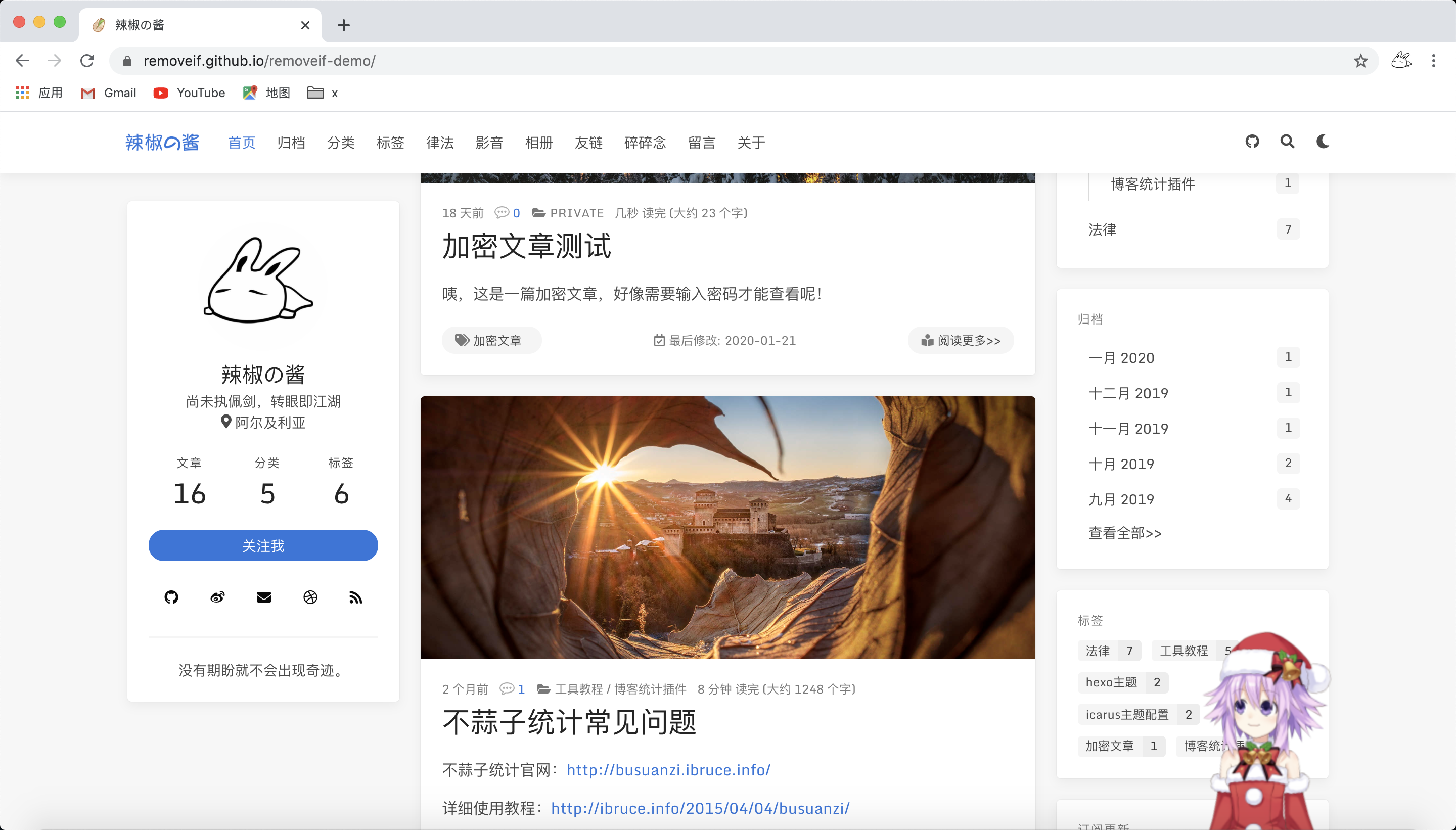
**预览图**
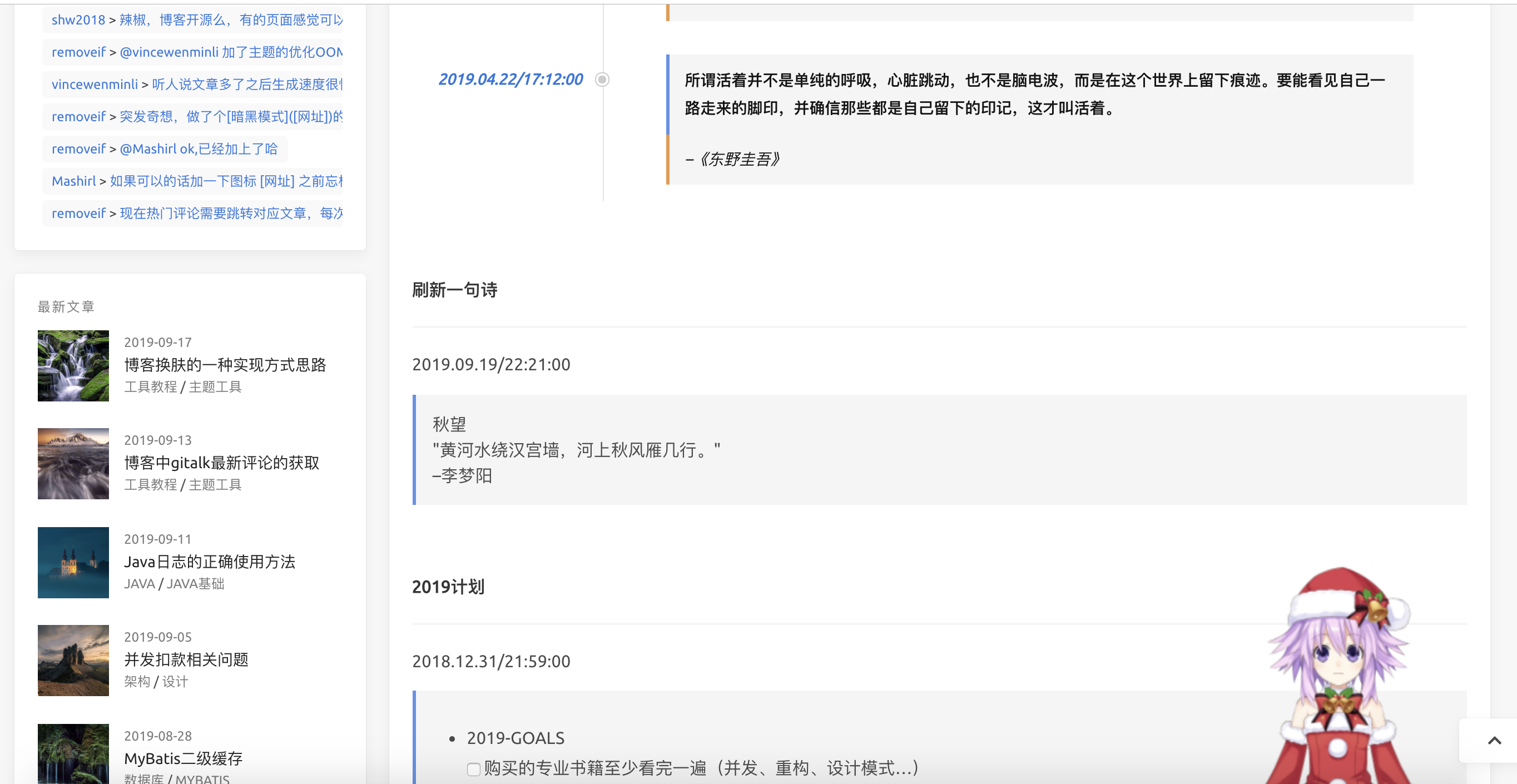
+ 首页1

+ 首页2
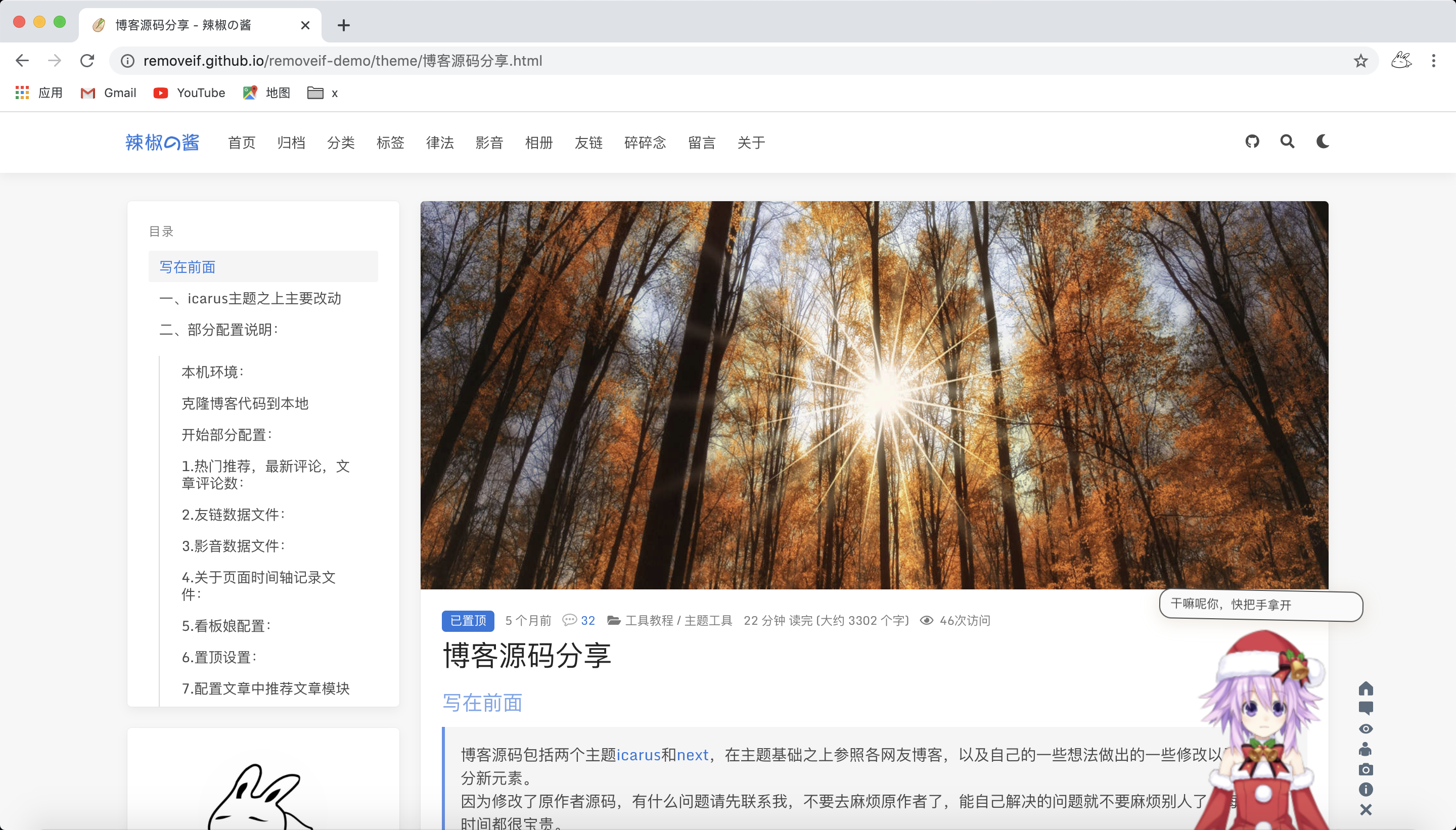
+ 博客文章
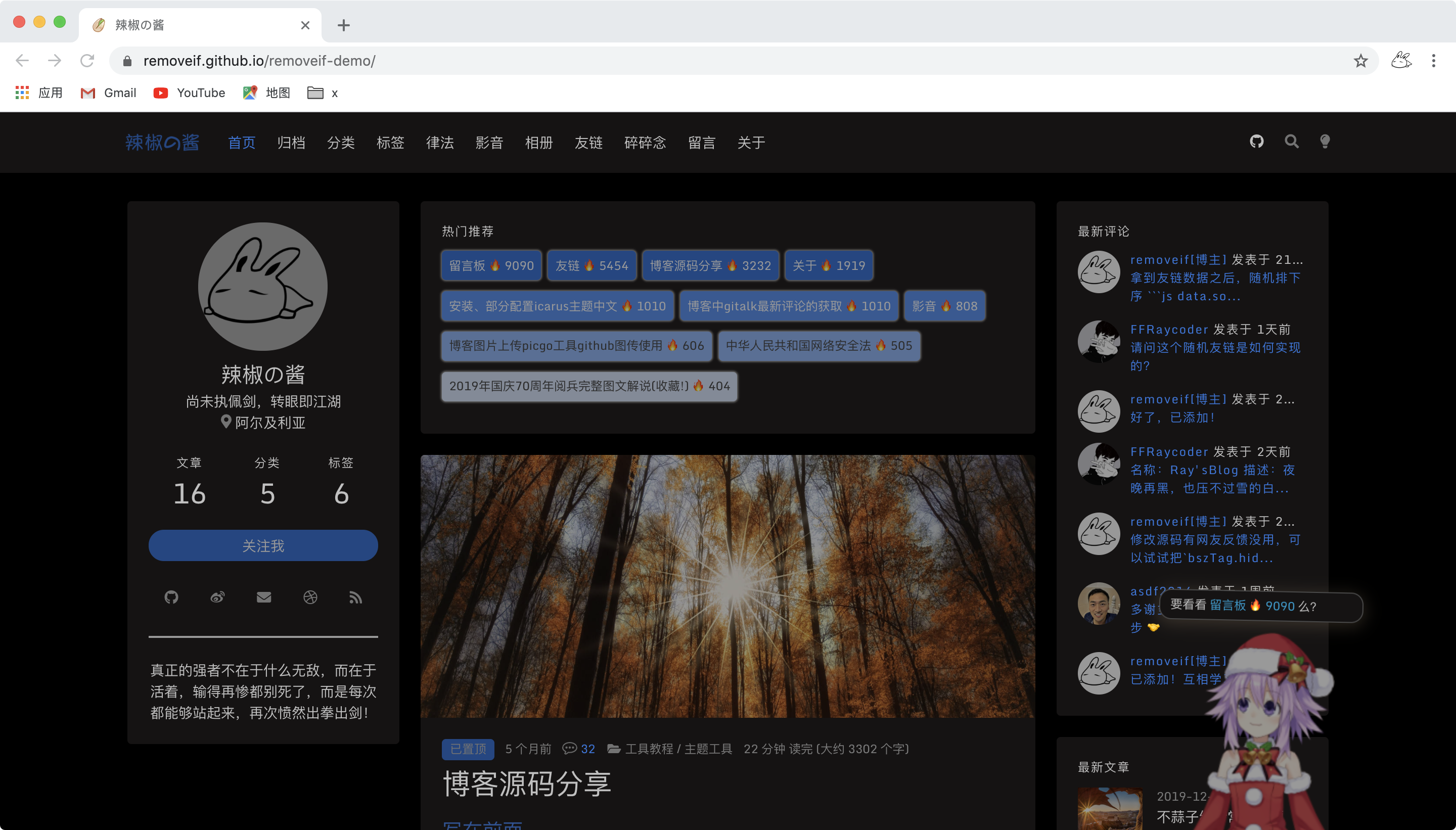
+ 首页深色
### 写在前面
博客源码包括两个主题[icarus](http://github.com/ppoffice/hexo-theme-icarus)和[next](https://github.com/iissnan/hexo-theme-next),在主题基础之上参照各网友博客,以及自己的一些想法做出的一些修改以及增加部分新元素。
因为修改了原作者源码,有什么问题请先联系我,不要去麻烦原作者了,能自己解决的问题就不要麻烦别人了,每个人的时间都很宝贵。
膜拜和感谢所有模块的原作者,orz👻,辛苦了。
**本仓库为博客主题完整仓库,纯主题仓库请移步为[hexo-theme-amazing](https://github.com/removeif/hexo-theme-amazing)**
线上博客:[欢迎围观](https://removeif.github.io/),[博客源码Live Demo](https://removeif.github.io/removeif-demo/)
### 一、icarus主题之上主要改动
+ 新增gitalk最新评论widget
+ 首页增加热门推荐
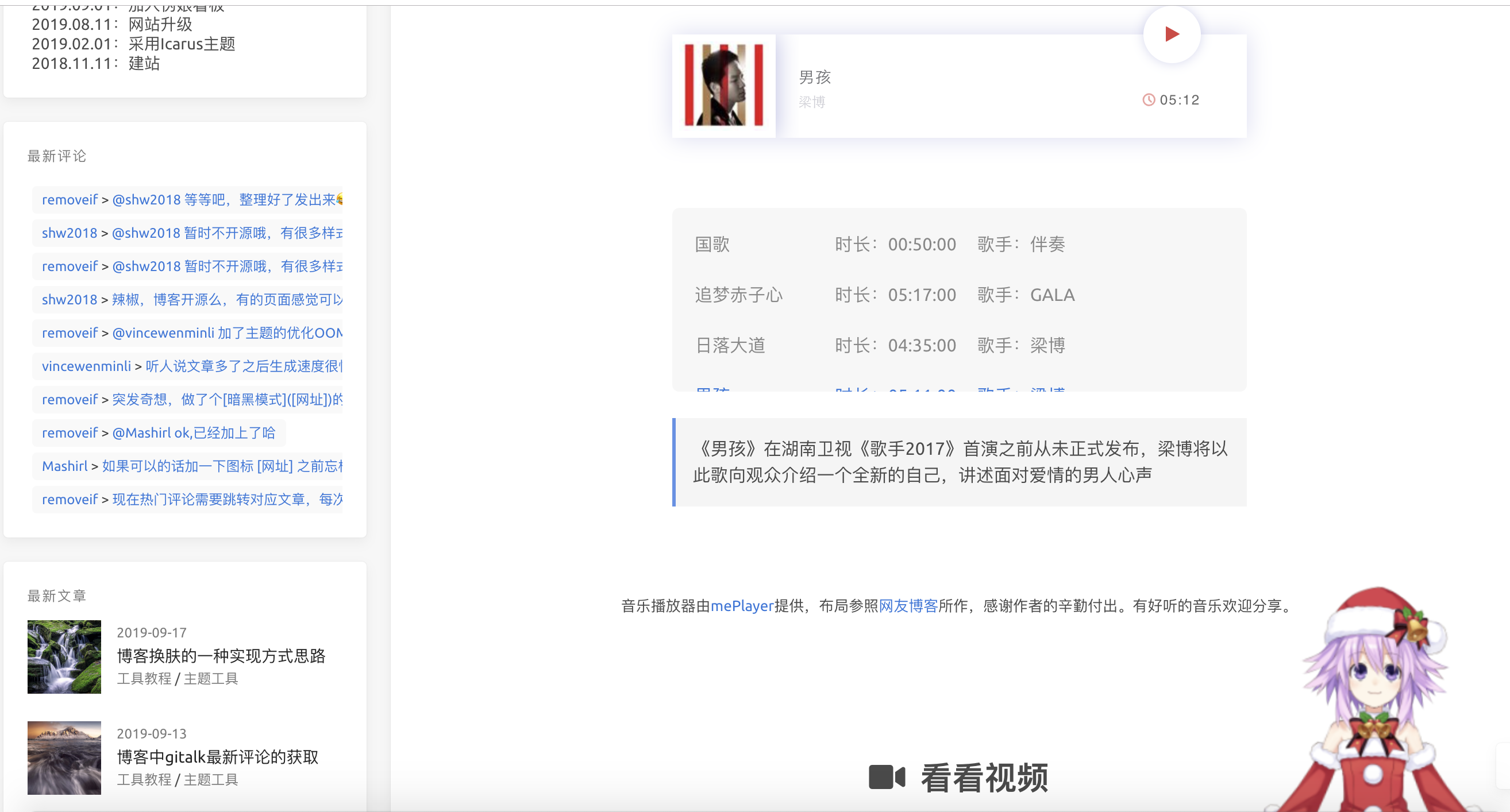
+ 增加弹性配置影音(可加音乐、视频)模块
+ 丰富弹性配置about页面
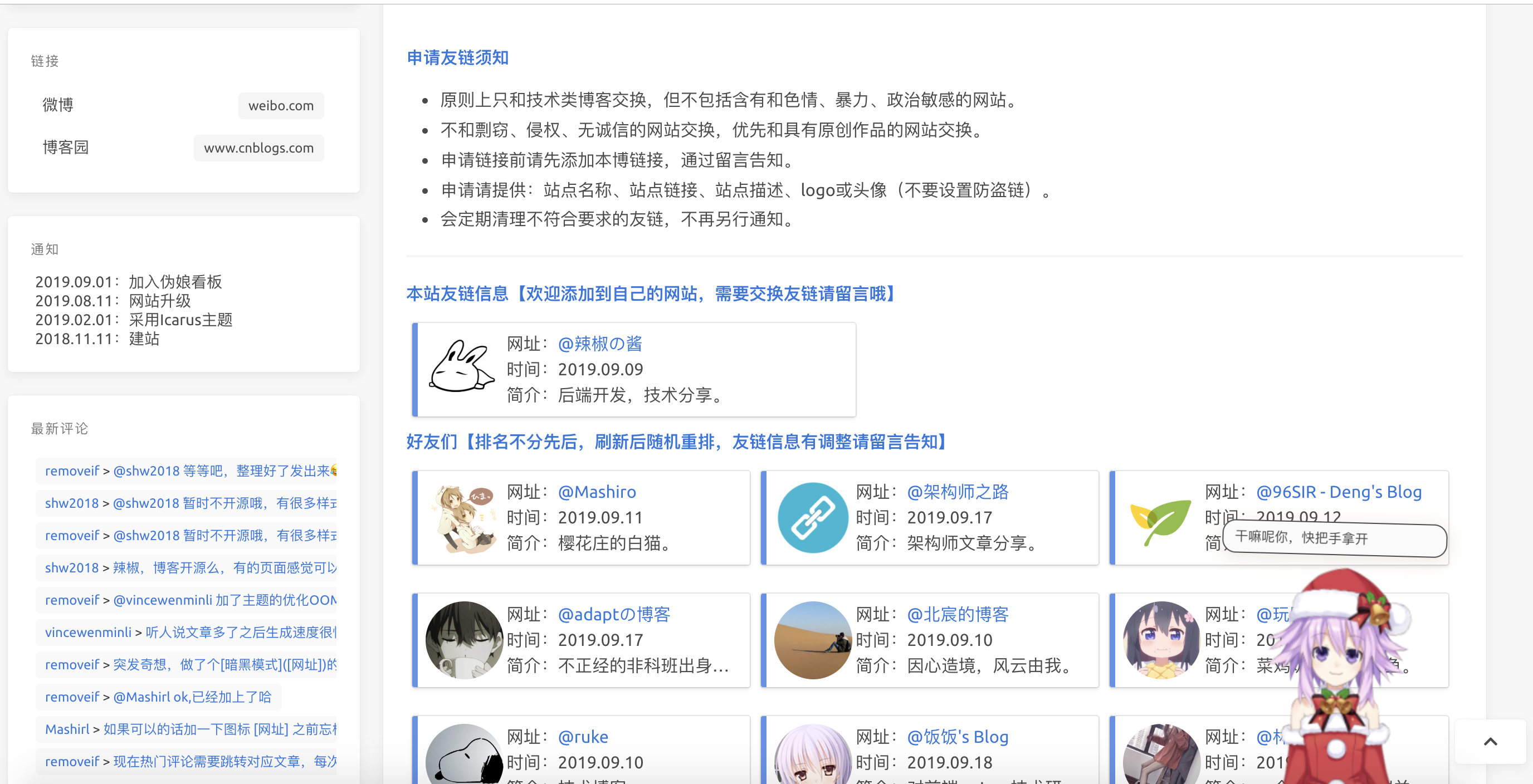
+ 新增弹性配置友链模块
+ 整体布局左右拉伸了一点,紧凑一些
+ 文章页双栏模式、固定导航栏
+ 引入可配置看板娘
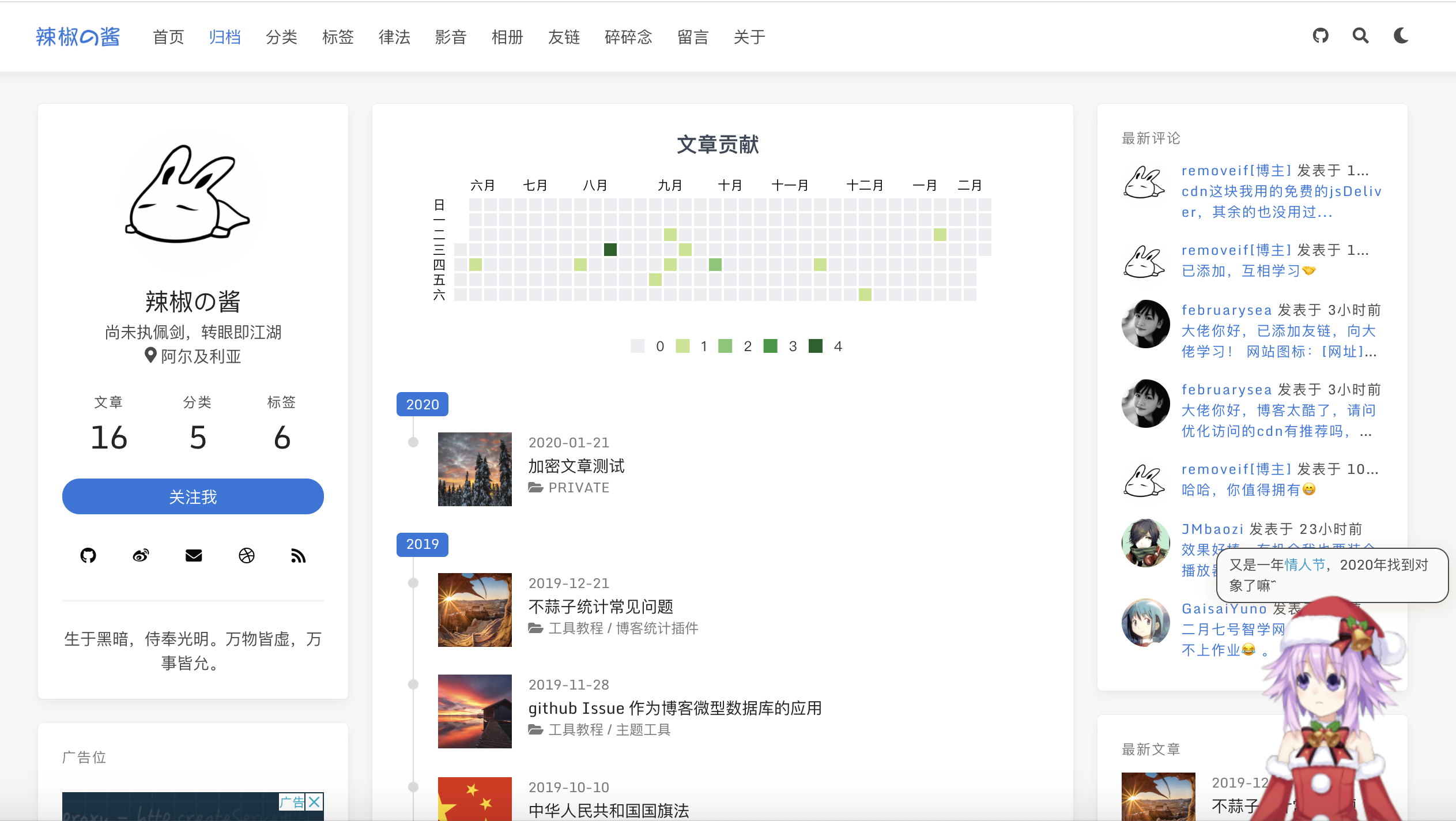
+ 归档页加入了一个文章贡献概览
+ 置顶文章的设置
+ 文章列表评论数显示
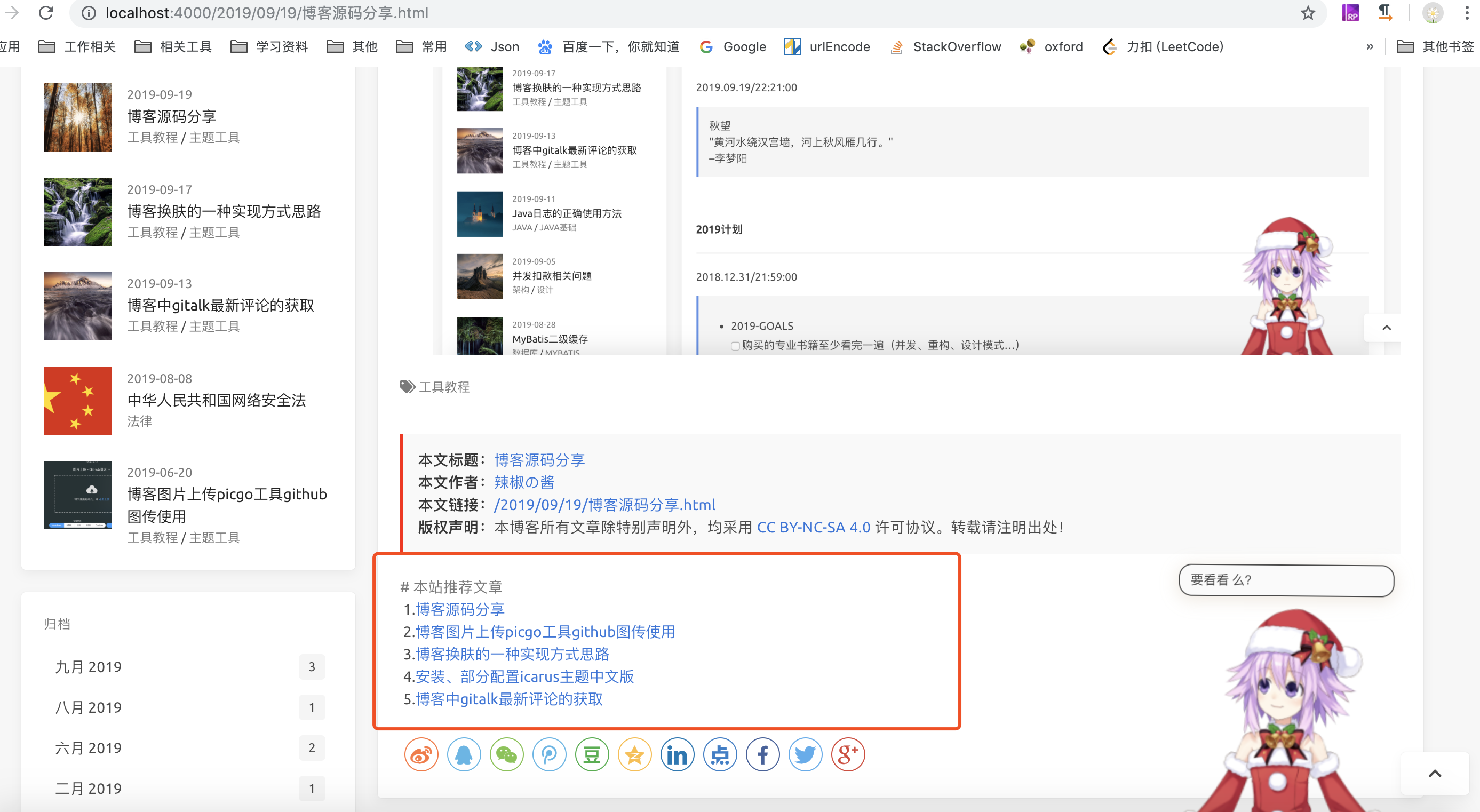
+ 文章中推荐文章模块配置
+ 增加深色主题切换
+ 加入加密文章
+ 碎碎念功能
+ 透明无界样式
+ 简化部分widget数据,加入`查看全部`按钮
+ gitalk评论增加评论开关,评论列表中标记博主
+ 还有什么新的,好的feature欢迎大家随时提出来,有能力有时间就做出来
### 二、部分配置说明:
#### 本机环境:
```jshelllanguage
192:hexo-theme-icarus-removeif xx$ node -v
v11.1.0
192:hexo-theme-icarus-removeif xx$ npm -v
6.4.1
```
注意文章模板文件中的配置 /scaffolds/post.md
```text
---
thumbnail:
title: {{ title }}
date: {{ date }}
tags:
categories:
toc: true
recommend: 1
keywords: categories-java
uniqueId: {{ date }}/{{ title }}.html
---
```
`uniqueId` 文章唯一标识,用于评论issue的id
#### 克隆博客代码到本地
```jshelllanguage
git clone https://github.com/removeif/hexo-theme-icarus-removeif.git
```
#### 开始部分配置:
**敲黑板!!!!首先全局以及主题中的`_config.yml`配置成自己的对应参数。**
#### 1.热门推荐,最新评论:
**仅针对gitalk评论有效,如果配置完后显示[本博客](https://removeif.github.io/)相关评论、推荐,请详细阅读这一条**
热门推荐,最新评论,文章评论数关联的js文件路径:themes/icarus/source/js/comment-issue-data.js
以下引号里的地址改成自己对应的博客评论的issues的仓库相关的值。repoIssuesUrl改两个值(removeif和blog_comment改成自己对应的)
```yaml
// 评论issues仓库 by.removeif https://removeif.github.io/
var repoIssuesUrl = "https://api.github.com/repos/removeif/blog_comment/issues"; // removeif:用户名,blog_comment:评论的issue仓库
// 评论issues仓库 clientId、clientSecret怎么申请自行搜索,关于这暴露两个参数的安全问题,查看 https://removeif.github.io/2019/09/19/博客源码分享.html#1-热门推荐,最新评论:
var clientId = "46a9f3481b46ea0129d8";
var clientSecret = "79c7c9cb847e141757d7864453bcbf89f0655b24";
```
github api 详情可以参照[官方api说明](https://developer.github.com/v3/#rate-limiting)
关于配置暴露client_id和client_secret安全性问题,gitalk作者有[解释](https://github.com/gitalk/gitalk/issues/150)
对应主题中的`_config.yml`要开启如下配置,xxx换成自己的,否则无效。
```yaml
comment:
type: gitalk
owner: xxx # (required) GitHub user name
repo: xxx # (required) GitHub repository name
client_id: xxx # (required) OAuth application client id
client_secret: xxx # (required) OAuth application client secret
admin: xxx #此账户一般为用户名 GitHub user name 文章中能创建issue需要此用户登录才可以,点了创建issue后刷新一遍才能看到!!!!
create_issue_manually: true
distraction_free_mode: true
has_hot_recommend: true # 是否有热门推荐
has_latest_comment: true #是否有最新评论
```
说明:
+ `has_hot_recommend: true` 是否开启首页热评,false-不开启,true-开启
+ `has_latest_comment: true` 是否开启最新评论,false-不开启,true-开启
+ 热门推荐数据为评论数最多的文章,🔥后面的数字:根据文章的评论数*101 。
+ 最新评论:为该仓库下,所有issue中的最新评论。
+ 目前的最新评论有1分钟的本地缓存,评论后可能1分钟后才能看见最新评论,出于性能优化,每次请求接口处理还是挺耗时,comment-issue-data.js中可以自己去掉。
#### 2.友链数据文件:
文件路径:themes/icarus/source/js/friend.js
相应格式增加自己需要的数据。
友链数据中,"valid": 0 代表异常网站,"valid": 1或者不填此字段代表正常网站,可以自己配置;"stopTime": "2019.09.09"代表异常时访问的时间
{
"date": "2019.09.09",
"stopTime": "2019.09.09",
"src": "https://cdn.jsdelivr.net/gh/removeif/removeif.github.io/images/tuzi.jpg",
"name": "@辣椒の酱",
"desc": "后端开发,技术分享。",
"url": "https://removeif.github.io/",
"valid": 0
}
#### 3.影音数据文件:
文件路径:
音乐:themes/icarus/source/json_data/music.json
视频:themes/icarus/source/json_data/video.json
相应格式增加自己需要的数据。
#### 4.关于页面时间轴记录数据文件:
文件路径:themes/icarus/source/json_data/record.json
相应格式增加自己需要的数据。
#### 5.看板娘配置
主题中的`_config.yml`配置如下设置
```text
live2Dswitch: off #live2D开关 on为打开,off为关闭
```
#### 6.置顶设置:
.md文章头部数据中加入top值,top值越大越靠前,大于0显示置顶图标。
修改依赖包中文件removeif/node_modules/hexo-generator-index/lib/generator.js如下:
```js
'use strict';
const pagination = require('hexo-pagination');
module.exports = function(locals){
var config = this.config;
var posts = locals.posts;
posts.data = posts.data.sort(function(a, b) {
if(a.top == undefined){
a.top = 0;
}
if(b.top == undefined){
b.top = 0;
}
if(a.top == b.top){
return b.date - a.date;
}else{
return b.top - a.top;
}
});
var paginationDir = config.pagination_dir || 'page';
return pagination('', posts, {
perPage: config.index_generator.per_page,
layout: ['index', 'archive'],
format: paginationDir + '/%d/',
data: {
__index: true
}
});
};
```
#### 7.配置文章中推荐文章模块
根据配置的recommend值(必须大于0),值越大越靠前,相等取最新的,最多取5条。recommend(6.中top值也在下面示例)配置在.md文章头中,如下
```yaml
title: 博客源码分享
top: 1
toc: true
recommend: 1
keywords: categories-github
date: 2019-09-19 22:10:43
thumbnail: https://cdn.jsdelivr.net/gh/removeif/blog_image/img/2019/20190919221611.png
tags: 工具教程
categories: [工具教程,主题工具]
```
#### 8.文章中某个代码块折叠的方法
代码块头部加入标记 `>folded`,如下代码块中使用。
```java main.java >folded
// 使用示例,.md 文件中头行标记">folded"
// ```java main.java >folded
// import main.java
// private static void main(){
// // test
// int i = 0;
// return i;
// }
// \\```
```
#### 9.加入加密文章
如下需要加密的文章头部加入以下代码
```text
---
title: 2019成长记01
top: -1
toc: true
keywords: categories-java
#以下为文章加密信息
encrypt: true
password: 123456 #此处为文章密码
abstract: 咦,这是一篇加密文章,好像需要输入密码才能查看呢!
message: 嗨,请准确无误地输入密码查看哟!
wrong_pass_message: 不好意思,密码没对哦,在检查检查呢!
wrong_hash_message: 不好意思,信息无法验证!
---
```
注:**加密文章不会出现在最新文章列表widget中,也不会出现在文章中推荐列表中,首页列表中需要设置top: -1 让它排在最后比较合理一些。**
#### 10.碎碎念的使用
在github中,创建碎碎念issue,并且打上对应的label(`eg:666666`)对应配置中为id,填写到source/self-talking/index.md文件中如下对应位置,其余配置也要改成自己的,如clientID等。
```js
```
如下:

#### 11.本博客样式(透明无界)
只需要放开themes/icarus/source/css/base.styl文件中以下样式代码注释即可,默认是注释的没启用
```css
//=================本博客使用样式 start
// 首页去图
.body_hot_comment .comment-content .card-comment-item .ava, .media-left, .is-6-widescreen .card-image {
display: none;
}
hover-color = #deeafb;
// 去card
.card {
background-color: unset;
box-shadow: unset;
}
.navbar, footer.footer {
background-color: unset;
}
body:not(.night) .navbar:hover,
body:not(.night) .footer:hover,
body:not(.night) .card:hover,
body:not(.night) .pagination:hover,
body:not(.night) .post-navigation:hover{
background-color: hover-color;
box-shadow: 0 4px 10px rgba(0,0,0,0.05),0 0 1px rgba(0,0,0,0.1);
}
.pagination, .post-navigation{
padding: 10px;
}
.pagination .pagination-link:not(.is-current), .pagination .pagination-previous, .pagination .pagination-next {
background-color:rgba(255,255,255,0);
}
.timeline .media:last-child:after {
background: unset;
}
.content .gt-container .gt-comment-admin .gt-comment-content {
border: 2px solid #deeafb;
}
//=================本博客使用样式 end
```
如下:

#### 精简部分widget数据
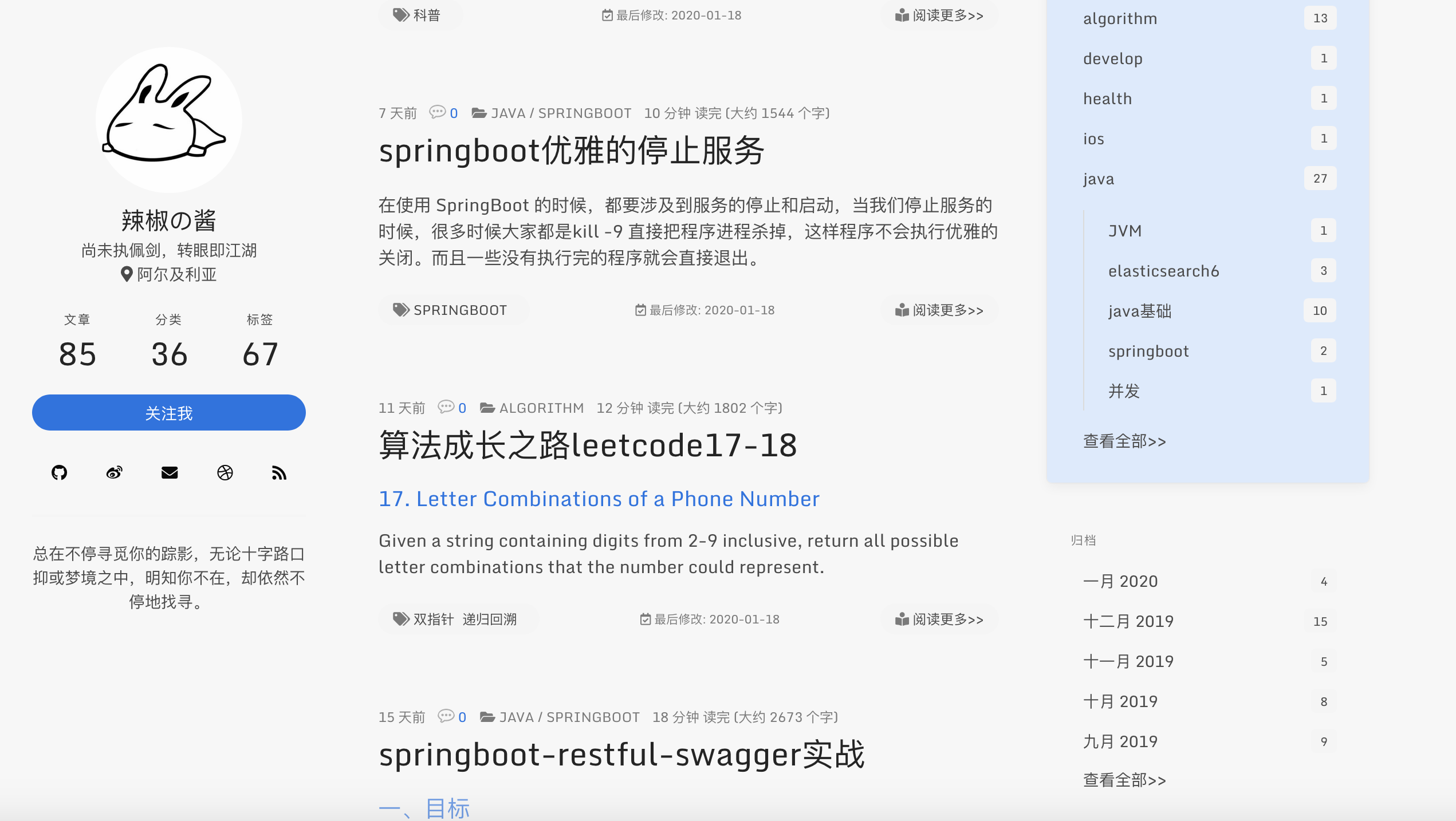
widget中的归档和分类和标签精简了,数据多时很丑,改为了分别展示5条和10条和20条,增加了查看全部。
#### gitalk评论增加评论开关,评论列表中标记博主
需要关闭评论的在文章头部加入 `comments: false`,原来已经评论的依然会显示,如下
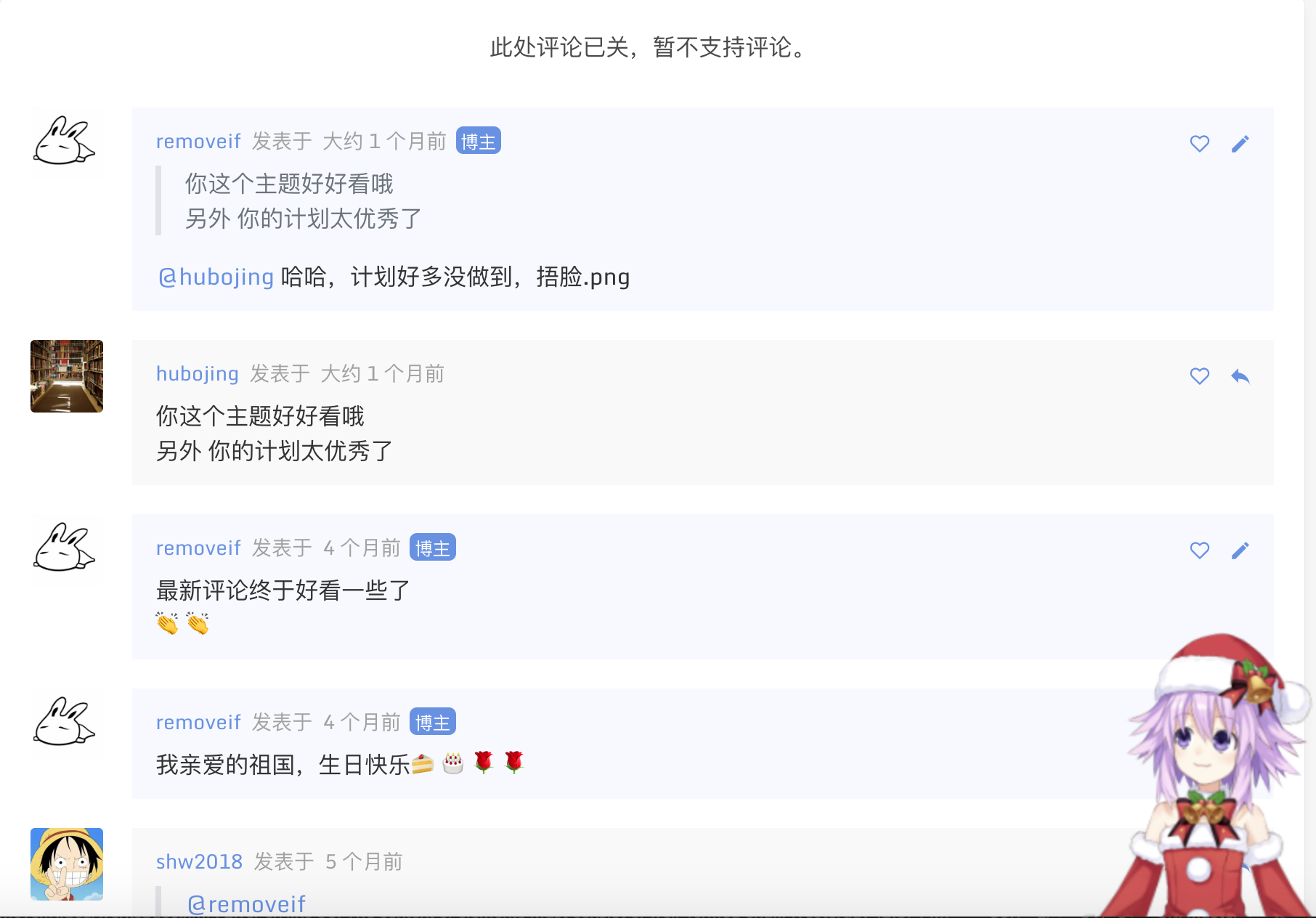
原来已有博客文章的迁移,只需要把原来对应的文章放到source/_posts里即可。然后去对应文章下面创建评论issue。
#### 左下角网站运行时间更改
文件是:hexo-theme-icarus-removeif/themes/icarus/source/js/statistics.js,对应如下,修改成自己网站开始运行的时间就行
```js
var n = new Date("11/11/2018 00:00:00");
```
#### 以上配置好后
```yaml
$ npm install #安装依赖包(只需要执行一次)
$ hexo clean #清除缓存
$ hexo g #编译
$ hexo s #启动服务
$ hexo d #推到远程
```
安装依赖包(只需要执行一次),以后修改了代码 只需要执行后面几条就好。
ok,enjoy it!👏👏👏
### 写在后面
如果你有问题请反馈: [issues](https://github.com/removeif/hexo-theme-icarus-removeif/issues) (请务必先于issues中寻找答案)
如果你喜欢该主题: [star](https://github.com/removeif/hexo-theme-icarus-removeif)
如果你想定制主题: [fork](https://github.com/removeif/hexo-theme-icarus-removeif)
### License
This project is licensed under the MIT License - see the [LICENSE](https://github.com/removeif/hexo-theme-icarus-removeif/blob/master/LICENSE) file for details.
### 其余主题彩蛋
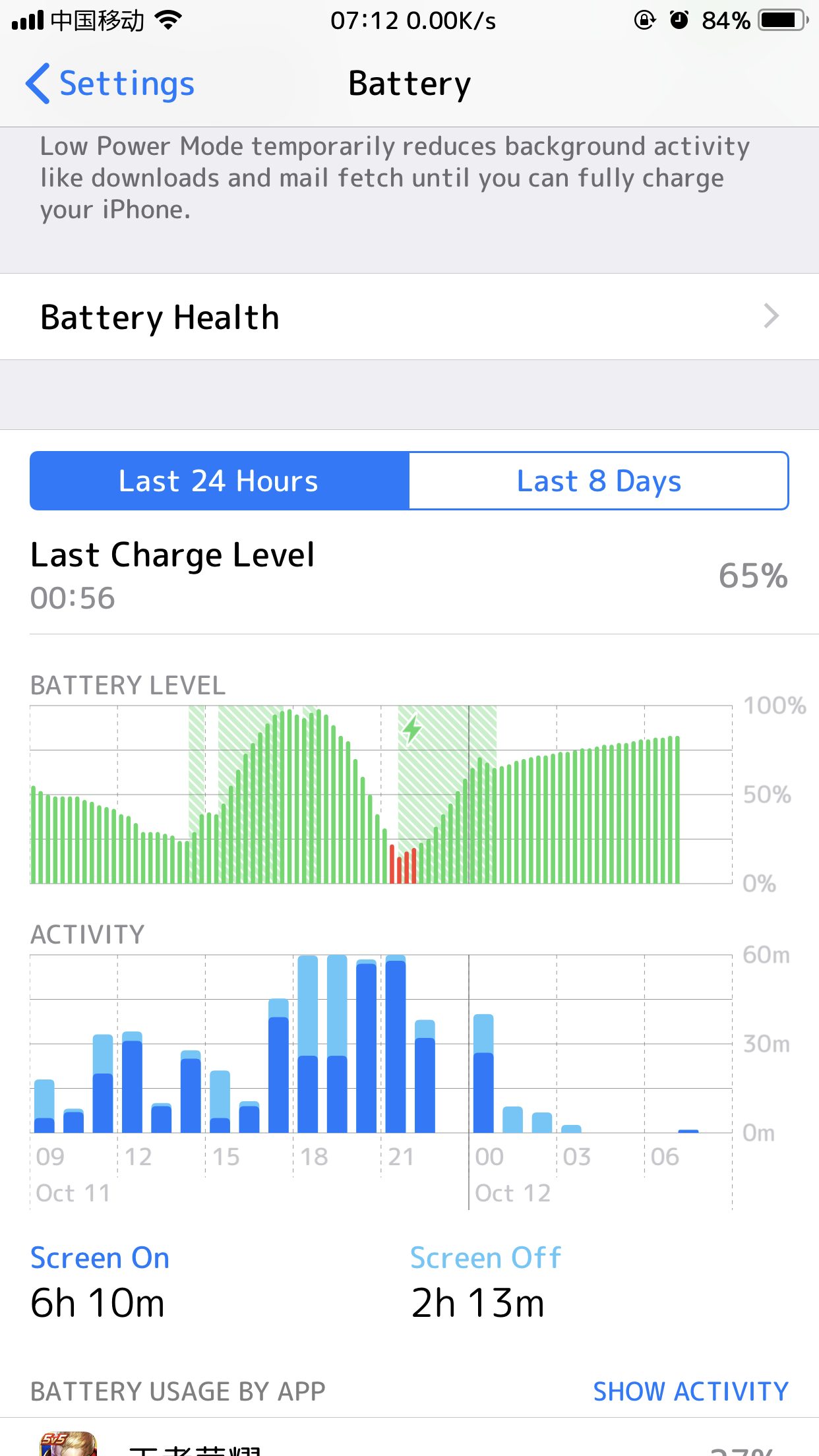
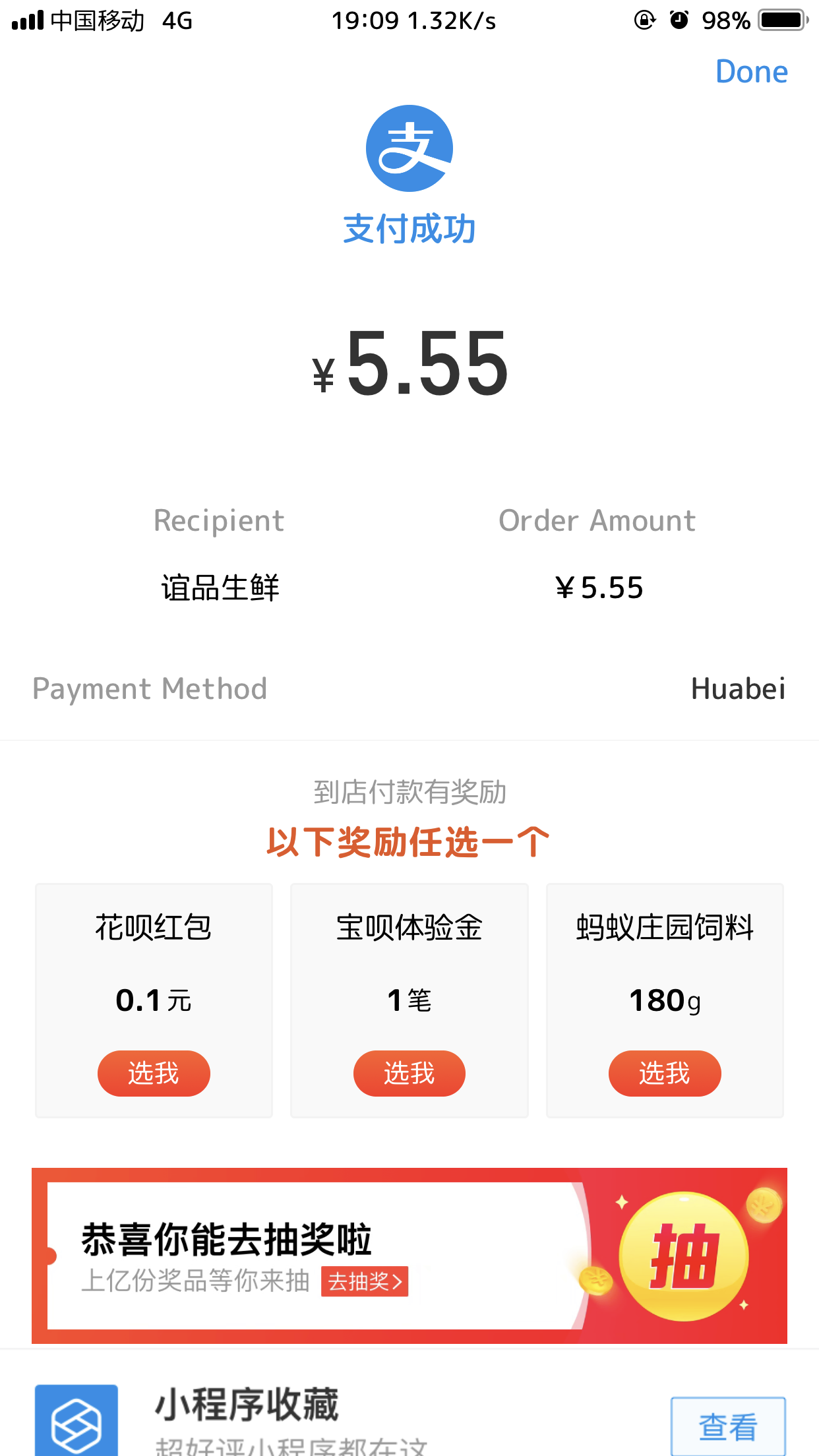
**文章中横竖图demo;对于横竖图推荐分开使用,且长宽一致的,如统一手机拍照、电脑截图**
使用方法:md文章中放入以下代码
```html
+ 横竖图
    
+ 横图4
   
+ 竖图5
```
#### 效果如下(多图左右拉查看)
[查看效果](https://removeif.github.io/theme/%E5%8D%9A%E5%AE%A2%E6%BA%90%E7%A0%81%E5%88%86%E4%BA%AB.html#效果如下(多图左右拉查看))
### 主题快照:
+ 主页

+ 置顶

+ 文章评论数

+ 推荐文章模块
+ 归档
+ 留言
+ 友链
+ 美图

+ 影音
+ 关于