[ ](https://apps.apple.com/gb/app/enchanted-llm/id6474268307)


[
](https://apps.apple.com/gb/app/enchanted-llm/id6474268307)


[ ](https://twitter.com/amgauge)


# Enchanted
Enchanted is an open source, [Ollama](https://github.com/jmorganca/ollama) compatible, elegant macOS/iOS/visionOS app for working with privately hosted models such as Llama 2, Mistral, Vicuna, Starling, and more. It's essentially ChatGPT app UI that connects to your private models. The goal of Enchanted is to deliver an unfiltered, secure, private, and multimodal experience across all of your devices in the iOS ecosystem (macOS, iOS, Watch, Vision Pro).
If you like the project, consider leaving a ⭐️ and following on [𝕏](https://twitter.com/amgauge).
## App Store
[
](https://twitter.com/amgauge)


# Enchanted
Enchanted is an open source, [Ollama](https://github.com/jmorganca/ollama) compatible, elegant macOS/iOS/visionOS app for working with privately hosted models such as Llama 2, Mistral, Vicuna, Starling, and more. It's essentially ChatGPT app UI that connects to your private models. The goal of Enchanted is to deliver an unfiltered, secure, private, and multimodal experience across all of your devices in the iOS ecosystem (macOS, iOS, Watch, Vision Pro).
If you like the project, consider leaving a ⭐️ and following on [𝕏](https://twitter.com/amgauge).
## App Store
[ ](https://apps.apple.com/gb/app/enchanted-llm/id6474268307)
Note: You will need to run your own Ollama server to use the app. Read instructions below.
## Demo
[
](https://apps.apple.com/gb/app/enchanted-llm/id6474268307)
Note: You will need to run your own Ollama server to use the app. Read instructions below.
## Demo
[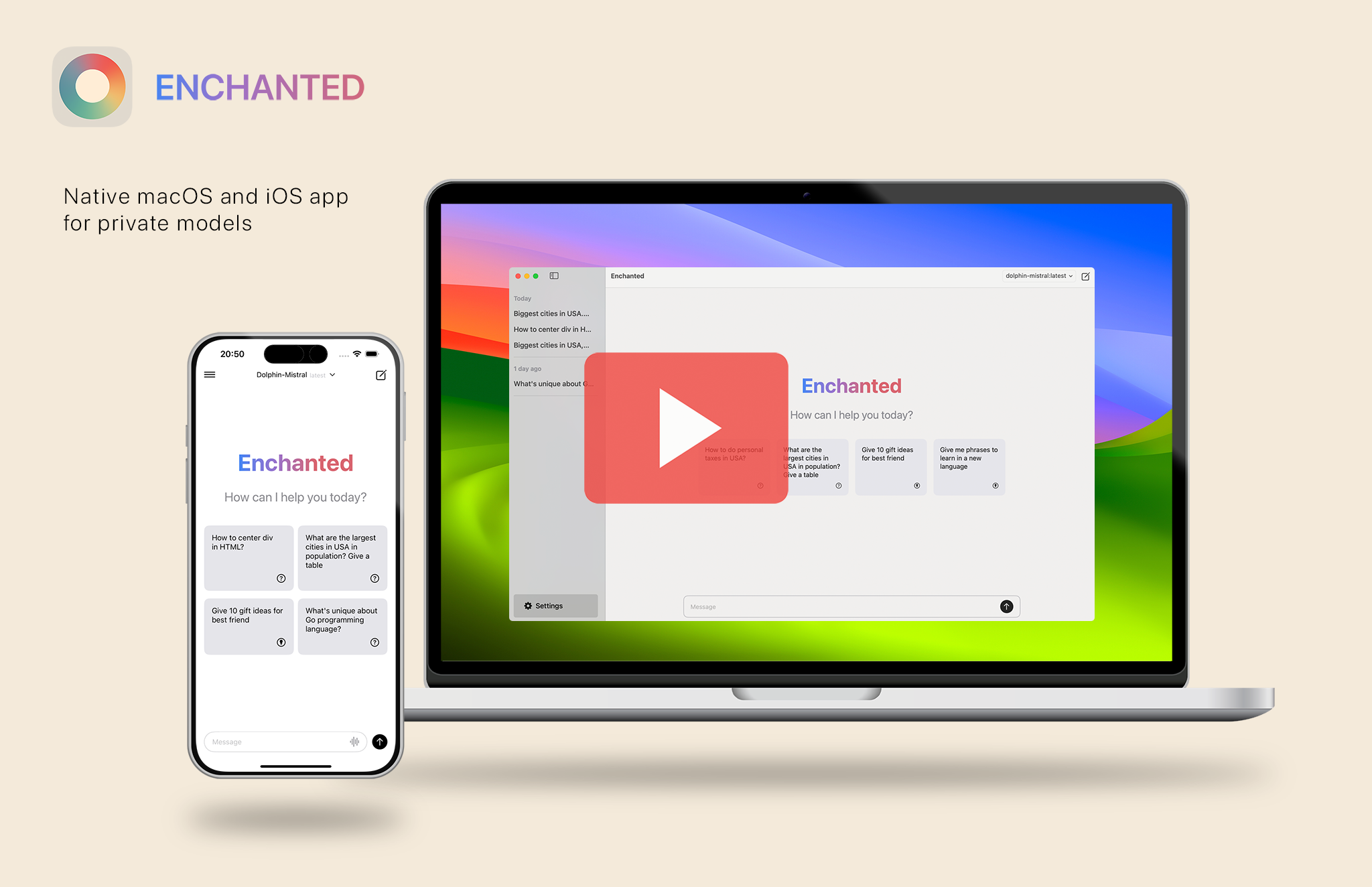 ](https://www.youtube.com/watch?v=zW3roZ_vM5Q)
[Vision Pro Demo](https://www.youtube.com/watch?v=y4ZeGU5IdHA)
## Showcase
### Macbook
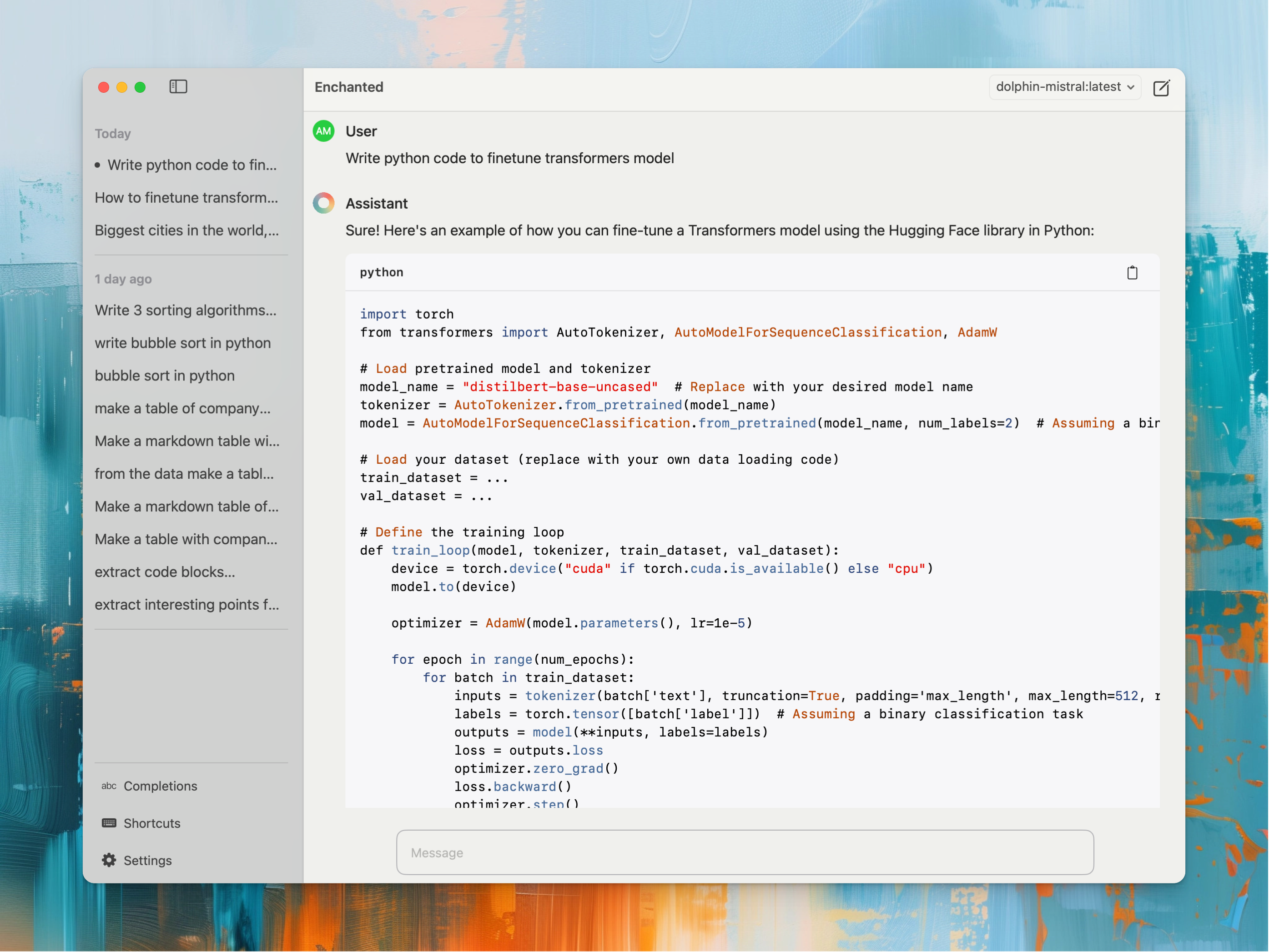
#### Dark mode
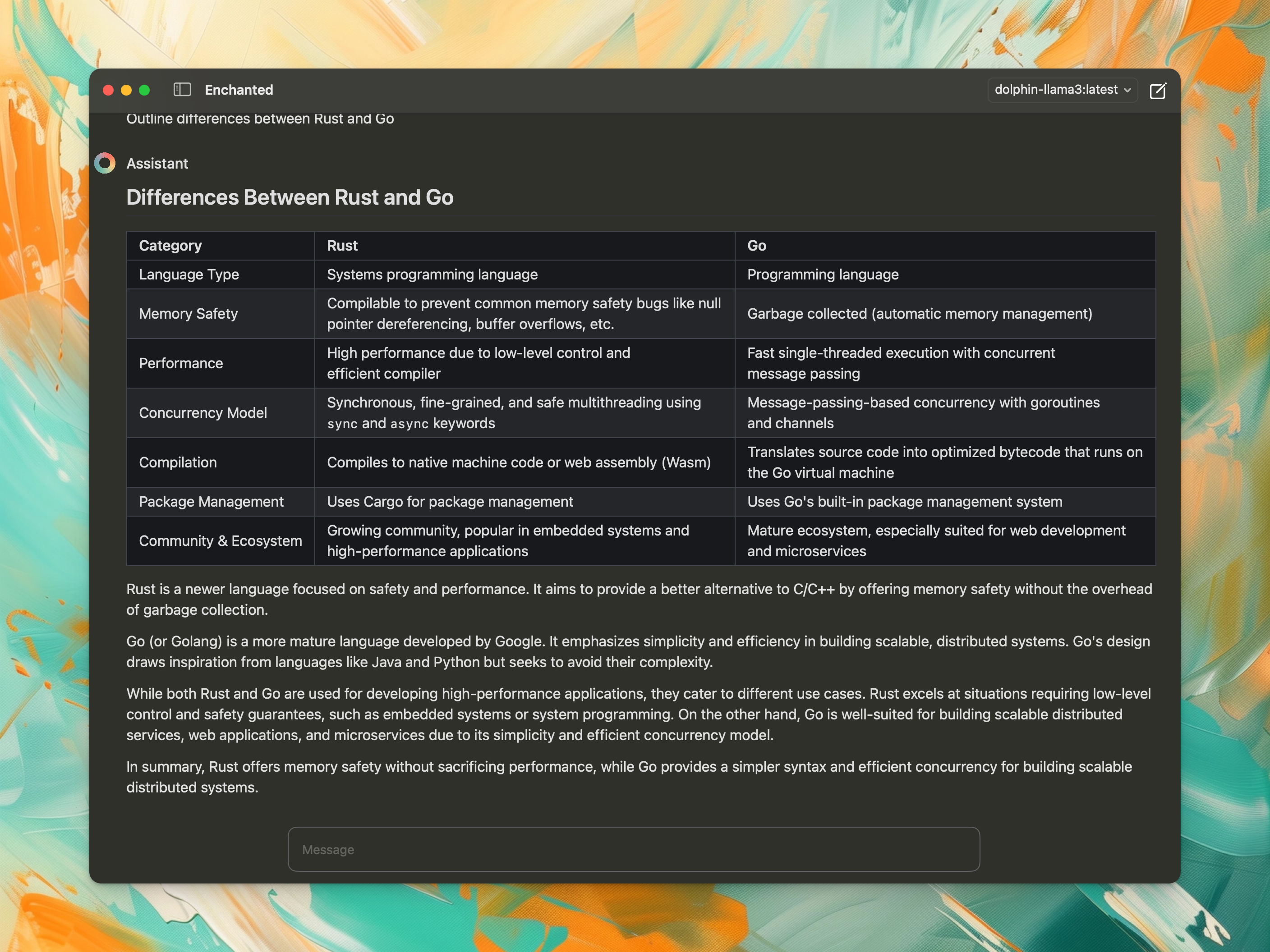
#### Settings
](https://www.youtube.com/watch?v=zW3roZ_vM5Q)
[Vision Pro Demo](https://www.youtube.com/watch?v=y4ZeGU5IdHA)
## Showcase
### Macbook

#### Dark mode

#### Settings
 #### Completions
 #### Use from anywhere
https://github.com/AugustDev/enchanted/assets/5672094/221d2a48-9218-4579-b284-a1ad2845e4d6
#### Build custom prompt templates and use anywhere
#### Use from anywhere
https://github.com/AugustDev/enchanted/assets/5672094/221d2a48-9218-4579-b284-a1ad2845e4d6
#### Build custom prompt templates and use anywhere
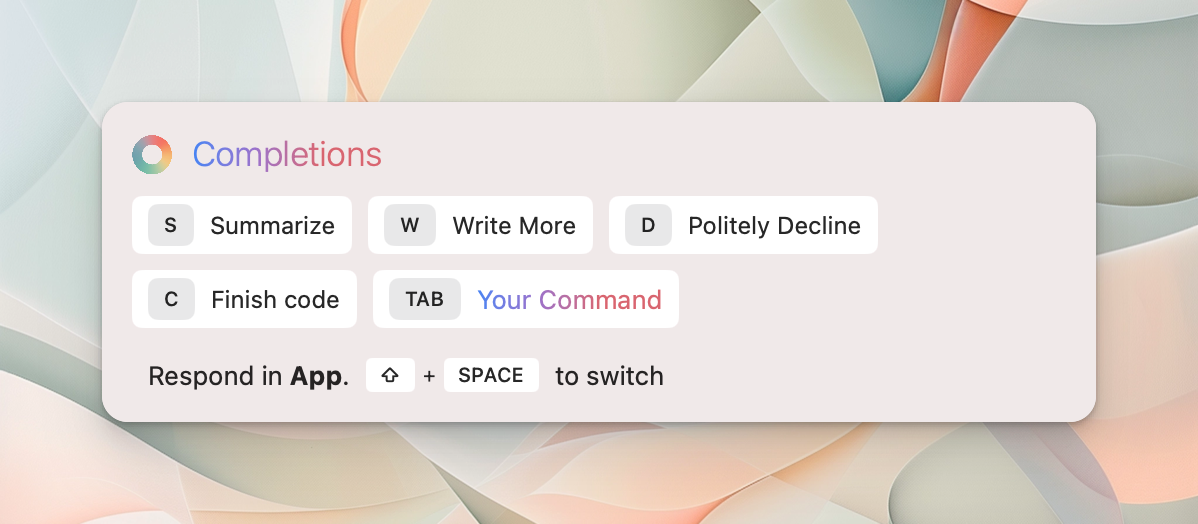 https://github.com/AugustDev/enchanted/assets/5672094/8bdebd5e-2910-4855-bb10-91239cafbc28
#### Custom completion
https://github.com/AugustDev/enchanted/assets/5672094/2ef476e7-8fc5-4992-9152-6df3847056d6
### iPhone
Multimodal
https://github.com/AugustDev/enchanted/assets/5672094/8bdebd5e-2910-4855-bb10-91239cafbc28
#### Custom completion
https://github.com/AugustDev/enchanted/assets/5672094/2ef476e7-8fc5-4992-9152-6df3847056d6
### iPhone
Multimodal
 Markdown
 Conversation history
 ### Vision Pro

 - Text to Speech (Read Aloud)
- Conversation history included in the API calls
- Dark/Light mode
- Conversation history is stored on your device
- Markdown support (nicely displays tables/lists/code blocks)
- Voice prompts
- Image attachments for prompts
- Specify system prompt used for every conversations
- Edit message content or submit message with different model
- Delete single conversation / delete all conversations
- macOS Spotlight panel Ctrl+⌘+K
- All features work offline
## Usage instructions
Enchanted requires Ollama v0.1.14 or later.
### Case 1. You run Ollama server with public access
1. Download Enchanted app from the App Store.
2. In App Settings specify your server endpoint.
You're done! Make a prompt.
### Case 2. You run Ollama on your computer
[Video instructions here](https://www.youtube.com/watch?v=SFeVCiLOABM)
1. Start Ollama server and download models for usage.
2. Install ngrok and forward your Ollama server to make it publicly accessible
```shell
ngrok http 11434 --host-header="localhost:11434"
```
3. Copy "Forwarding" URL that will look something like `https://b377-82-132-216-51.ngrok-free.app`. Your Ollama server API is now accessible through this temporary URL.
4. Download Enchanted app from the App Store.
5. In App Settings specify your server endpoint.
You're done! Make a prompt.
# Contact
For any questions please do not hesitate to contact me at augustinas@subj.org
# Author
Augustinas Malinauskas
- Text to Speech (Read Aloud)
- Conversation history included in the API calls
- Dark/Light mode
- Conversation history is stored on your device
- Markdown support (nicely displays tables/lists/code blocks)
- Voice prompts
- Image attachments for prompts
- Specify system prompt used for every conversations
- Edit message content or submit message with different model
- Delete single conversation / delete all conversations
- macOS Spotlight panel Ctrl+⌘+K
- All features work offline
## Usage instructions
Enchanted requires Ollama v0.1.14 or later.
### Case 1. You run Ollama server with public access
1. Download Enchanted app from the App Store.
2. In App Settings specify your server endpoint.
You're done! Make a prompt.
### Case 2. You run Ollama on your computer
[Video instructions here](https://www.youtube.com/watch?v=SFeVCiLOABM)
1. Start Ollama server and download models for usage.
2. Install ngrok and forward your Ollama server to make it publicly accessible
```shell
ngrok http 11434 --host-header="localhost:11434"
```
3. Copy "Forwarding" URL that will look something like `https://b377-82-132-216-51.ngrok-free.app`. Your Ollama server API is now accessible through this temporary URL.
4. Download Enchanted app from the App Store.
5. In App Settings specify your server endpoint.
You're done! Make a prompt.
# Contact
For any questions please do not hesitate to contact me at augustinas@subj.org
# Author
Augustinas Malinauskas