# @thesvg/vue
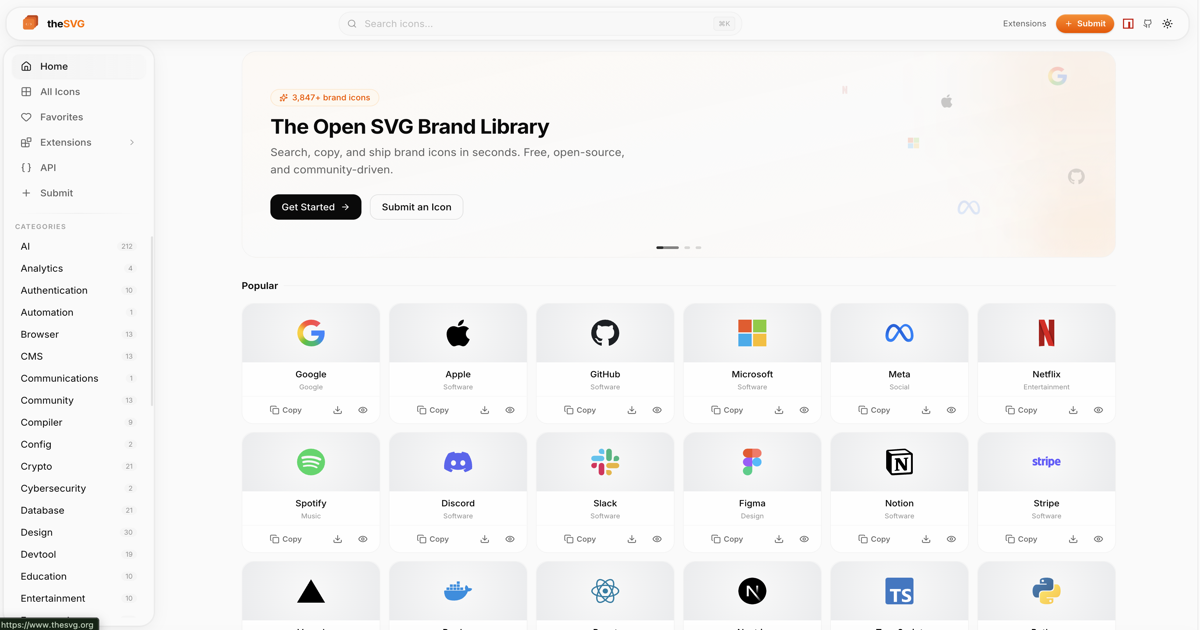
Typed Vue 3 SVG components for all 4000+ brand icons from [thesvg.org](https://thesvg.org).
- Zero runtime dependencies (Vue is a peer dep)
- TypeScript strict mode - full `SVGAttributes` support
- Tree-shakeable ESM - import only what you use
- Individual icon imports for maximum bundle efficiency
- Render-function components - no SFC compiler needed
## Installation
```bash
npm install @thesvg/vue
# or
pnpm add @thesvg/vue
# or
yarn add @thesvg/vue
```
Vue 3.3 or later is required as a peer dependency.
## Usage
### Named import from barrel (convenient, relies on tree-shaking)
```vue
```
### Individual icon import (best for bundle size)
```vue
```
Each icon is a separate module so bundlers that do not support tree-shaking
will still include only the icons you import.
## Props
Every component accepts all standard SVG attributes:
| Prop | Type | Default | Description |
| ------------ | ------------------ | ----------------- | ------------------------------ |
| `width` | `number \| string` | (SVG default) | Icon width |
| `height` | `number \| string` | (SVG default) | Icon height |
| `class` | `string` | - | CSS class name |
| `style` | `object \| string` | - | Inline styles (prefer class) |
| `fill` | `string` | `"none"` | SVG fill color |
| `viewBox` | `string` | from original SVG | Override the viewBox |
| `aria-label` | `string` | - | Accessible label |
| ... | ... | - | Any other SVG attribute |
### Sizing example
```vue
```
### Accessibility
```vue
```
## Component names
Slugs are converted to PascalCase component names:
| Slug | Component name |
| -------------------- | ------------------ |
| `github` | `Github` |
| `visual-studio-code` | `VisualStudioCode` |
| `figma` | `Figma` |
| `01dotai` | `I01Dotai` |
| `dotnet` | `Dotnet` |
Slugs that start with a digit are prefixed with `I` to produce a valid
JavaScript identifier.
## Tree-shaking
When using a bundler with ESM tree-shaking support (Vite, Webpack 5, Rollup),
named imports from the barrel (`@thesvg/vue`) are tree-shaken automatically -
only the icons you import are included in the final bundle.
For bundlers without tree-shaking support, use individual icon imports:
```js
// Always tree-shaken regardless of bundler
import Github from "@thesvg/vue/github";
```
## Available icons
Over 4000 brand icons are available. Browse the full list at
[thesvg.org](https://thesvg.org).
## License
MIT - see [LICENSE](./LICENSE).
Brand icons and logos are the property of their respective trademark holders. See [thesvg.org](https://thesvg.org) for details.