# @thesvg/mcp-server
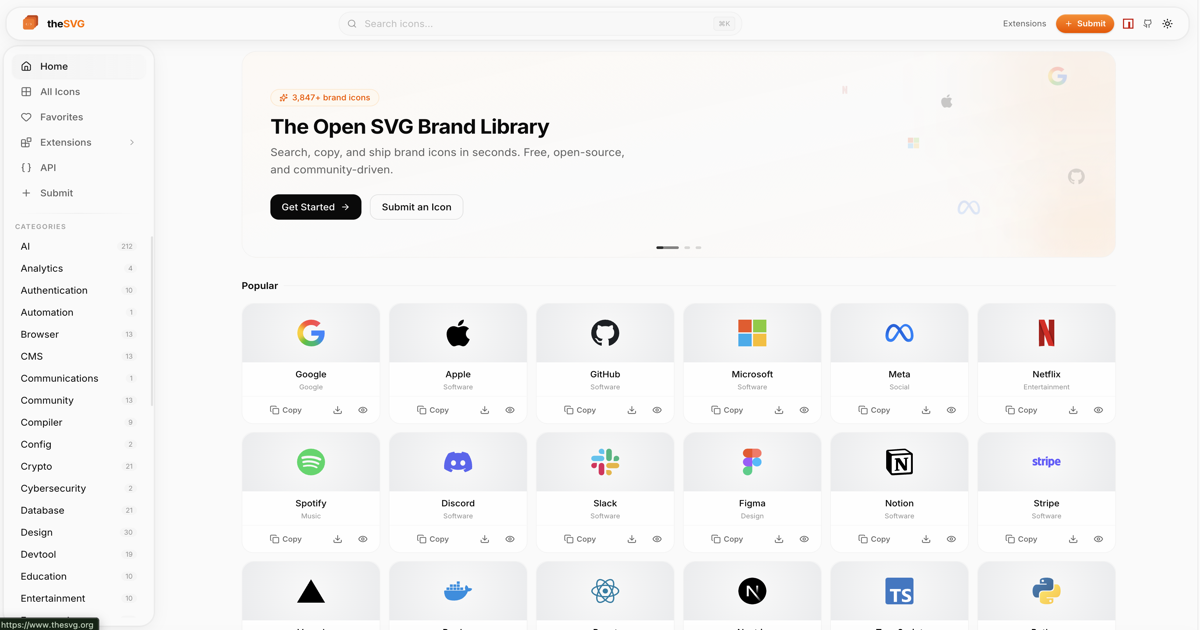
MCP (Model Context Protocol) server for [thesvg.org](https://thesvg.org) - gives AI agents (Claude, etc.) direct access to 3,800+ brand SVG icons.
## What it does
The server exposes four tools that AI agents can call:
| Tool | Description |
|------|-------------|
| `search_icons` | Search icons by name, slug, or category |
| `get_icon` | Fetch raw SVG markup + metadata for a specific icon |
| `get_icon_url` | Get a CDN or API URL for an icon (for embedding) |
| `list_categories` | List all available icon categories with counts |
## Installation
```bash
npm install -g @thesvg/mcp-server
```
Or with npx (no install needed):
```json
{
"mcpServers": {
"thesvg": {
"command": "npx",
"args": ["-y", "@thesvg/mcp-server"]
}
}
}
```
## Configuration
### Claude Desktop
Add to `~/Library/Application Support/Claude/claude_desktop_config.json` (macOS) or `%APPDATA%\Claude\claude_desktop_config.json` (Windows):
```json
{
"mcpServers": {
"thesvg": {
"command": "thesvg-mcp"
}
}
}
```
### Claude Code (CLI)
Add to your Claude Code settings or run:
```bash
claude mcp add thesvg -- thesvg-mcp
```
Or via the settings JSON:
```json
{
"mcpServers": {
"thesvg": {
"command": "thesvg-mcp"
}
}
}
```
## Tools
### `search_icons`
Search for brand icons by name, slug, or category.
**Input**:
```json
{
"query": "github",
"category": "social",
"limit": 10
}
```
**Output** (example):
```
Found 3 icons:
- GitHub (slug: `github`) - categories: social, development
- GitHub Actions (slug: `github-actions`) - categories: devops
- GitHub Copilot (slug: `github-copilot`) - categories: ai, development
```
---
### `get_icon`
Fetch the raw SVG markup for a specific icon.
**Input**:
```json
{
"slug": "stripe",
"variant": "default"
}
```
**Output** (example):
```
# Stripe
**Slug**: `stripe`
**Categories**: payments, fintech
**Available variants**: default, dark, light
**Variant**: default
```svg
```
---
### `get_icon_url`
Get a URL for embedding an icon in HTML or Markdown.
**Input**:
```json
{
"slug": "openai",
"variant": "default",
"cdn": true
}
```
**Output** (example):
```
Icon URL for `openai` (variant: default):
https://cdn.thesvg.org/icons/openai.svg
Example usage:
 ```
---
### `list_categories`
Discover all available icon categories.
**Input**: `{}` (no parameters)
**Output** (example):
```
42 categories available:
- Technology (slug: `tech`) - 1,200 icons
- Social (slug: `social`) - 380 icons
- Payments (slug: `payments`) - 95 icons
...
```
## Development
```bash
# Install dependencies
pnpm install
# Build
pnpm build
# Run locally
node dist/index.js
```
## Requirements
- Node.js >= 18
- Internet access to reach thesvg.org API
```
---
### `list_categories`
Discover all available icon categories.
**Input**: `{}` (no parameters)
**Output** (example):
```
42 categories available:
- Technology (slug: `tech`) - 1,200 icons
- Social (slug: `social`) - 380 icons
- Payments (slug: `payments`) - 95 icons
...
```
## Development
```bash
# Install dependencies
pnpm install
# Build
pnpm build
# Run locally
node dist/index.js
```
## Requirements
- Node.js >= 18
- Internet access to reach thesvg.org API