[](https://opensource.org/licenses/mit-license.php) [](https://getbootstrap.com/docs/4.1) [](https://snyk.io/test/npm/bootstrap-switch-button) [](https://packagequality.com/#?package=bootstrap-switch-button) [](https://www.jsdelivr.com/package/gh/gitbrent/bootstrap-switch-button)
# Bootstrap Switch Button
**Bootstrap Switch Button** converts plain checkboxes into awesome switch buttons.
**************************************************************************************************
#### Library Distributions
Project |Description
-------------------------------------------------------------------------------------------|-------------------------------------------------------
[bootstrap4-toggle](https://github.com/gitbrent/bootstrap4-toggle) | Supports bootstrap4 (requires jQuery)
[bootstrap-switch-button](https://github.com/gitbrent/bootstrap-switch-button) | Supports bootstrap4+ (ES6 class, no dependencies)
[bootstrap-switch-button-react](https://github.com/gitbrent/bootstrap-switch-button-react) | Supports bootstrap4+ (React component, no dependencies)
# Demos
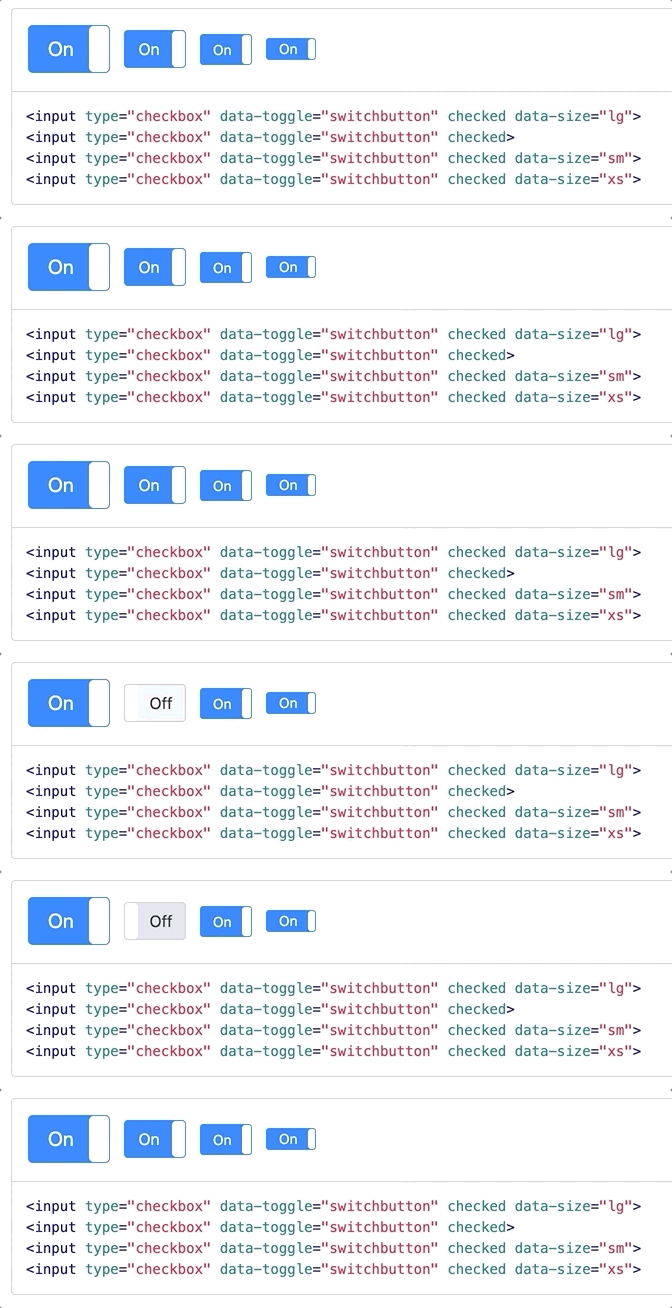
**Demos and API Docs:** https://gitbrent.github.io/bootstrap-switch-button/
# Installation
## CDN
```html
```
## Download
[Latest GitHub Release](https://github.com/gitbrent/bootstrap-switch-button/releases/latest)
## NPM
```ksh
npm i bootstrap-switch-button -- save
```
## Yarn
```ksh
yarn add bootstrap-switch-button
```
# Usage
## Initialize With HTML
Simply add `data-toggle="switchbutton"` to automatically convert a plain checkbox into a bootstrap 4 switch button.
```html
```
## Initialize With Code
Switch buttons can also be initialized via JavaScript code.
EX: Initialize id `chkSwitch` with a single line of JavaScript.
```html
```
# API
## Options
* Options can be passed via data attributes or JavaScript
* For data attributes, append the option name to `data-` (ex: `data-onlabel="Enabled"`)
```html
```
Name |Type |Default |Description |
----------|-----------|----------|----------------------------|
`onlabel` |string/html|"On" |Text of the on switch button
`offlabel`|string/html|"Off" |Text of the off switch button
`onstyle` |string |"primary" |Style of the on switch button. Possible values are: `primary`,`secondary`,`success`,`danger`,`warning`,`info`,`light`,`dark`
`offstyle`|string |"light" |Style of the off switch button. Possible values are: `primary`,`secondary`,`success`,`danger`,`warning`,`info`,`light`,`dark`
`size` |string |"normal" |Size of the switch button. Possible values are: `large`, `normal`, `small`, `mini`.
`style` |string | |Appends the value to the class attribute of the switch button. This can be used to apply custom styles. Refer to Custom Styles for reference.
`width` |integer |*null* |Sets the width of the switch button. if set to *null*, width will be auto-calculated.
`height` |integer |*null* |Sets the height of the switch button. if set to *null*, height will be auto-calculated.
## Methods
Methods can be used to control switch buttons directly.
```html
```
Method |Example |Description
-----------|---------------------------------------------|------------------------------------------
initialize | `$('#switch-demo').switchButton()` |Initializes the switch button plugin with options
destroy | `$('#switch-demo').switchButton('destroy')` |Destroys the switch button
on | `$('#switch-demo').switchButton('on')` |Sets the switch button to 'On' state
off | `$('#switch-demo').switchButton('off')` |Sets the switch button to 'Off' state
toggle | `$('#switch-demo').switchButton('toggle')` |Toggles the state of the switch button on/off
enable | `$('#switch-demo').switchButton('enable')` |Enables the switch button
disable | `$('#switch-demo').switchButton('disable')` |Disables the switch button
# Events
## Event Propagation
Note All events are propagated to and from input element to the switch button.
You should listen to events from the `` directly rather than look for custom events.
```html
```
## API vs Input
This also means that using the API or Input to trigger events will work both ways.
```html
```