# 资源托管
可以将主题托管到自己的云资源或CDN加速节点节点上。
例如我的网站为 `www.dbnuo.com`(IP或其它host),我将编译后的文件夹 `dist` 放到了网站的根目录。
这样我可以通过加载 `https://www.dbnuo.com/dist/simpleMemory.js` 来加载主题:
```html
```
## 云服务器托管-Docker容器化
> 注意`Cnblogs`是https站点,所以引入第三方资源的站点也必须是`https`,详见[https混合内容](https://developer.mozilla.org/zh-TW/docs/Web/Security/Mixed_content)
##### 1. 申请SSL证书(已有证书跳过此步骤)
- 以[ZeroSSL](https://app.zerossl.com/dashboard)申请证书为例, 面板中点击`New Certificate`,输入IP地址-选择90天免费证书
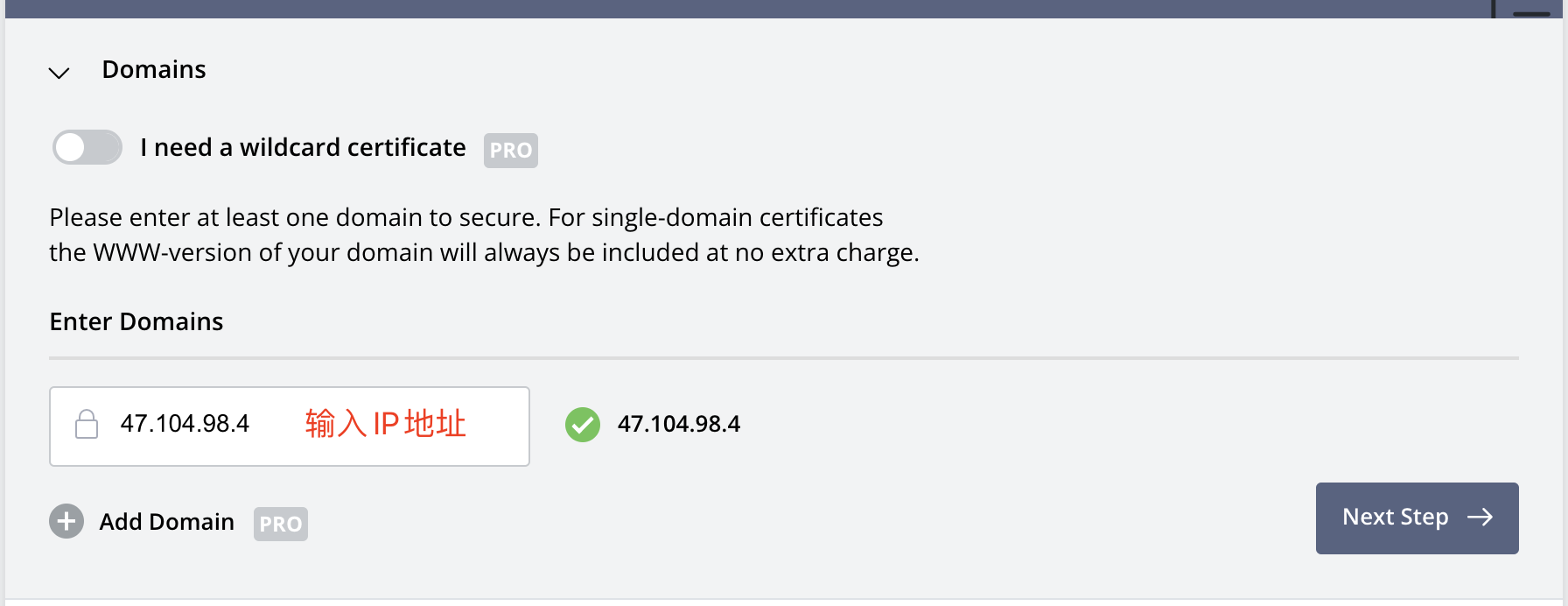
- 验证域名所有权,下载验证文件,替换仓库路径`./well-known/pki-validation`下的.txt文件
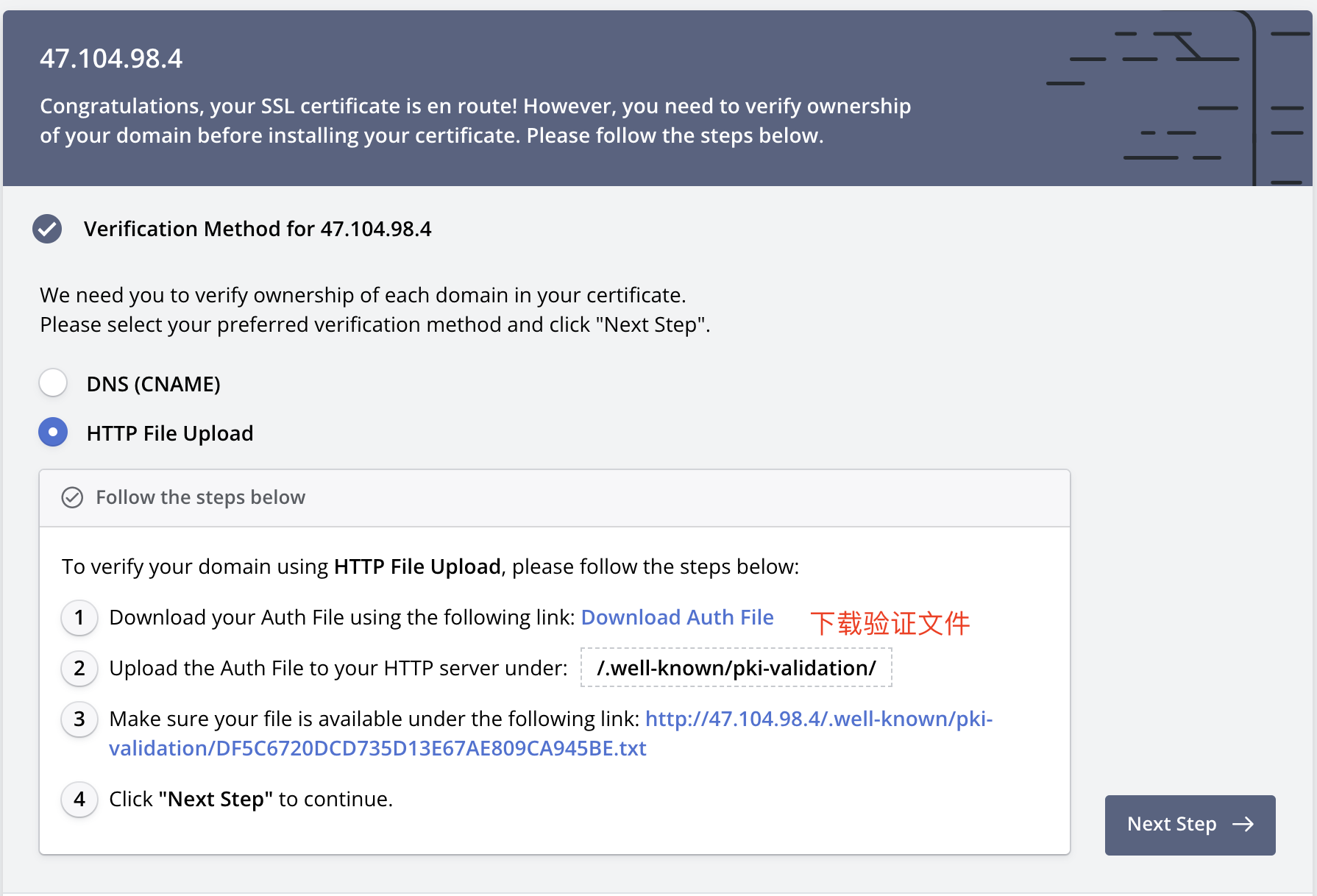
- 服务器中拉取仓库代码, 执行`docker-compose up -d` - [ZeroSSL](https://app.zerossl.com/dashboard)点击校验
##### 2. 安装证书
- ZeroSSl下载的证书包,需要将模块包`ca-boundle.crt`和并到`certificate.crt`中(手动扣过去就行),并替换仓库`ssl`下的证书文件
- 服务器拉取最新代码,执行`docker-compose up -d --force-recreate --build --remove-orphans`