# Bernerspace
### One MCP server · All your integrations · Zero hassle
[](https://github.com/bernerspace/bernerspace/stargazers)
[](https://github.com/bernerspace/bernerspace/issues)
[](LICENSE)
[](https://www.notion.so/sumitsandbox/Bernerspace-quick-start-24be21126afc80d3b765dd75556e6e50)
[](mailto:sumit@example.com)
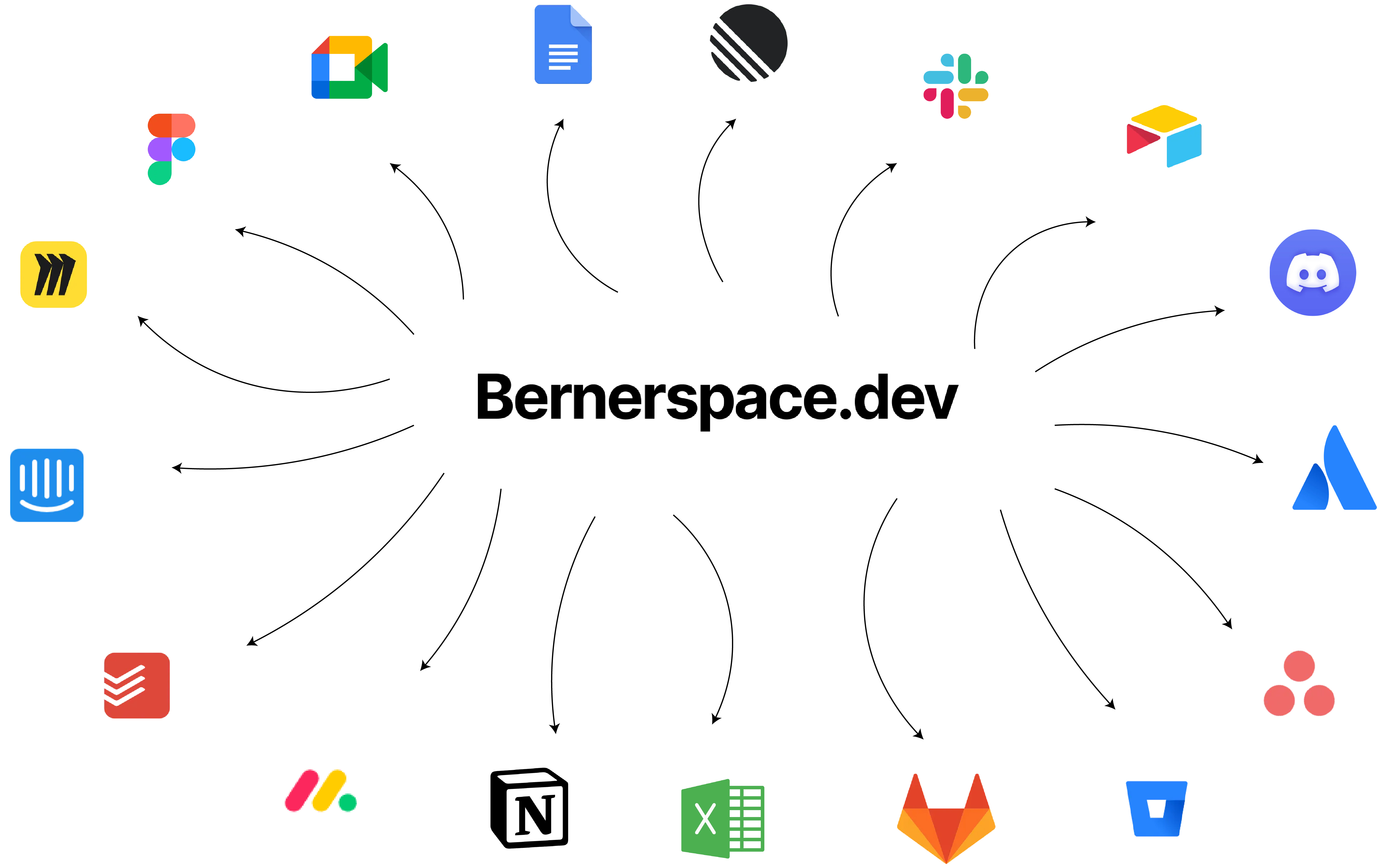
🚀 Unified MCP server for all OAuth-enabled integrations
One server · One JWT · Many tools
✅ Current Live Integration: Slack — 47 tools tested & available
🔜 Coming Soon: Gmail · Google Calendar · Notion
🎯 Goal: 100+ integrations
## Why
Using or integrating MCP servers today is painful because:
- Most MCP servers lack OAuth capabilities, limiting user experience.
- Every MCP server requires separate deployment and management, increasing operational overhead.
- Integration chaos: different authentication layers across MCP servers make unified integration nearly impossible.
## What You Get
- Single JWT across services via middleware (HS256 or RS256 via JWKS; issuer/audience validated).
- OAuth middleware per integration (Slack live; more coming) with DB‑backed token storage.
- Consistent MCP tools interface for each service.
- Unified endpoints you can self‑host, e.g.:
-
- (coming soon)
## Current Status
- Current live integration: **Slack** with 47 fully tested tools available.
→ Learn more about Slack tools: [docs/slack/tools.md](docs/slack/tools.md)
- Coming soon: **Gmail**, **Google Calendar**, and **Notion**.
## 📖 Documentation
All setup instructions, integration guides, and examples are available on our Notion docs:
🔗 **[Bernerspace Quick Start Docs](https://www.notion.so/sumitsandbox/Bernerspace-quick-start-24be21126afc80d3b765dd75556e6e50)**
The docs are updated regularly with:
- Quick start guides for new integrations
- Step-by-step installation instructions
- Usage examples for each tool
- Roadmap and contribution guidelines
## Quickstart
1. Environment
Create a `.env` (see `.env.example`) with the following variables:
```bash
# Database
DATABASE_URL=postgresql://localhost:5432/mcp_server
# Auth (choose one)
# Option A: HS256
JWT_SECRET=your-jwt-signing-secret
# Option B: RS256 via JWKS
# JWT_JWKS_URL=https://your-auth-domain/.well-known/jwks.json
# JWT_ISSUER=https://your-auth-domain/
# JWT_AUDIENCE=my-api
# Slack OAuth
SLACK_CLIENT_ID=
SLACK_CLIENT_SECRET=
SLACK_REDIRECT_URI=http://localhost:8000/slack/oauth/callback
# Optional: encrypt tokens at rest (comma-separated MultiFernet keys)
# TOKEN_ENCRYPTION_KEYS=
```
1. Install dependencies (choose one)
- Using pip
- python3 -m venv .venv && source .venv/bin/activate
- pip install -e .
- Using uv
- uv venv && source .venv/bin/activate
- uv pip install -e .
1. Run the server
- Using Python
- python server.py
- Server will listen on
- Using Docker
- docker build -t bernerspace-mcp .
- docker run --env-file .env -p 8000:8000 bernerspace-mcp
- Server will listen on
- Using Docker Compose
- docker compose up -d
1. Create a JWT to call the MCP server
- python generate_jwt.py --user-id
- Use the printed token as: Authorization: Bearer TOKEN
## OAuth Flow (Slack)
- GET /slack returns `oauth_url` and instructions to authorize the workspace.
- Slack redirects to `SLACK_REDIRECT_URI` (defaults to `/slack/oauth/callback`).
- The server exchanges the code, enriches the token details, and persists it in Postgres.
- Tokens are stored in table `oauth_tokens` with composite key `(client_id, integration_type)` where `client_id` = your JWT subject (`sub`).
## Database
- Schema managed with Alembic (migrations included).
- Table: `oauth_tokens(client_id, integration_type, token_json, stored_at)`.
- Configure Postgres via `DATABASE_URL`.
- Tokens can be encrypted at rest when `TOKEN_ENCRYPTION_KEYS` is set.
## MCP Client Configuration
Example client entry (mcp.json):
```json
{
"servers": {
"slack": {
"url": "http://localhost:8000/mcp/slack",
"type": "http",
"headers": {
"Authorization": "Bearer YOUR_JWT"
}
}
}
}
```
If the user hasn’t completed OAuth, tool calls will return an object with `requires_auth: true` and an `oauth_url` you can open to complete authorization.
## VS Code MCP Client Setup
Use this `mcp.json` in your VS Code user settings (replace `JWT` with your generated token):
```json
{
"servers": {
"slack": {
"url": "http://localhost:8000/mcp/slack",
"type": "http",
"headers": {
"Authorization": "Bearer JWT"
}
}
},
"inputs": []
}
```
## LangChain Example
```python
from langchain_mcp_adapters.client import MultiServerMCPClient
from langgraph.prebuilt import create_react_agent
client = MultiServerMCPClient(
{
"slack": {
"transport": "streamable_http",
"url": "http://localhost:8000/mcp/slack",
"headers": {
"Authorization": "Bearer YOUR_TOKEN"
},
}
}
)
tools = await client.get_tools()
agent = create_react_agent("openai:gpt-4.1", tools)
response = await agent.ainvoke({"messages": "Can you send hello message to my #general groups?"})
```
## Docker
You can run Bernerspace MCP in Docker:
```bash
docker build -t bernerspace-mcp .
docker run --env-file .env -p 8000:8000 bernerspace-mcp
```
## 🚀 Roadmap
We’re just getting started. Our goal is to support **100+ integrations** so you can connect any third-party service to your MCP server with ease.
### Coming Soon
- 📧 Gmail
- 📅 Google Calendar
- 📂 Google Drive
- 🗂️ Notion
- 💻 GitHub
- 💬 Discord
- 📊 Airtable
- 🔍 ElasticSearch
- 📝 Confluence
…and dozens more on the way.
## 🤝 Contributing
We welcome contributions of all kinds — whether it’s fixing a bug, suggesting a feature, improving documentation, or just sharing feedback.
### Ways to Contribute
- ⭐ **Star the repo** to show your support and help others discover Bernerspace.
- 🐛 [Report a bug](https://github.com/bernerspace/bernerspace/issues/new/choose) so we can fix it quickly.
- 💡 [Request a feature](https://github.com/bernerspace/bernerspace/issues/new/choose) or suggest an improvement.
- 🛠️ Submit a Pull Request with code changes, docs updates, or tests.
### Stay in Touch
- 📧 Email me at [ranga.sumit1999@gmail.com](mailto:ranga.sumit1999@gmail.com)
- 🐦 Follow & DM on Twitter (X): [@SumitSandbox](https://x.com/SumitSandbox)
Whether you’re a first-time contributor or an experienced developer, we’d love to hear from you and collaborate!
## License
This project is licensed under the [MIT License](LICENSE).