# PotreeExtension
[Demo](https://forge-extensions.autodesk.io/?extension=PotreeExtension)
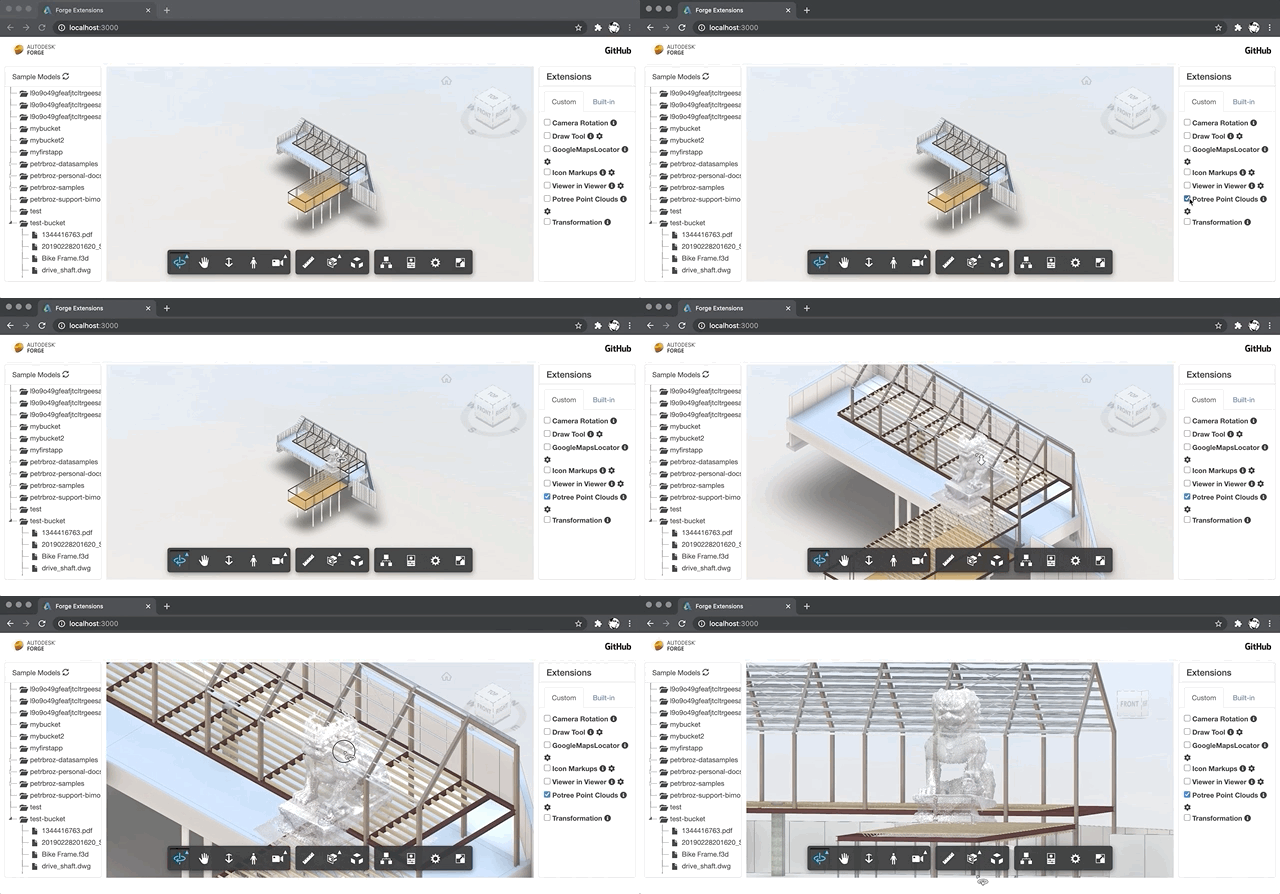
Forge Viewer extension for loading and rendering Potree models.
The extension uses [potree-core](https://github.com/tentone/potree-core) library that has been back-ported to three.js version 71 (the one used by the Forge Viewer). The experimental back-ported version of the library can be found in https://github.com/petrbroz/potree-core/tree/experiment/three71.
Apart from the library itself (available as either _potree.js_, _potree.min.js_, or _potree.module.js_), this folder also includes various decoders in the _workers_ subfolder, and a sample dataset from https://github.com/tentone/potree-core.
## Usage
- copy this _contents_ folder to your Forge application (the _data_ subfolder is not necessary)
- include the Potree library and this extension in your HTML, after the Forge Viewer script:
```html
```
- include `PotreeExtension` when initializing the viewer, for example:
```js
Autodesk.Viewing.Initializer(options, () => {
const config = {
extensions: ['PotreeExtension']
};
viewer = new Autodesk.Viewing.GuiViewer3D(container, config);
});
```
- in your JavaScript code, use the extension's `loadPointCloud` method, for example:
```js
const potreeExtension = viewer.getExtension('PotreeExtension');
let position = new THREE.Vector3(0, 0, -25);
let scale = new THREE.Vector3(5, 5, 5);
const pointcloud = await potreeExtension.loadPointCloud('my-pointcloud', url, position, scale);
const bbox = pointcloud.boundingBox.clone().expandByVector(scale);
viewer.navigation.fitBounds(false, bbox);
```