# Google Maps Locator
[Demo](https://forge-extensions.autodesk.io/?extension=GoogleMapsLocator)
Forge Viewer extension to show location of model on google maps.
## Usage
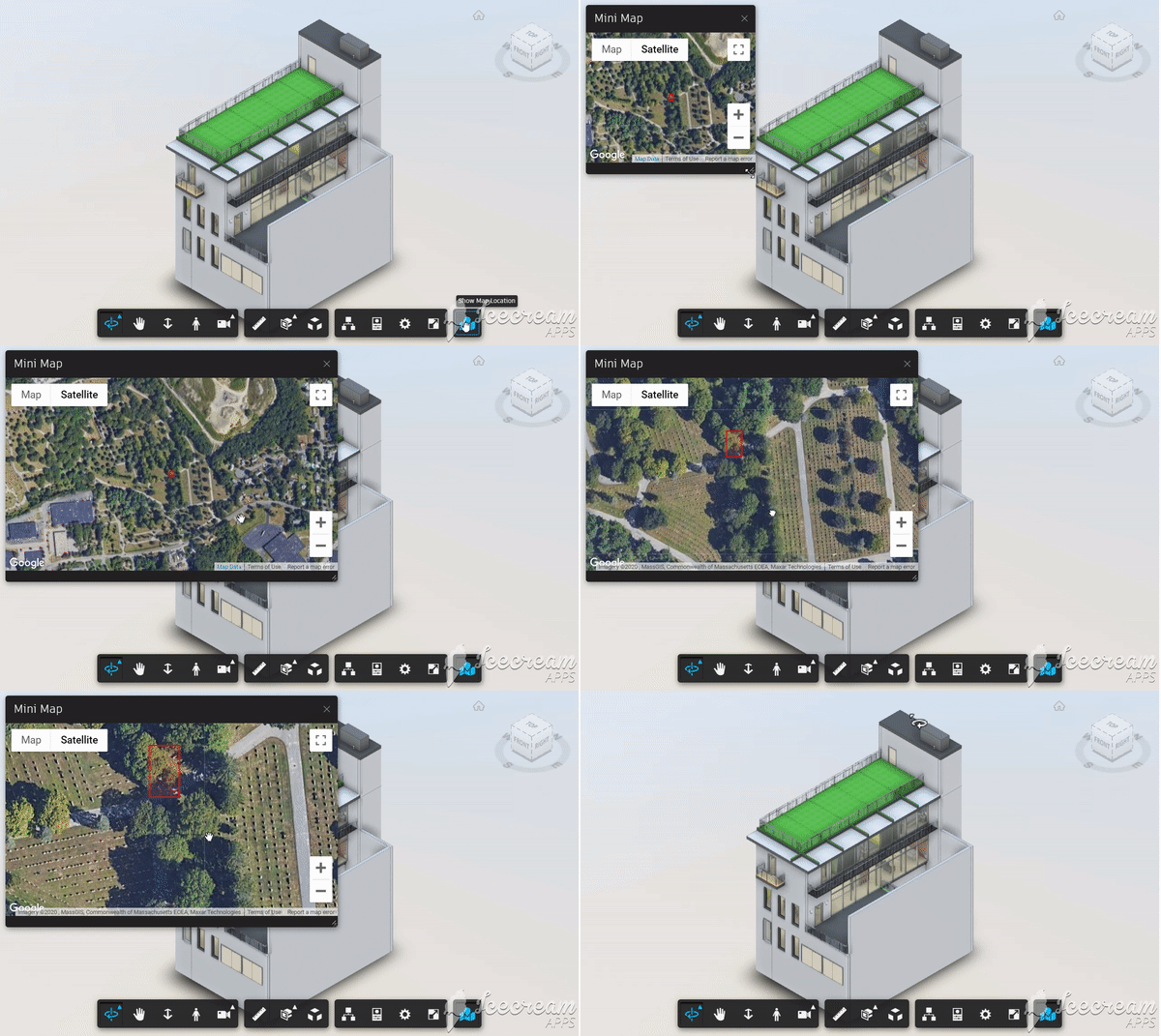
- Load the extension in the viewer
- Click the new maps icon in the toolbar
- New docking panel opens showing google maps and the model location mentioned in extension config
## Setup
Include the CSS & JS file on your page. This CDN is compatible with the lastest Viewer version (v7).
```xml
```
The following sample uses [font-awesome](https://fontawesome.com) icons, but any CSS icon library can be used and google maps api script file.
Get your Google Maps API Key [here](https://developers.google.com/maps/documentation/javascript/get-api-key)
```xml