# Draw Tool Extension
[Demo](https://forge-extensions.autodesk.io/?extension=DrawToolExtension)
A simple tool that will allow us to draw boxes and spheres. Please use the Draw Tool in only full screen mode.
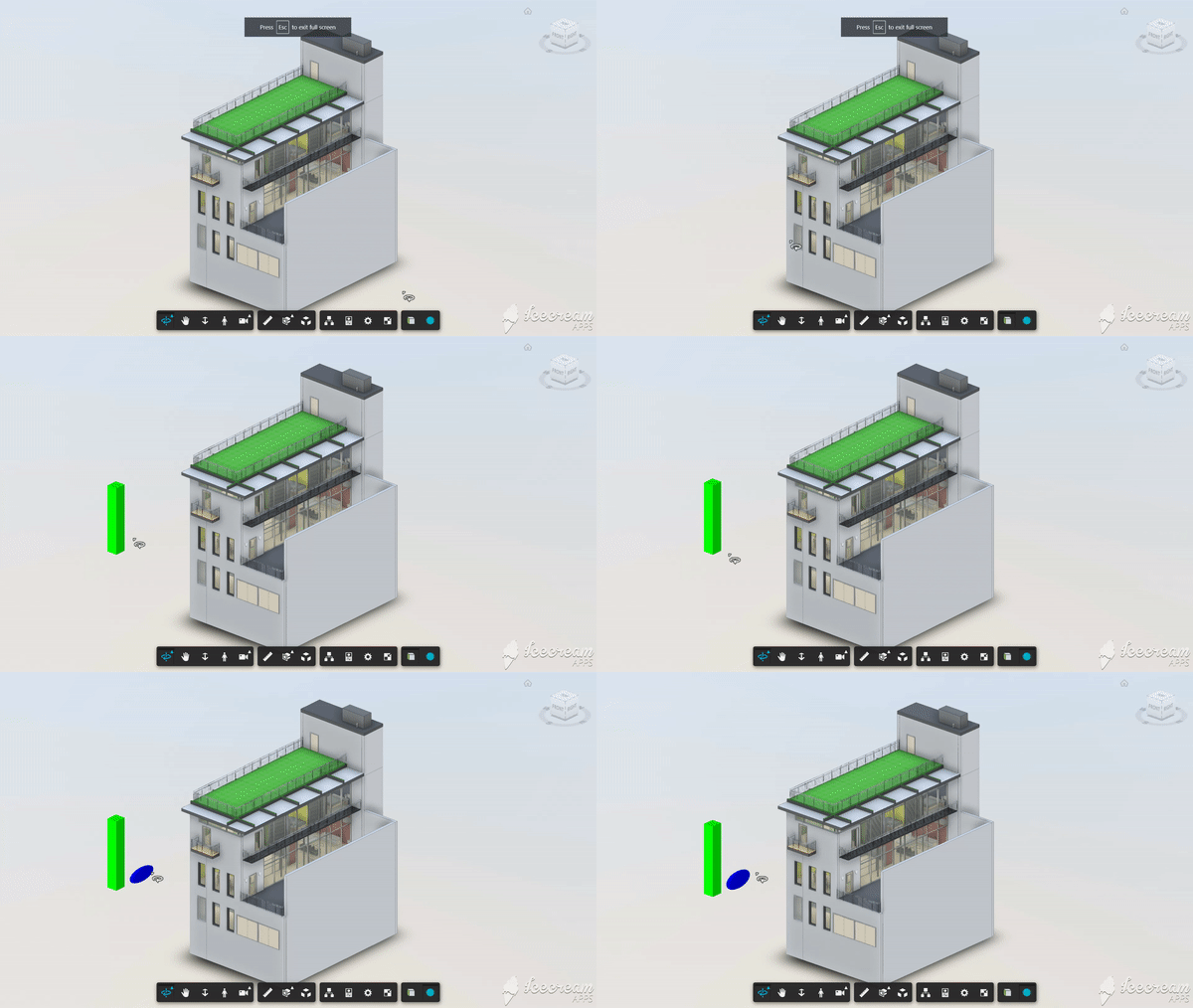
## Usage
Load the extension and enter fullscreen. And here's how the drawing works:
. on mouse button down event the tool will start "drawing" the geometry in the XY plane
. on mouse button up event, the tool will start monitoring mouse move events to control the height of the geometry
. on mouse click event, the geometry will be finalized
## Setup
Include the CSS & JS file on your page. This CDN is compatible with the lastest Viewer version (v7).
```xml
```
## Futher reading
Detailed technical explaination can be found in [this blog post](https://forge.autodesk.com/blog/custom-tools-forge-viewer).
## Author
[Petr Broz](https://twitter.com/ipetrbroz)