# X Article Exporter
Export [X (Twitter) articles](https://help.x.com/en/using-x/articles) as high-quality PDFs — with optional translation and dark mode.


## Screenshot
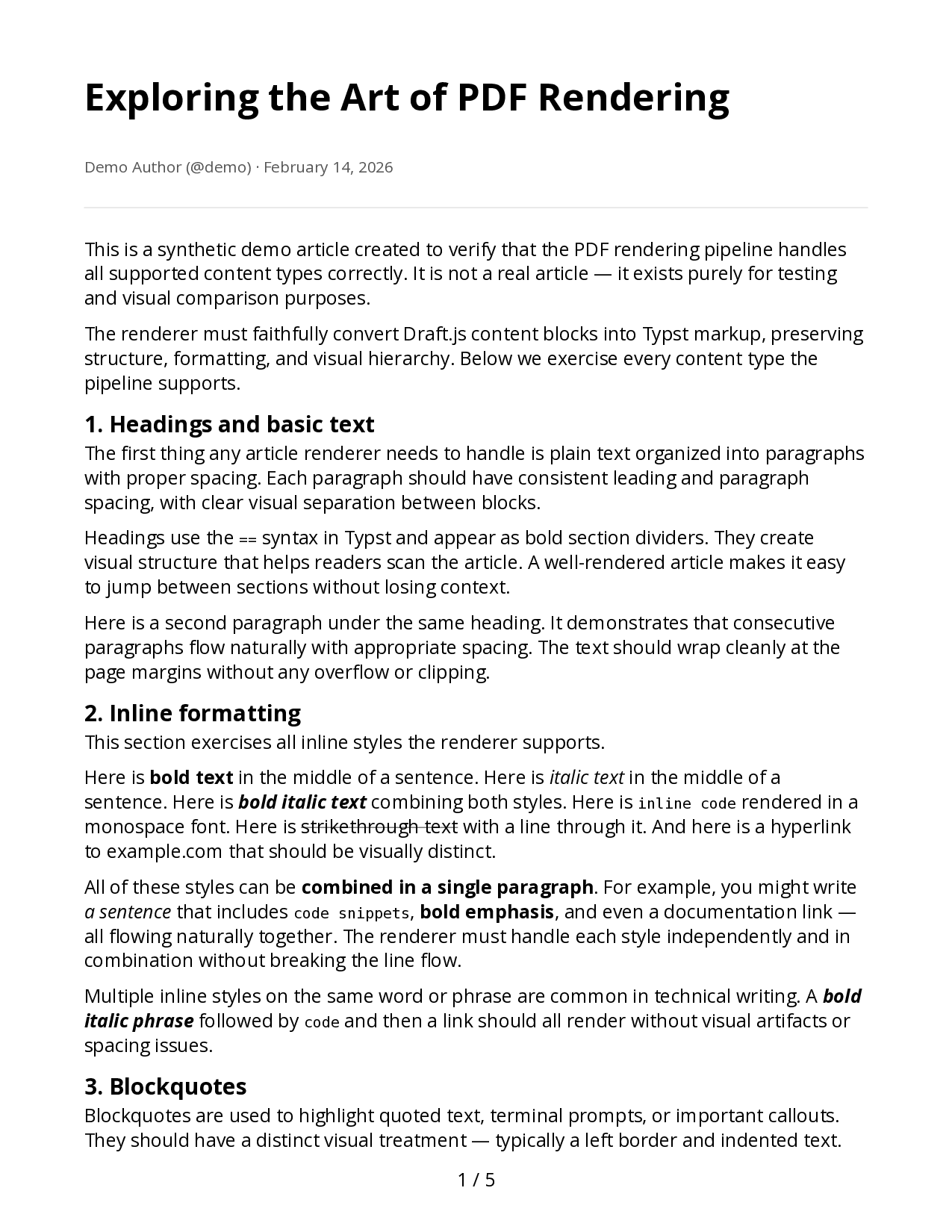 |
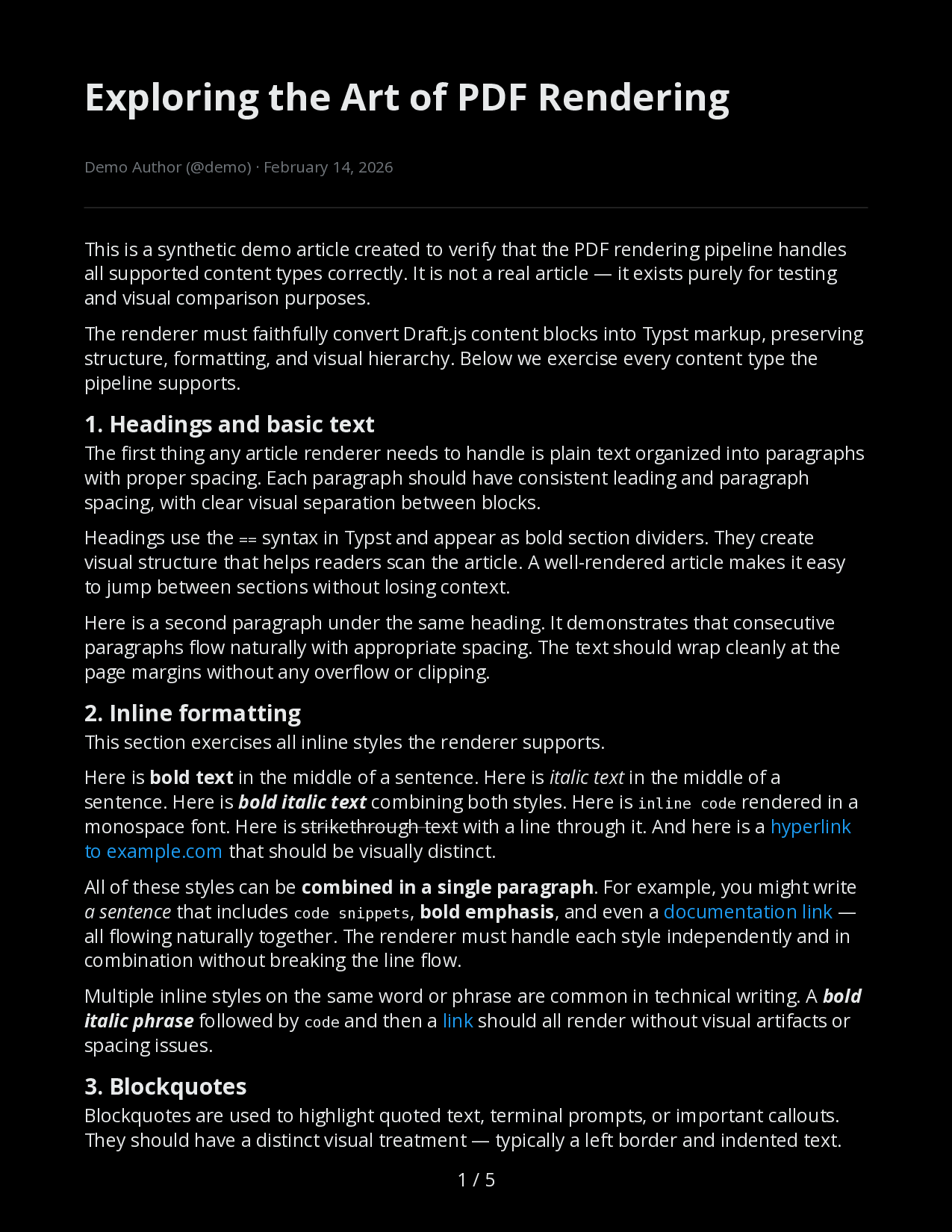 |
| Light mode |
Dark mode |
## Features
- **CLI** — Export any X article URL to PDF from the terminal
- **Translation** — Translate articles via local [Ollama](https://ollama.com) + [translategemma](https://ollama.com/library/translategemma) (55+ languages)
- **Dark mode** — Black-background rendering matching X's dark theme
- **HTTP API** — Self-hosted server with async job processing, rate limiting, and bearer auth
- **MCP server** — Use as a [Claude Code](https://docs.anthropic.com/en/docs/claude-code) tool to export articles from conversation
- **Quality validation** — Structural PDF checks via [pdfcpu](https://github.com/pdfcpu/pdfcpu) + text extraction verification
## Prerequisites
- [Go 1.25+](https://go.dev/dl/)
- [Typst](https://typst.app) — PDF rendering (`brew install typst` on macOS)
- [Ollama](https://ollama.com) + `translategemma:12b` — optional, only needed for translation
## Installation
```sh
go install github.com/annismckenzie/x-article-exporter@latest
```
Or build from source:
```sh
git clone https://github.com/annismckenzie/x-article-exporter.git
cd x-article-exporter
go build -o x-article-exporter .
```
## Quick Start
### 1. Get auth cookies
Open [x.com](https://x.com) in your browser, then:
1. Open DevTools (F12 or Cmd+Option+I)
2. Go to **Application** > **Cookies** > `https://x.com`
3. Copy the values of `auth_token` and `ct0`
### 2. Create a config file
Save to `~/.config/x-article-exporter/config.yaml`:
```yaml
auth_token: "your-auth-token"
ct0: "your-ct0"
```
### 3. Export an article
```sh
x-article-exporter https://x.com/user/article/1234567890
```
This creates a PDF in the current directory named after the article title.
## Configuration
All settings go in `~/.config/x-article-exporter/config.yaml`. CLI flags override config values.
```yaml
# Required: X authentication cookies (get from browser dev tools)
auth_token: "your-auth-token"
ct0: "your-ct0"
# Optional: Ollama model for translation (default: translategemma:12b)
# ollama_model: "translategemma:12b"
# Optional: Render PDFs in dark mode
# dark_mode: true
# Server mode configuration (used with --serve)
server:
port: 8080
host: "127.0.0.1"
job_ttl_minutes: 60
default_rate_limit_per_hour: 20
max_concurrent_jobs: 4
api_keys:
- key: "your-api-key-here"
name: "default"
# rate_limit_per_hour: 20 # omit to use default_rate_limit_per_hour
```
See [`config.example.yaml`](config.example.yaml) for the full reference.
## Usage
### CLI
```
x-article-exporter [flags]
```
| Flag | Description |
|------|-------------|
| `-auth-token` | X `auth_token` cookie (overrides config) |
| `-ct0` | X `ct0` cookie (overrides config) |
| `-translate` | Translate to target language (e.g. `de`, `fr`, `ja`) |
| `-dark` | Render PDF in dark mode |
| `-output` | Output PDF path (default: `./{title}.pdf`) |
| `-query-id` | GraphQL query ID override (auto-resolved if omitted) |
| `-ollama-model` | Ollama model for translation (default: `translategemma:12b`) |
**Examples:**
```sh
# Basic export
x-article-exporter https://x.com/elonmusk/article/1234567890
# Translate to German
x-article-exporter -translate de https://x.com/elonmusk/article/1234567890
# Dark mode with custom output path
x-article-exporter -dark -output ~/Documents/article.pdf https://x.com/elonmusk/article/1234567890
```
### HTTP API
Start the server:
```sh
x-article-exporter --serve
```
Export workflow:
```sh
# Submit an article for export
curl -X POST -H "Authorization: Bearer your-api-key" \
-H "Content-Type: application/json" \
-d '{"url":"https://x.com/user/article/123"}' \
http://localhost:8080/export
# Check job status
curl -H "Authorization: Bearer your-api-key" \
http://localhost:8080/export/{id}
# Download the PDF
curl -H "Authorization: Bearer your-api-key" \
http://localhost:8080/export/{id}/pdf -o article.pdf
```
See [`API.md`](API.md) for full endpoint reference with request/response schemas.
### MCP Server (Claude Code)
Register as a Claude Code tool:
```sh
claude mcp add x-article-exporter /path/to/x-article-exporter -- --mcp
```
Then ask Claude: *"Export this article as a PDF: https://x.com/user/article/123"*
See [`docs/mcp-setup.md`](docs/mcp-setup.md) for the full setup guide, available tools, and troubleshooting.
## How It Works
1. **Extract** — Fetches the article via X's GraphQL API (`TweetResultByRestId`), parses the Draft.js content model
2. **Translate** *(optional)* — Sends text blocks in batches to a local Ollama instance running translategemma
3. **Render** — Generates Typst source from the article model, compiles to PDF with embedded fonts and images
4. **Validate** — Runs structural checks with pdfcpu and verifies text extraction
## Contributing
```sh
# Run tests
make test
# Run end-to-end test (requires auth config)
make test-article
# Visual preview (generates PDF + PNGs)
make preview
make preview-dark
```
Architecture and design documents are in [`shaping/`](shaping/).
## License
[MIT](LICENSE)