<p align="center">
  <a href="https://github.com/Vigtu/docmole">
    <img loading="lazy" alt="docmole" src="https://raw.githubusercontent.com/Vigtu/docmole/main/assets/docmole-hero.svg" width="100%"/>
  </a>
</p>

# Docmole

<p align="center">
  <em>Dig through any documentation with AI</em>
</p>

[![npm version](https://img.shields.io/npm/v/docmole?cacheSeconds=3600)](https://www.npmjs.com/package/docmole)
[![License](https://img.shields.io/badge/license-MIT-green)](https://opensource.org/licenses/MIT)
[![Bun](https://img.shields.io/badge/runtime-Bun-f9f1e1?logo=bun)](https://bun.sh)

[![MCP](https://img.shields.io/badge/protocol-MCP-blue)](https://modelcontextprotocol.io)

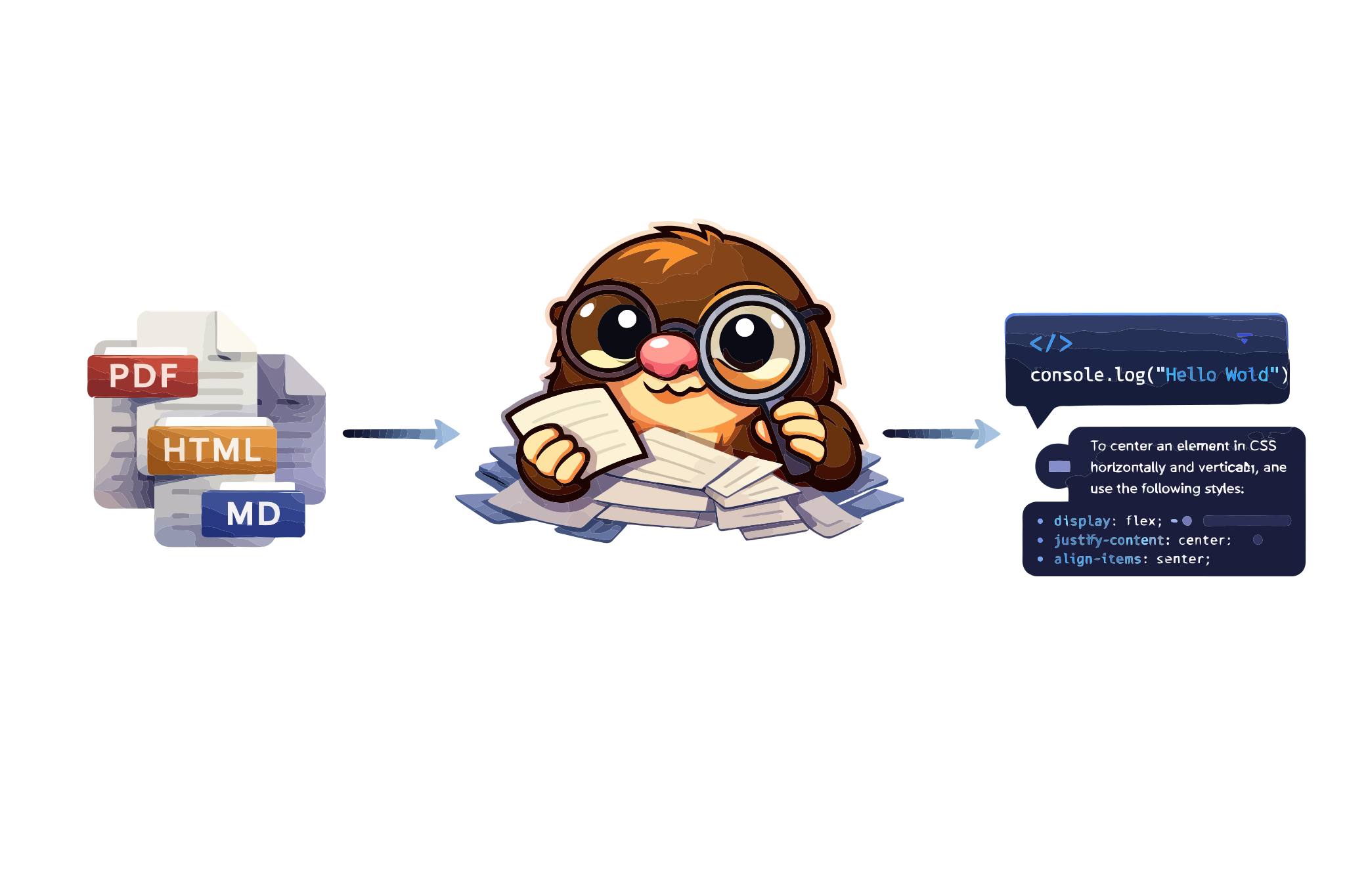
Docmole is an MCP server that lets you query **any documentation site** from AI assistants like Claude, Cursor, or any MCP-compatible client. The mole digs through docs so you don't have to.

## Features

* 🔍 **Universal docs support** — works with any documentation site
* 🏠 **Self-hosted RAG** — LanceDB vectors + OpenAI embeddings, no Python needed
* ⚡ **Zero-setup mode** — instant access to Mintlify-powered sites
* 🧠 **Multi-turn conversations** — remembers context across questions
* 🔗 **WebFetch compatible** — links converted to absolute URLs
* 🔌 **MCP native** — works with Claude, Cursor, and any MCP client

### Coming soon

* 🦙 **Ollama support** — fully local mode, no API keys needed
* 📄 **Generic HTML extraction** — support for non-Mintlify documentation sites
* 🔄 **Incremental updates** — only re-index changed pages

## Installation

To use Docmole, run it directly with bunx (no install needed):

```bash
bunx docmole --help
```

Or install globally:

```bash
bun install -g docmole
```

Works on macOS, Linux and Windows. Requires [Bun](https://bun.sh) runtime.

## Getting started

### Local RAG Mode (any docs site)

Index and query any documentation site. Requires `OPENAI_API_KEY`.

```bash
# One-time setup — discovers pages and builds vector index
bunx docmole setup --url https://docs.example.com --id my-docs

# Start the MCP server
bunx docmole serve --project my-docs
```

Add to your MCP client:

```json
{
  "mcpServers": {
    "my-docs": {
      "command": "bunx",
      "args": ["docmole", "serve", "--project", "my-docs"]
    }
  }
}
```

### Mintlify Mode (zero setup)

For sites with [Mintlify AI Assistant](https://mintlify.com) — no API key needed:

```bash
bunx docmole -p agno-v2
```

```json
{
  "mcpServers": {
    "agno-docs": {
      "command": "bunx",
      "args": ["docmole", "-p", "agno-v2"]
    }
  }
}
```

## CLI

Docmole has a built-in CLI for all operations:

```bash
# Mintlify mode (proxy to Mintlify API)
docmole -p <project-id>

# Local RAG mode
docmole setup --url <docs-url> --id <project-id>
docmole serve --project <project-id>
docmole list
docmole stop --project <project-id>
```

Run `docmole --help` for all options.

## How it works

```
┌─────────────┐     ┌─────────────┐     ┌──────────────────────┐
│ MCP Client  │────▶│   Docmole   │────▶│ Embedded: LanceDB    │
│ (Claude,    │◀────│ MCP Server  │◀────│ Mintlify: API proxy  │
│  Cursor...) │     └─────────────┘     └──────────────────────┘
└─────────────┘
```

**Local RAG Mode**: Crawls documentation, generates embeddings with OpenAI, stores in LanceDB. Hybrid search combines semantic and keyword matching.

**Mintlify Mode**: Proxies requests to Mintlify's AI Assistant API. Zero setup, instant results.

## Known Mintlify Project IDs

| Documentation | Project ID |
|--------------|------------|
| [Agno](https://docs.agno.com) | `agno-v2` |
| [Resend](https://resend.com/docs) | `resend` |
| [Mintlify](https://mintlify.com/docs) | `mintlify` |
| [Vercel](https://vercel.com/docs) | `vercel` |
| [Upstash](https://upstash.com/docs) | `upstash` |
| [Plain](https://plain.com/docs) | `plain` |

> **Find more**: Open DevTools → Network tab → use the AI assistant → look for `leaves.mintlify.com/api/assistant/{project-id}/message`

## Configuration

| Environment Variable | Default | Description |
|---------------------|---------|-------------|
| `OPENAI_API_KEY` | — | Required for local RAG mode |
| `DOCMOLE_DATA_DIR` | `~/.docmole` | Data directory for projects |

### Project structure

```
~/.docmole/
├── projects/
│   └── <project-id>/
│       ├── config.yaml      # Project configuration
│       └── lancedb/         # Vector database
└── global.yaml              # Global settings
```

## Documentation

See [AGENT.md](./AGENT.md) for detailed documentation including:
- Architecture details
- Backend implementations
- Enterprise deployment guides

## Contributing

PRs welcome! See the [contributing guide](./CONTRIBUTING.md) for details.

## Acknowledgments

- [Mintlify](https://mintlify.com) for amazing documentation tooling
- [Anthropic](https://anthropic.com) for Claude and the MCP protocol
- [LanceDB](https://lancedb.com) for the vector database

## License

The Docmole codebase is under [MIT license](./LICENSE).
