<div align="center">
  <img src="https://user-images.githubusercontent.com/292349/213446185-2db63fd5-8c84-459c-9f04-e286382d6e80.png">
</div>

<hr>

<h4 align="center">
  <a href="https://lazyvim.github.io/installation">Install</a>
  ·
  <a href="https://lazyvim.github.io/configuration">Configure</a>
  ·
  <a href="https://lazyvim.github.io">Docs</a>
</h4>

<div align="center"><p>
    <a href="https://github.com/LazyVim/LazyVim/releases/latest">
      <img alt="Latest release" src="https://img.shields.io/github/v/release/LazyVim/LazyVim?style=for-the-badge&logo=starship&color=C9CBFF&logoColor=D9E0EE&labelColor=302D41&include_prerelease&sort=semver" />
    </a>
    <a href="https://github.com/LazyVim/LazyVim/pulse">
      <img alt="Last commit" src="https://img.shields.io/github/last-commit/LazyVim/LazyVim?style=for-the-badge&logo=starship&color=8bd5ca&logoColor=D9E0EE&labelColor=302D41"/>
    </a>
    <a href="https://github.com/LazyVim/LazyVim/blob/main/LICENSE">
      <img alt="License" src="https://img.shields.io/github/license/LazyVim/LazyVim?style=for-the-badge&logo=starship&color=ee999f&logoColor=D9E0EE&labelColor=302D41" />
    </a>
    <a href="https://github.com/LazyVim/LazyVim/stargazers">
      <img alt="Stars" src="https://img.shields.io/github/stars/LazyVim/LazyVim?style=for-the-badge&logo=starship&color=c69ff5&logoColor=D9E0EE&labelColor=302D41" />
    </a>
    <a href="https://github.com/LazyVim/LazyVim/issues">
      <img alt="Issues" src="https://img.shields.io/github/issues/LazyVim/LazyVim?style=for-the-badge&logo=bilibili&color=F5E0DC&logoColor=D9E0EE&labelColor=302D41" />
    </a>
    <a href="https://github.com/LazyVim/LazyVim">
      <img alt="Repo Size" src="https://img.shields.io/github/repo-size/LazyVim/LazyVim?color=%23DDB6F2&label=SIZE&logo=codesandbox&style=for-the-badge&logoColor=D9E0EE&labelColor=302D41" />
    </a>
    <a href="https://twitter.com/intent/follow?screen_name=folke">
      <img alt="follow on Twitter" src="https://img.shields.io/twitter/follow/folke?style=for-the-badge&logo=twitter&color=8aadf3&logoColor=D9E0EE&labelColor=302D41" />
    </a>
</div>

LazyVim is a Neovim setup powered by [💤 lazy.nvim](https://github.com/folke/lazy.nvim)
to make it easy to customize and extend your config.
Rather than having to choose between starting from scratch or using a
pre-made distro, LazyVim offers the best of both worlds - the flexibility
to tweak your config as needed, along with the convenience of a pre-configured setup.
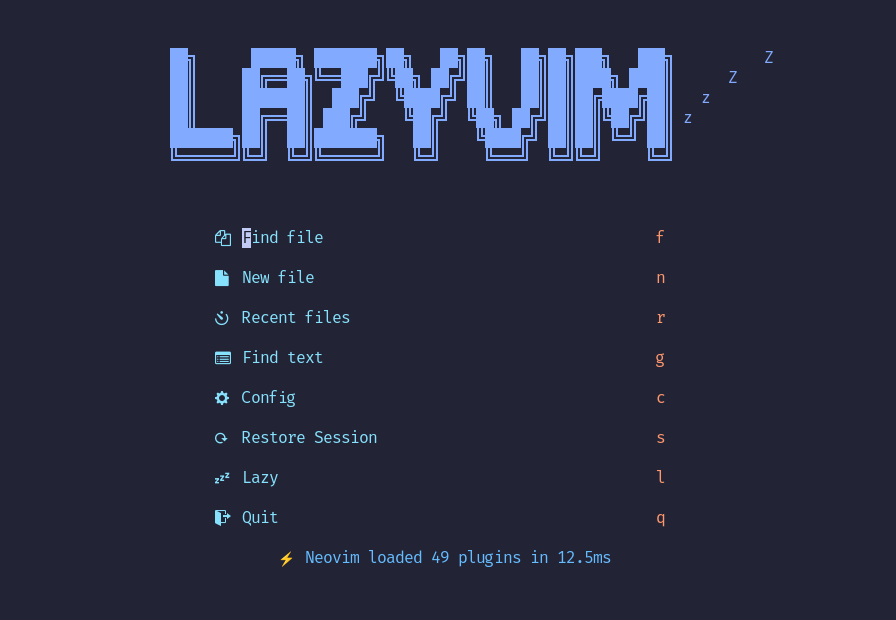
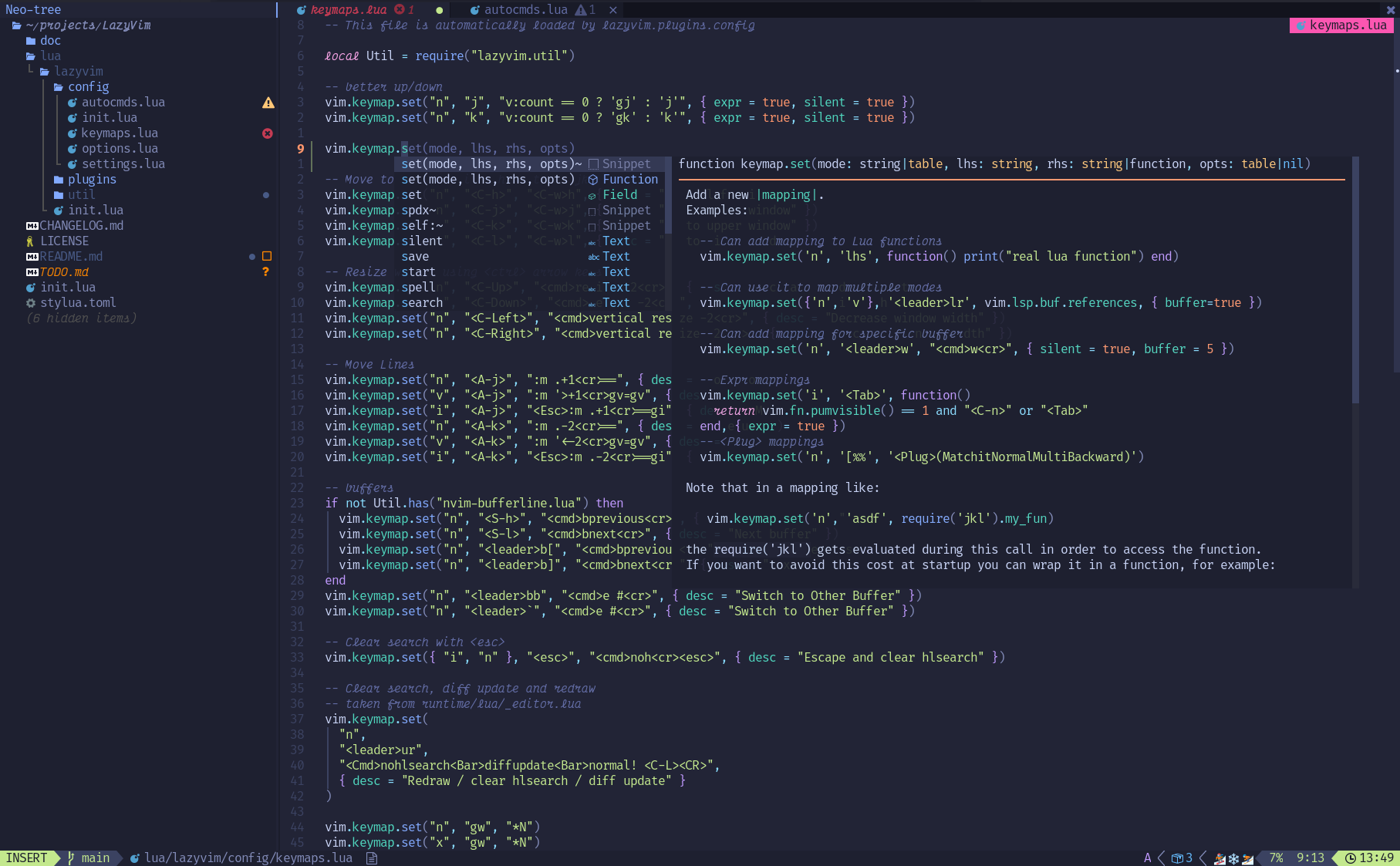
![image](https://user-images.githubusercontent.com/292349/211285846-0b7bb3bf-0462-4029-b64c-4ee1d037fc1c.png)

![image](https://user-images.githubusercontent.com/292349/213447056-92290767-ea16-430c-8727-ce994c93e9cc.png)

## ✨ Features

- 🔥 Transform your Neovim into a full-fledged IDE
- 💤 Easily customize and extend your config with [lazy.nvim](https://github.com/folke/lazy.nvim)
- 🚀 Blazingly fast
- 🧹 Sane default settings for options, autocmds, and keymaps
- 📦 Comes with a wealth of plugins pre-configured and ready to use

## ⚡️ Requirements

- Neovim >= **0.11.2** (needs to be built with **LuaJIT**)
- Git >= **2.19.0** (for partial clones support)
- a [Nerd Font](https://www.nerdfonts.com/) **_(optional)_**
- a **C** compiler for `nvim-treesitter`. See [here](https://github.com/nvim-treesitter/nvim-treesitter#requirements)

## 🚀 Getting Started

You can find a starter template for **LazyVim** [here](https://github.com/LazyVim/starter)

<details><summary>Try it with Docker</summary>

```sh
docker run -w /root -it --rm alpine:edge sh -uelic '
  apk add git lazygit fzf curl neovim ripgrep alpine-sdk --update
  git clone https://github.com/LazyVim/starter ~/.config/nvim
  cd ~/.config/nvim
  nvim
'
```

</details>

<details><summary>Install the <a href="https://github.com/LazyVim/starter">LazyVim Starter</a></summary>

- Make a backup of your current Neovim files:

  ```sh
  mv ~/.config/nvim ~/.config/nvim.bak
  mv ~/.local/share/nvim ~/.local/share/nvim.bak
  ```

- Clone the starter

  ```sh
  git clone https://github.com/LazyVim/starter ~/.config/nvim
  ```

- Remove the `.git` folder, so you can add it to your own repo later

  ```sh
  rm -rf ~/.config/nvim/.git
  ```

- Start Neovim!

  ```sh
  nvim
  ```

  Refer to the comments in the files on how to customize **LazyVim**.

</details>

---

[@dusty-phillips](https://github.com/dusty-phillips) wrote a comprehensive book called
[LazyVim for Ambitious Developers](https://lazyvim-ambitious-devs.phillips.codes)
available for free online.

## 📂 File Structure

The files under config will be automatically loaded at the appropriate time,
so you don't need to require those files manually.
**LazyVim** comes with a set of default config files that will be loaded
**_before_** your own. See [here](https://github.com/LazyVim/LazyVim/tree/main/lua/lazyvim/config)

You can add your custom plugin specs under `lua/plugins/`. All files there
will be automatically loaded by [lazy.nvim](https://github.com/folke/lazy.nvim)

<pre>
~/.config/nvim
├── lua
│   ├── config
│   │   ├── autocmds.lua
│   │   ├── keymaps.lua
│   │   ├── lazy.lua
│   │   └── options.lua
│   └── plugins
│       ├── spec1.lua
│       ├── **
│       └── spec2.lua
└── init.lua
</pre>

## ⚙️ Configuration

Refer to the [docs](https://lazyvim.github.io)